
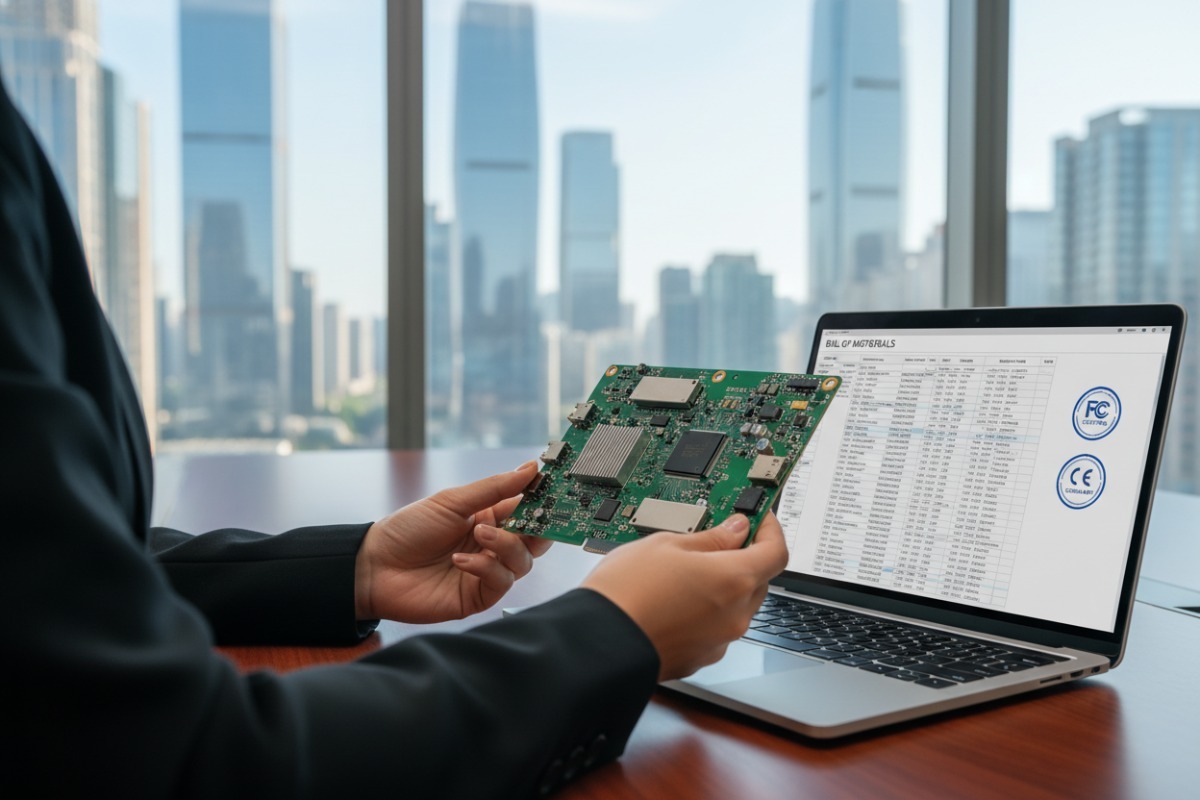
Every month, we ship IPQ8074A-based boards and matched BOMs to OEMs across four continents — and the most common question we hear is how to source these solutions fast without getting burned OFDMA-UL support 1.
To procure IPQ8074A off-the-shelf Wi-Fi 6 solutions, identify reputable suppliers with spot inventory, verify hardware specs against your project BOM, confirm FCC/CE certifications, test firmware compatibility with OpenWrt or Qualcomm SDK, and negotiate MOQ and lead times for scalable delivery.
The IPQ8074A remains one of the most capable Wi-Fi 6 2 SoCs on the market in 2026. It powers enterprise APs, carrier gateways, and high-density routers worldwide. But sourcing it — especially as a complete, ready-to-deploy solution — takes more than a quick search on Google beamforming 3. Below, we break down the entire procurement journey step by step, from finding the right manufacturer to ensuring software compatibility.
Our team fields dozens of inquiries each month from sourcing managers who have already wasted weeks chasing unreliable leads on generic B2B platforms, only to receive mismatched specs or inflated MOQs CE marking 4.
Reliable IPQ8074A hardware manufacturers include specialized embedded board makers like Wallys Communications and Compex, independent distributors with spot inventory in Shenzhen and Hong Kong, and verified suppliers on platforms like Alibaba — always confirm stock availability, certifications, and batch traceability before placing orders.
Finding a trustworthy source for IPQ8074A-based hardware is the single biggest hurdle most procurement teams face. The chip itself is a Qualcomm product, but you rarely buy the bare SoC alone. Instead, you procure embedded boards or reference designs built around it. Let me walk you through the landscape.
The primary manufacturers are based in China. Wallys Communications is probably the most recognized name. Their DR8074A (also called HK01) is a compact embedded board featuring the IPQ8074A quad-core ARM Cortex-A53 5 at up to 2.2GHz. It includes 32MB NOR Flash, 256MB NAND Flash, 12 U.FL antenna connectors, two 10GbE ports (one SFP, one RJ45), four Gigabit Ethernet ports, and M.2 expansion slots. Compex is another established player offering similar reference designs.
But here is what most buyers miss: these manufacturers sell boards, not finished routers. You get a development-ready platform. If you need enclosures, custom firmware, or regulatory certification for a specific country, that is additional work.
You have several channels:
| Criteria | Direct Manufacturer | Independent Distributor | B2B Platform Listing |
|---|---|---|---|
| Stock Availability | Usually in stock for standard models | Spot inventory, fast shipping | Varies widely |
| MOQ | Typically 10+ units | Flexible, sometimes 1-5 units | Depends on seller |
| BOM Support | Limited to their own boards | Full BOM matching (chip + RF + PHY) | Rarely offered |
| Customization | Available (flash, memory, enclosure) | Component-level alternatives | Minimal |
| Lead Time | 2-4 weeks for stock items | 1-2 weeks for samples | Unpredictable |
| Traceability | Direct from factory | CoC, lot/date codes provided | Often unclear |
Not every listing on Alibaba is legitimate. Here are warning signs:
The “A” variant matters. The IPQ8074A adds MU-MIMO Uplink 6 and OFDMA-UL support, which the original IPQ8074 lacks. These features deliver more stable wireless performance in dense environments. Always confirm you are getting the “A” version.
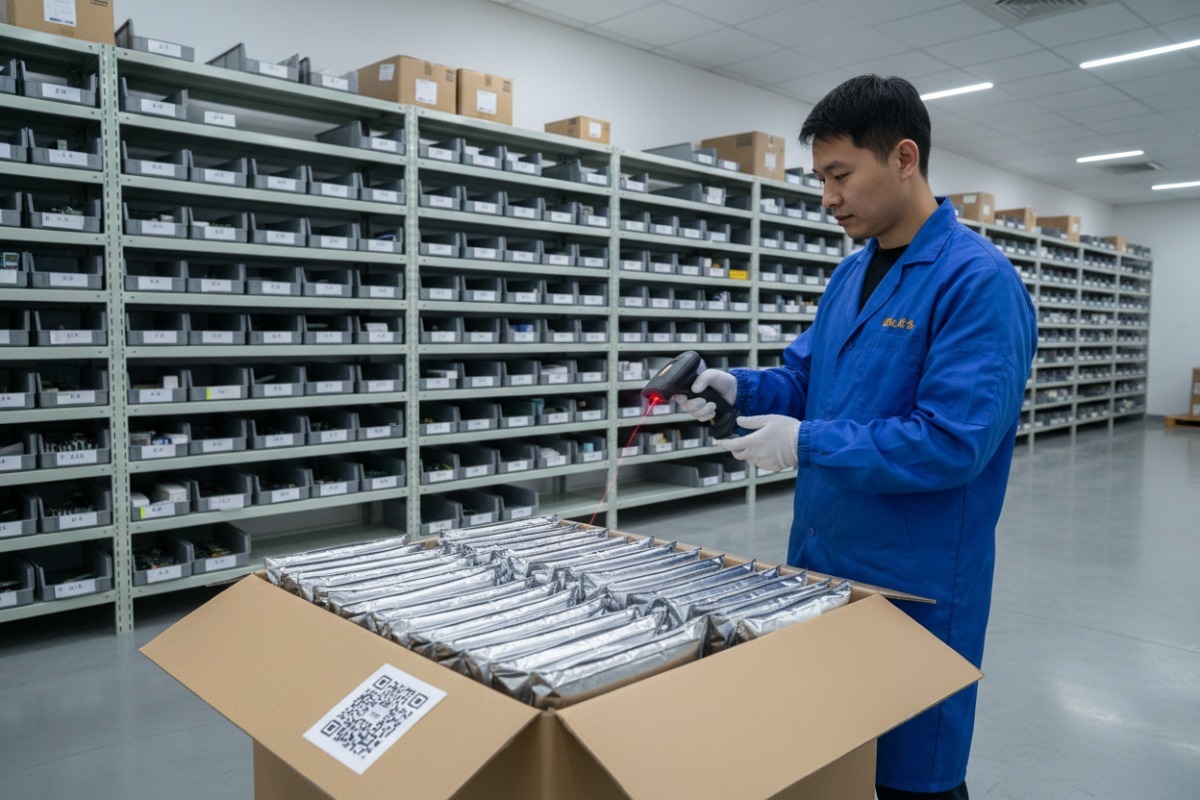
In our Apac warehouse, we only procured and offered them from the very originated manufactory of QUALCOMM with every unit goes through inspection for authenticity, packaging integrity, and lot code verification. That level of diligence is what separates a reliable supplier from a risky one.
When our engineers help customers match components for carrier-grade gateways, the first thing we check is whether the board’s specs actually align with the deployment scenario — not just the headline Wi-Fi speed numbers.
Evaluate IPQ8074A solutions by examining the SoC variant (confirm “A” revision), MIMO configuration (up to 8×8 on 5GHz, 4×4 on 2.4GHz), 10GbE backhaul ports, memory and flash capacity, M.2 expansion options, thermal design, and firmware support for OpenWrt or Qualcomm SDK.
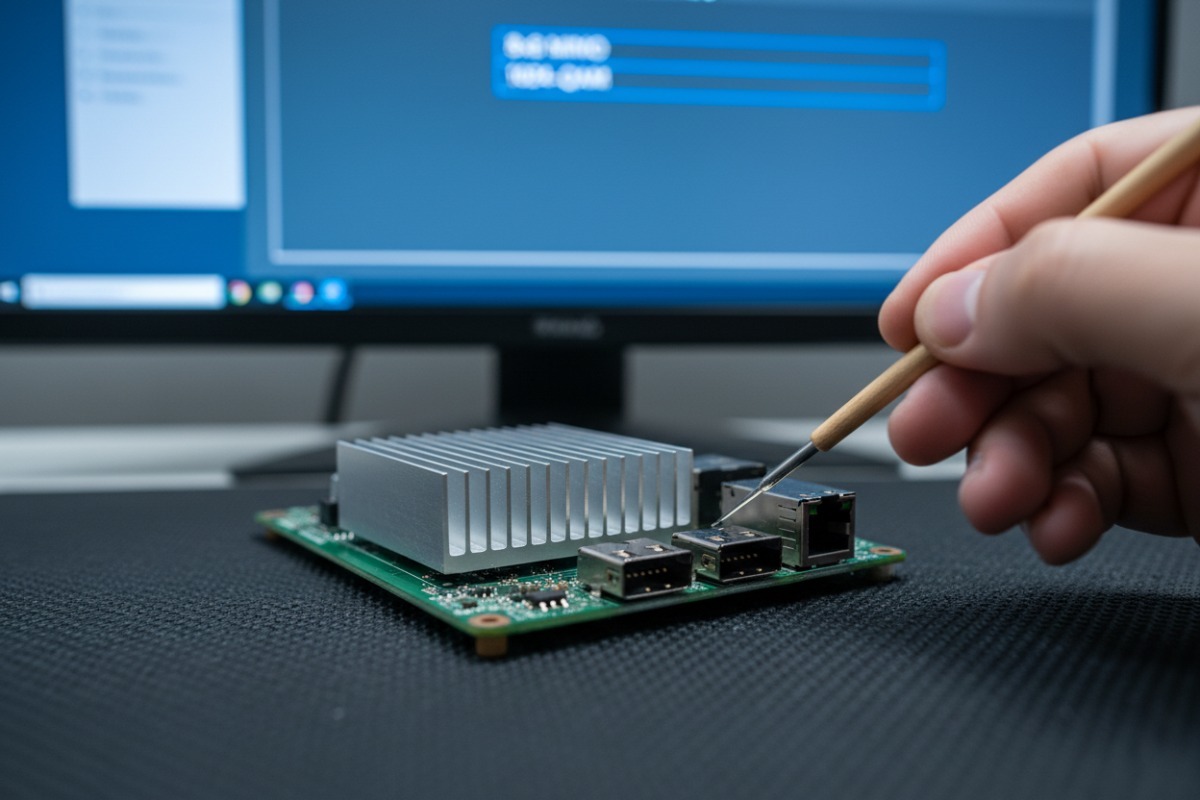
Spec sheets can be misleading. A board might advertise “Wi-Fi 6 support,” but the real question is whether it meets your specific throughput, port, and software requirements. Let me break this down into the areas that matter most.
The IPQ8074A is a quad-core ARM Cortex-A53 processor clocked at up to 2.2GHz. It supports 12×12 MIMO total — 8×8 on the 5GHz band (up to 4804Mbps) and 4×4 on the 2.4GHz band (up to 1147Mbps). It uses 1024-QAM modulation 7 and supports OFDMA, beamforming, and DFS for tri-band operation.
But the SoC alone does not tell the whole story. You need to look at the complete board design.
| Feature | Wallys DR8074A (HK01) | ASUS RT-AX89X | Askey RT5010W |
|---|---|---|---|
| SoC | IPQ8074A Quad-core | IPQ8074 (non-A) | IPQ8074 |
| Wi-Fi Config | 4×4 2.4GHz + 8×8 5GHz AX | 8×8 5GHz + 4×4 2.4GHz AX | Wi-Fi 6 optimized |
| 10GbE Ports | 2 (1 SFP + 1 RJ45) | 2 (RJ45) | Enterprise-focused |
| 1GbE Ports | 4 | 8 | Varies |
| Memory | 1GB DDR3L | 1GB | OEM config |
| Flash | 32MB NOR + 256MB NAND + 8GB eMMC | 256MB NAND | OEM config |
| M.2 Expansion | Yes (PCIe 3.0) | No | Limited |
| Price / MOQ | ~$200 / 10 pcs | $400+ retail | OEM bulk pricing |
| Target Use | Dev board / embedded | Consumer router | High-density AP |
For enterprise APs and gateways, focus on these areas:
Backhaul capacity. Two 10GbE ports are critical. In 5G-converged setups or high-density venues like hotels and convention centers, Gigabit Ethernet creates a bottleneck. The DR8074A’s SFP + RJ45 combo gives you fiber and copper options.
Expansion via M.2. The M.2 slot on the DR8074A accepts QCN9074 modules, which add Wi-Fi 6E support on the 6GHz band at up to 4804Mbps with 160MHz bandwidth. This is a cost-effective bridge to Wi-Fi 7 without replacing the entire platform.
Memory and flash. For OpenWrt 8 with multiple packages, guest VLAN isolation, and logging, 32MB NOR Flash alone is tight. The 256MB NAND and 8GB eMMC on the DR8074A give you room for firmware, logs, and even local caching.
Thermal design. This is often overlooked. The IPQ8074A under full 12-stream load generates significant heat. Boards without proper heatsinking or airflow design will throttle. Always request thermal test data or run your own stress tests using iPerf for throughput under sustained load.
The IPQ8074A supports OpenWrt and the Qualcomm SDK 9 with binary drivers. However, full open-source driver support is limited. Qualcomm provides binary blobs for Wi-Fi functionality. This means you get solid performance but limited ability to modify low-level wireless behavior. For most enterprise deployments, this is acceptable. For highly customized firmware stacks, verify driver compatibility early in your evaluation.
In our experience exporting IPQ8074A boards and matched BOMs to the US and Europe, the procurement teams that move fastest are the ones who follow a clear, repeatable process instead of improvising at each stage.
Streamline IPQ8074A gateway procurement by following these steps: define your hardware requirements and BOM, shortlist verified suppliers with spot inventory, request samples for validation testing, negotiate MOQ and pricing for volume, confirm certifications and compliance, and establish rolling delivery schedules for production continuity.

Procurement for embedded networking hardware is not the same as buying commodity components. The IPQ8074A sits at the center of a platform — it needs matched RF front-ends (QCN5024, QCN5054, QCN6112), Ethernet PHYs (QCA8080), and power management ICs. Missing one part stalls the entire project. Here is how to avoid that.
Before you contact any supplier, lock down your specs internally. Work with your hardware engineering team to confirm:
A clear spec sheet saves weeks of back-and-forth with suppliers.
Use the channels mentioned earlier. Request the following from each potential supplier:
Never skip this step. Order samples — even if it is just 10 units — and run validation tests:
Once validation passes, negotiate production terms. Key points to cover:
For global deployments, you need:
The best procurement relationships are not one-off purchases. Set up rolling forecasts with your supplier. Share your 3-6 month demand projections. This allows the supplier to reserve inventory and gives you priority during shortage cycles.
When we work with OEM clients, we offer JIT delivery aligned to their production schedules. This keeps their cash flow healthy and their production lines running without interruption.
| Phase | Duration | Key Actions |
|---|---|---|
| Requirements Definition | 1-2 weeks | Internal spec alignment, BOM finalization |
| Supplier Shortlisting | 1-2 weeks | RFQ distribution, initial quotes |
| Sample Order & Shipping | 1-2 weeks | Sample procurement, logistics |
| Validation Testing | 1-3 weeks | Throughput, thermal, firmware tests |
| Volume Negotiation | 1-2 weeks | Pricing, MOQ, payment, delivery terms |
| First Production Order | 2-4 weeks | PO issuance, production, QC, shipping |
| Total | 7-15 weeks | From spec to first batch delivery |
This timeline assumes spot inventory is available. If custom modifications (flash upgrades, enclosure design, antenna changes) are needed, add 4-8 weeks for tooling and production.
When we calibrate and test IPQ8074A boards before shipping to our OEM clients, software compatibility is the issue that causes the most delays — not hardware defects, not shipping logistics, but firmware and driver mismatches.
Ensure IPQ8074A AP software compatibility by verifying OpenWrt or Qualcomm SDK support for your target firmware, testing binary Wi-Fi driver integration, confirming kernel version alignment, validating VLAN and network feature support, and running end-to-end functional tests on sample hardware before committing to volume orders.
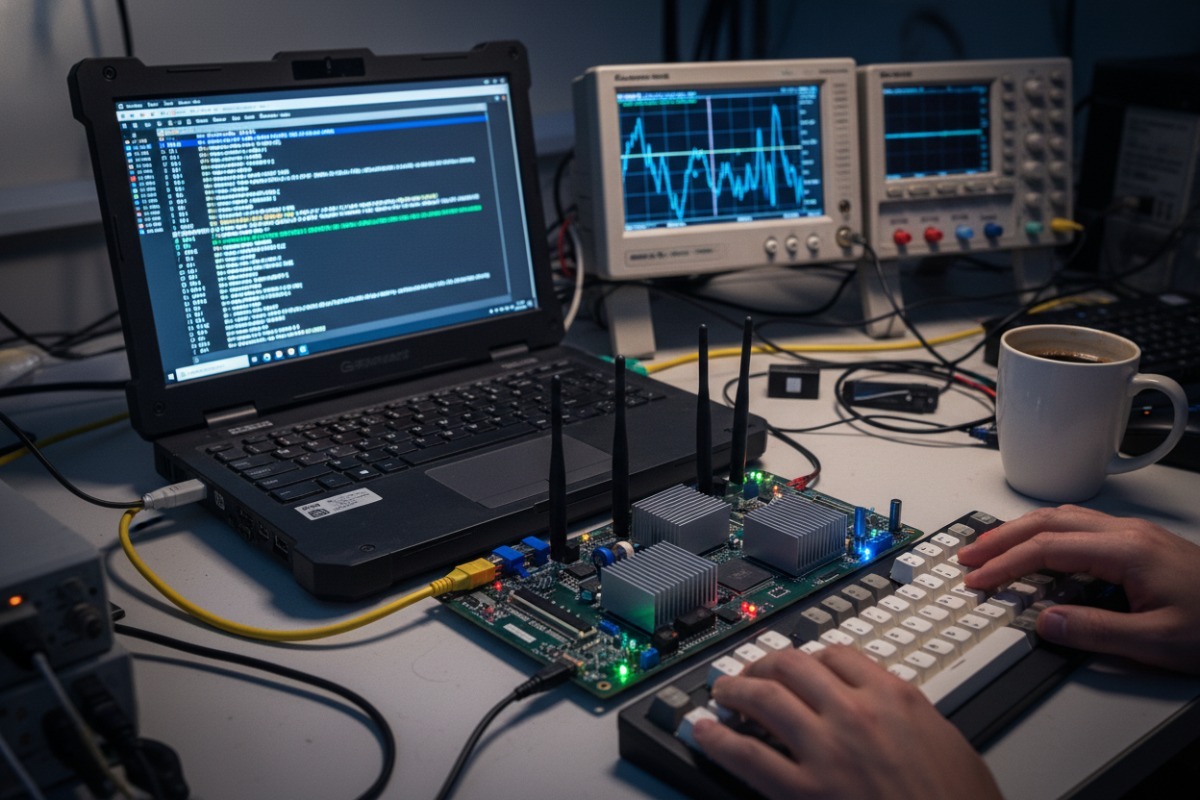
Software compatibility is where many procurement projects hit unexpected walls. The IPQ8074A is a powerful chip, but its software ecosystem has specific constraints that you need to understand before committing budget.
OpenWrt is the most popular open-source firmware for IPQ8074A boards. It provides a flexible, customizable platform for enterprise features like VLANs, QoS, firewall rules, and guest network isolation. However, there is a catch.
The Wi-Fi drivers for the IPQ8074A are not fully open-source. Qualcomm provides binary blobs — precompiled driver modules — that handle the wireless radio functionality. This means:
Some deployments use the Qualcomm SDK (QSDK) instead of community OpenWrt. Here is how they compare:
| Aspect | OpenWrt (Community) | Qualcomm SDK (QSDK) |
|---|---|---|
| Customization | High (routing, services, packages) | Moderate (Qualcomm-defined framework) |
| Wi-Fi Driver | Binary blob (ath11k) | Binary blob (proprietary) |
| Performance Tuning | Community-optimized | Qualcomm-optimized |
| Update Frequency | Regular community releases | Tied to Qualcomm release cycles |
| Enterprise Features | Via packages (VLANs, QoS, etc.) | Built-in for target use cases |
| Long-term Support | Community-driven | Depends on Qualcomm commitment |
| Ease of Use | Requires Linux expertise | Requires Qualcomm SDK familiarity |
For most enterprise AP deployments, OpenWrt with the ath11k driver provides the best balance of flexibility and performance. For carrier-grade gateways where Qualcomm has optimized specific features, QSDK may be the better choice.
Before you buy in volume, run through this checklist on your sample units:
1. Kernel version alignment. Confirm that your target OpenWrt or QSDK build uses a kernel version supported by the available IPQ8074A Wi-Fi binary drivers. Mismatched kernel versions are the number one cause of “Wi-Fi not working” issues.
2. Driver loading and radio detection. After flashing firmware, verify that both the 2.4GHz and 5GHz radios are detected and operational. Use iw list and dmesg to confirm.
3. VLAN and bridge functionality. If your deployment requires guest network isolation, tagged VLANs, or bridge configurations, test these on the actual hardware. Some board-specific device tree configurations can cause unexpected behavior.
4. 10GbE and SFP port drivers. Not all firmware builds include drivers for the 10GbE Ethernet PHY (QCA8080) or SFP modules out of the box. Verify these work before relying on them for backhaul.
5. M.2 module compatibility. If you plan to add a QCN9074 Wi-Fi 6E module via the M.2 slot, test it with your firmware. PCIe enumeration and driver support for the expansion module must be confirmed separately.
6. Thermal behavior under software load. Run sustained throughput tests while monitoring CPU temperature. Some firmware builds lack proper thermal management drivers, leading to throttling or instability.
For enterprise and industrial deployments, you need to think beyond initial compatibility. Ask your supplier and firmware community:
The IPQ8074A is a mature platform with a large installed base. This is actually an advantage — it means more community support, more tested configurations, and more stability compared to bleeding-edge alternatives. Wi-Fi 6 shipments have exceeded 2 billion units cumulatively by 2025, and the IPQ8074A powers a significant share of enterprise and carrier-grade deployments. This maturity translates to reliable, well-documented software support.
Our approach with clients is straightforward: we provide golden samples with pre-validated firmware configurations, reference BOMs with confirmed driver compatibility, and ongoing technical support to help resolve integration issues. This cuts R&D cycles by over 30% compared to starting from scratch.
Procuring IPQ8074A off-the-shelf Wi-Fi 6 solutions is straightforward when you follow a structured process — vet your suppliers,like our ITPARTSUPPLY, validate on samples, confirm software compatibility, and build a rolling supply relationship for long-term success.
1. Qualcomm’s explanation of OFDMA, including uplink benefits, in Wi-Fi 6. ↩︎
2. Provides a comprehensive overview of the Wi-Fi 6 standard and its features. ↩︎
3. Describes Wi-Fi beamforming technology and its function in wireless communication. ↩︎
4. Provides information on CE marking requirements for electronic products in the EU. ↩︎
5. Found a direct and authoritative product page for the Cortex-A53 processor on arm.com, the original source. ↩︎
6. Explains MU-MIMO, including its uplink capabilities in Wi-Fi 6. ↩︎
7. Explains 1024-QAM modulation and its role in Wi-Fi 6 for increased data rates. ↩︎
8. Official website for the open-source OpenWrt project, providing firmware and documentation. ↩︎
9. Official portal for Qualcomm’s developer resources, including various SDKs. ↩︎
10. Explains FCC certification requirements for wireless devices in the US market. ↩︎