Every week, our team fields requests from data center buyers who need ten times more storage than they planned for just twelve months ago — and AI infrastructure 1 is the reason why.
AI infrastructure is driving enterprise storage demand by generating exponential data volumes across training, inference, and data pipeline stages. Machine learning workloads require high-throughput, low-latency storage that scales to hundreds of petabytes, forcing enterprises to invest heavily in enterprise-grade HDDs, object storage, and tiered architectures.
The shift is not gradual. It is sudden and massive. This article breaks down how much capacity you actually need, why enterprise-grade HDDs remain critical, how to scale smartly, and what to look for when sourcing bulk drives for AI-driven projects.
One conversation I keep having with system integrators goes like this: they budget for 500 terabytes, then discover their generative AI pilot alone consumes three times that before the model even finishes its first training cycle software-defined management 2.
For most enterprise AI workloads, you need to plan for at least ten times the raw dataset size. A single large language model training run can generate petabytes of intermediate data, checkpoints, logs, and metadata — so a realistic starting point for serious AI projects is multiple petabytes of usable capacity.
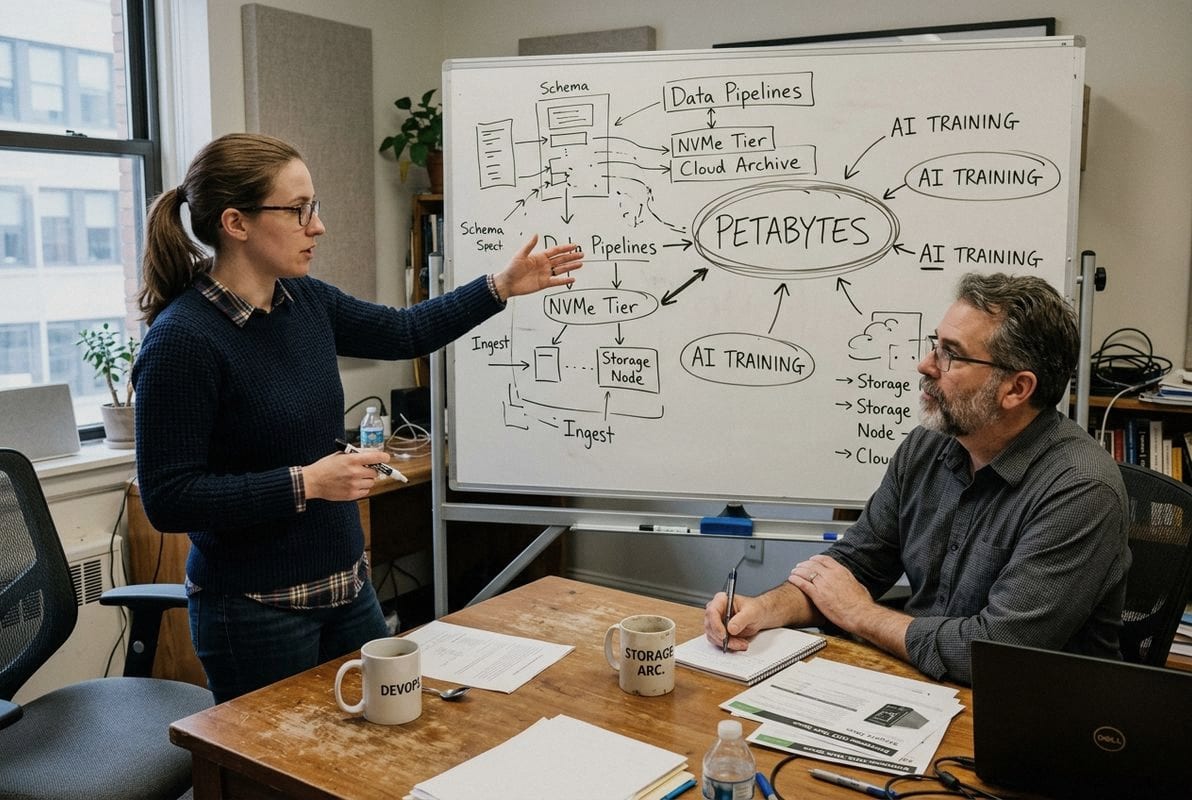
Traditional enterprise applications — email, ERP, CRM — produce structured data in predictable volumes. AI is fundamentally different. Machine learning workloads 3 consume massive datasets of unstructured data: images, video, sensor logs, text corpora, and audio files. But that is only the input side.
During the training stage, the model generates checkpoint files, gradient snapshots, and intermediate tensors. These outputs can be five to ten times larger than the original training set. A large language model trained on a few hundred terabytes of text might produce petabytes of intermediate artifacts. When you add versioning, experiment tracking, and rollback copies, the storage footprint balloons further.
McKinsey projects that global data center capacity 4 will nearly triple by 2030, with roughly 70 percent of that growth attributed to AI. That is not a distant future. Buyers are feeling it now.
AI projects move through four distinct stages, and each one has different storage demands. Missing the mark at any stage creates bottlenecks that stall the entire pipeline.
| AI Stage | Primary Storage Need | Typical Data Type | Volume Impact |
|---|---|---|---|
| Ingest | High write throughput for raw data capture | Unstructured data (video, images, logs) | 1× raw dataset |
| Preparation | Random read/write for cleaning and labeling | Mixed structured and unstructured | 1.5–2× raw dataset |
| Training | Sustained sequential read + checkpoint writes | Tensors, model weights, gradients | 5–10× raw dataset |
| Inference | Low-latency random read | Model files, embeddings, vectors | Smaller but latency-critical |
The training stage is where storage demand explodes. GPU acceleration 5 means data must flow continuously to keep expensive hardware busy. If your storage cannot deliver data at the required speed, GPUs sit idle. That is direct financial loss — sometimes thousands of dollars per hour in wasted compute.
When we help buyers estimate their needs, we walk them through a simple multiplier approach. Start with the raw dataset size 6. Multiply by the factors below.
| Factor | Multiplier | Reason |
|---|---|---|
| Data preparation copies | 1.5–2× | Cleaning, augmentation, format conversion |
| Training intermediates | 5–10× | Checkpoints, gradient files, experiment logs |
| Model versioning | 1.5–2× | Multiple model iterations stored for comparison |
| Redundancy / replication | 2–3× | Fault tolerance, erasure coding 7 overhead |
| Total effective multiplier | 15–50× | Depends on workload complexity |
If your raw dataset is 100 terabytes, plan for 1.5 to 5 petabytes of usable storage. That number surprises many first-time AI buyers. But it is grounded in what we see across real projects from distributors and integrators who deploy these systems.
Data growth in AI is not linear. It compounds. Every new experiment, every new data source, every model iteration adds to the footprint. Building in headroom now saves painful emergency procurements later.
A lesson we learned early in our export business: when a client in Southeast Asia replaced consumer-grade drives with enterprise HDDs in their AI training cluster, their annual drive failure rate dropped from over eight percent to under one percent — and their data pipeline finally stopped crashing at 3 AM.
Enterprise-grade HDDs are built for 24/7 operation under heavy workloads. They offer higher mean time between failures, vibration tolerance for multi-bay servers, consistent throughput under sustained loads, and firmware optimized for RAID and multi-drive environments — all critical for AI server infrastructure reliability.
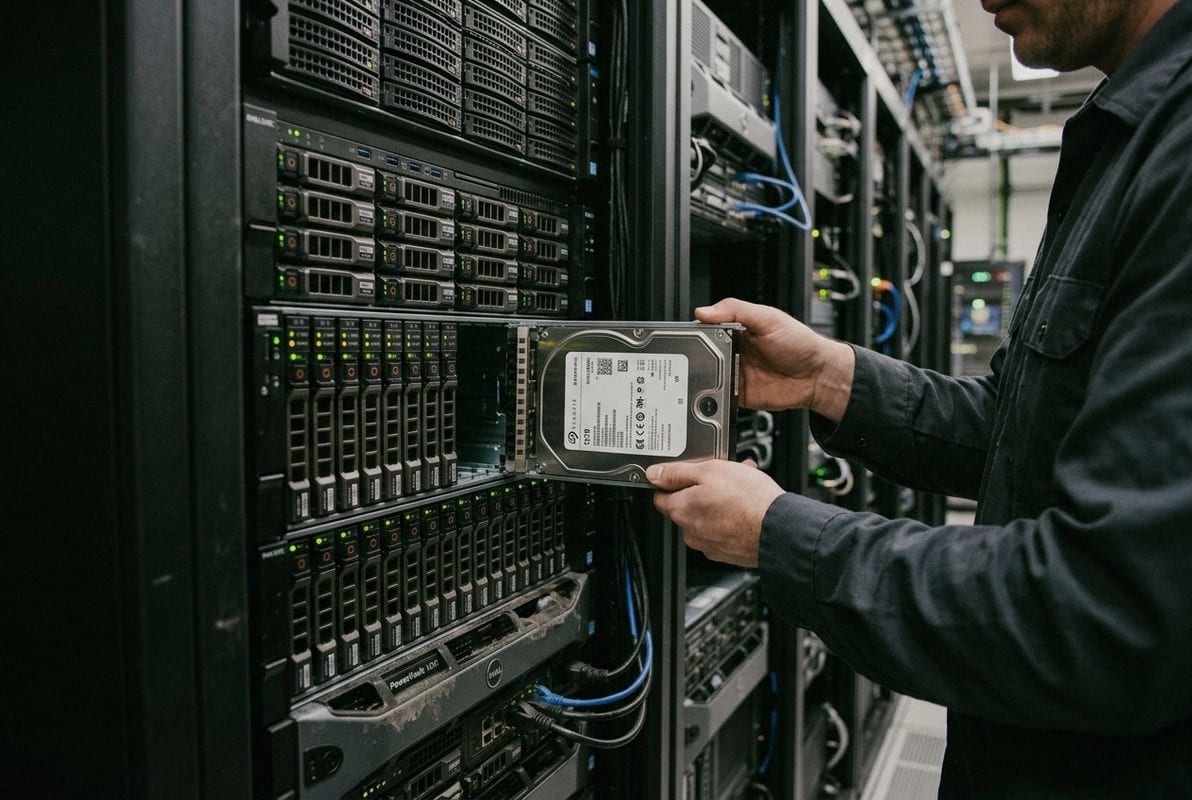
The difference between a desktop HDD and an enterprise HDD is not just marketing. It is engineering. Enterprise drives use higher-quality components, tighter manufacturing tolerances, and specialized firmware. Here is a direct comparison.
| Feature | Desktop HDD | Enterprise HDD |
|---|---|---|
| Designed workload | 8–12 hours/day | 24/7 continuous |
| Workload rating | ~55 TB/year | 300–550 TB/year |
| MTBF (Mean Time Between Failures 8) | ~750,000 hours | 2,000,000+ hours |
| Vibration tolerance | Low | High (rotational & linear sensors) |
| Error recovery | Aggressive (can stall RAID) | Timed (RAID-optimized, TLER/ERC) |
| Warranty period | 1–2 years | 5 years typical |
| Cache size | 64–256 MB | 256–512 MB |
| Typical capacity range | 1–8 TB | 4–24 TB |
AI data pipelines are relentless. During training, the storage system faces sustained sequential reads that last hours or days. During inference, the system handles bursts of random reads as the model serves predictions. Both patterns stress drives in ways that desktop or even NAS-grade hardware was never designed for.
Enterprise HDDs include rotational vibration sensors. In a dense server chassis with 12 to 60 drive bays, vibration from neighboring drives degrades read/write accuracy. Enterprise firmware compensates for this in real time. Desktop drives do not.
Error recovery is another critical distinction. When a desktop drive encounters a read error, it may spend seconds retrying. In a RAID array 9, that delay can trigger a rebuild — or worse, the controller marks the drive as failed. Enterprise drives use timed error recovery. They report the error quickly and let the RAID controller handle it. This keeps the array healthy and the data pipeline moving.
Some buyers look at the per-drive cost difference and hesitate. Enterprise HDDs cost more upfront. But consider the alternative. A failed drive in an AI training cluster does not just mean replacing a $200 part. It means interrupted training runs, lost GPU hours, potential data loss, and recovery time.
Deloitte estimates that power demand from US AI data centers alone could grow more than thirtyfold by 2035, reaching 123 gigawatts. The infrastructure investment is enormous. Skimping on storage reliability is a false economy. When we consult with project buyers, we always frame it this way: the HDD is the cheapest component in the rack, but it can cause the most expensive downtime.
For AI server infrastructure, enterprise-grade HDDs are not a luxury. They are the minimum viable foundation. Flash storage handles the hottest data tiers, but enterprise HDDs provide the dense, cost-effective capacity layer that every AI storage architecture needs.
The toughest trade-off we weigh daily in our storage supply business is this: a client needs to start small because budgets are tight, but they also know data growth in AI is exponential — so every architecture decision today either enables or blocks tomorrow’s expansion.
Scale your AI storage effectively by adopting modular, tiered architectures that separate hot and cold data. Use high-performance flash storage for active training data, enterprise HDDs for warm and archival tiers, and object storage for long-term unstructured data — all connected through software-defined management that allows non-disruptive expansion.
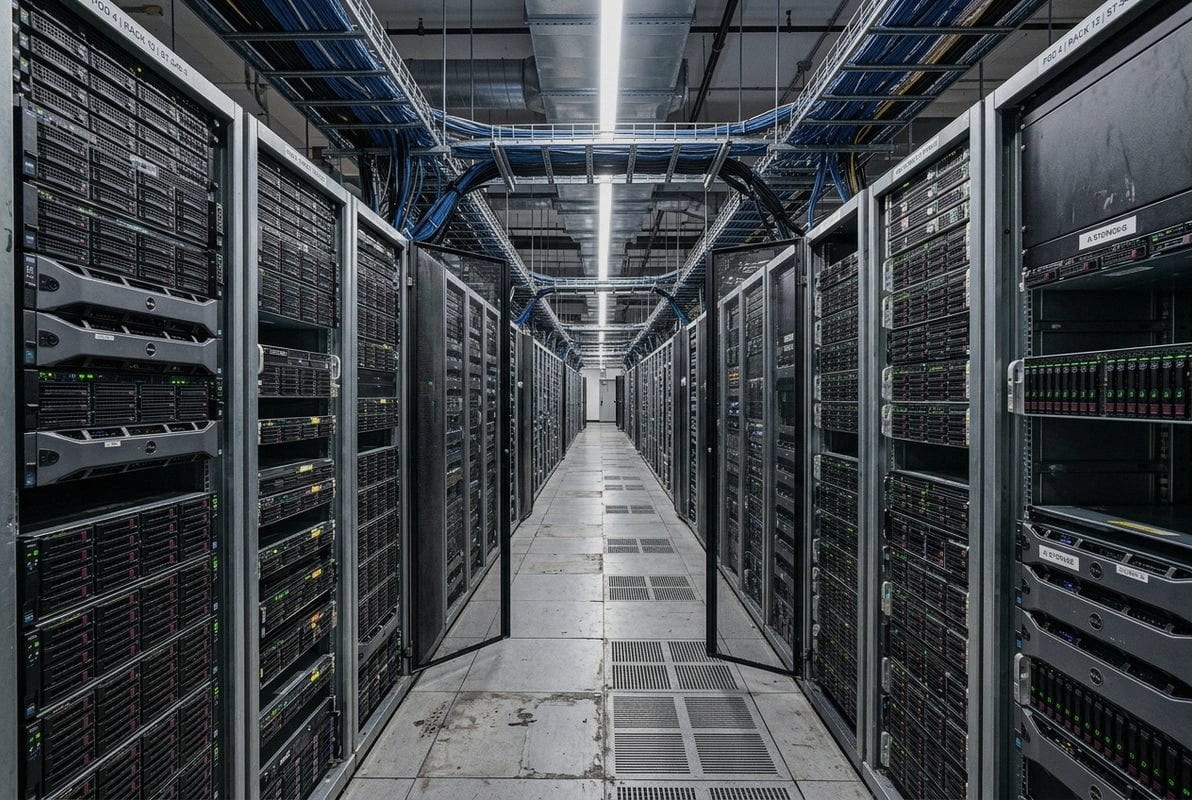
Not all AI data is equally urgent. The training data your GPUs need right now is hot. Last month’s checkpoints are warm. Completed experiment archives are cold. Treating all data the same wastes money and performance.
A tiered strategy matches storage technology to data temperature:
This approach lets you scale each tier independently. When training workloads grow, add more flash. When archival data grows, add more high-capacity HDDs. You do not over-invest in expensive media for data that rarely gets accessed.
Enterprises are moving away from traditional SAN/NAS architectures toward object storage 10 for AI data. Surveys show that 75 percent of cloud-native data is expected to reside in object storage within two years. The reason is simple: object storage scales horizontally without the metadata bottlenecks that cripple traditional file systems at petabyte scale.
Object storage handles unstructured data natively. It supports RESTful APIs that containerized AI workloads expect. And it uses erasure coding instead of traditional RAID, which reduces the overhead of redundancy while maintaining durability. For organizations building data lakehouses to feed their machine learning workloads, object storage is now the default.
Here is the sequence we recommend to buyers who are planning their expansion:
The key insight is that scaling is not a one-time event. It is a continuous process. Building relationships with a reliable HDD supplier who can deliver consistent models, quantities, and lead times makes the difference between smooth expansion and emergency scrambles.
Many organizations now use hybrid systems that combine flash storage for high throughput with enterprise HDDs for capacity. The flash tier absorbs the intense I/O bursts during model training. The HDD tier handles the sustained, sequential workloads of data ingestion and archival. This combination delivers the performance AI demands at a cost that finance teams can approve.
Multi-level erasure coding further optimizes the cost profile. It reduces the number of redundant copies needed while maintaining data durability. For large-scale AI deployments with hundreds of petabytes, this approach saves significant capital expenditure on raw drive purchases.
A buyer interaction last quarter brought this into sharp focus: a European distributor ordered 2,000 enterprise HDDs for an AI storage build-out, and halfway through deployment, they discovered mixed firmware revisions across the batch — some drives behaved differently under RAID, causing inconsistent performance across the cluster.
When sourcing bulk HDDs for AI storage projects, prioritize model and firmware consistency, verified enterprise-grade specifications, stable supply continuity, appropriate packaging for transit, clear warranty terms, and a supplier who understands the difference between desktop, NAS, surveillance, and enterprise drive requirements.
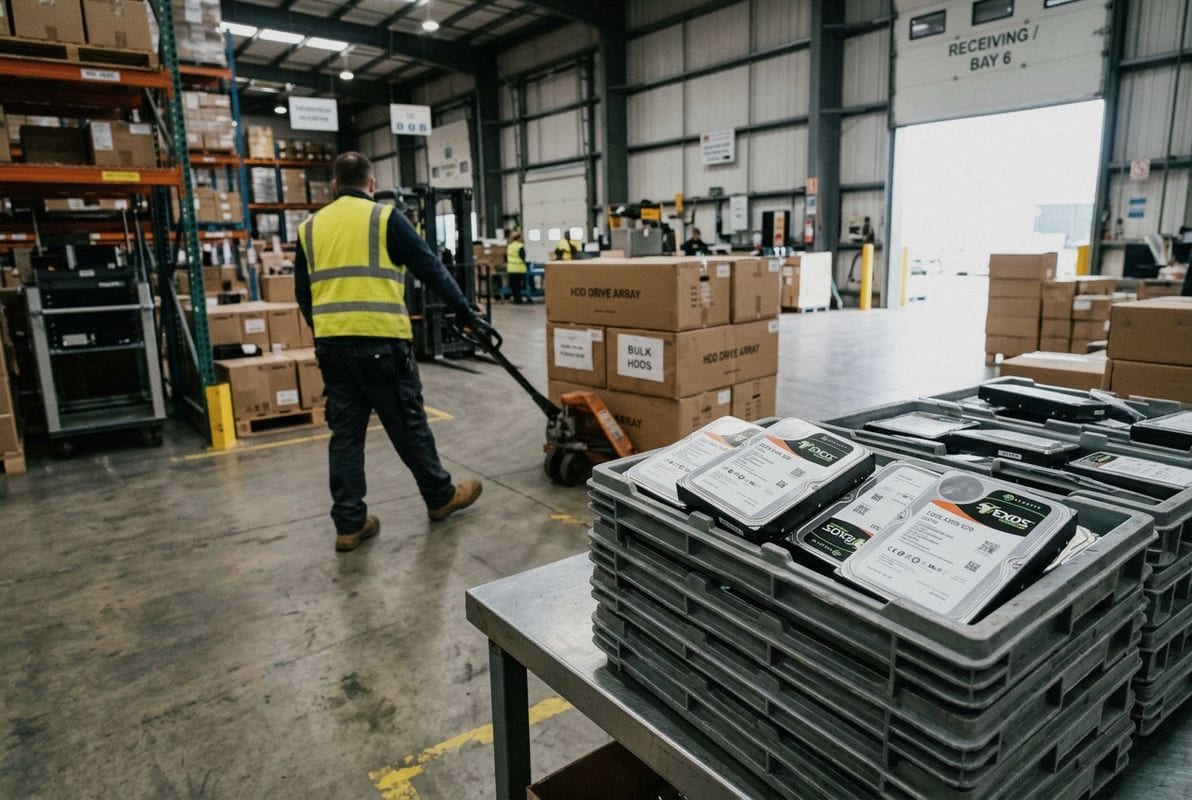
Buying one drive is simple. Buying 500 or 5,000 drives for an AI infrastructure project introduces risks that most procurement teams underestimate. Here is what to verify before committing to a bulk order.
Every drive in a RAID group or storage pool should run the same firmware version. Mixed firmware can cause timing differences in error recovery, cache behavior, and command queuing. For AI workloads where sustained throughput matters, even small inconsistencies create performance variance that compounds across hundreds of drives.
When we prepare bulk orders, we check firmware revisions at the batch level. This is a detail that distinguishes a B2B storage supplier from a generic parts reseller.
This is where many projects go wrong. Not every HDD suits every AI workload stage. Here is a practical matching guide:
| AI Workload Stage | Recommended HDD Type | Key Specification | Why |
|---|---|---|---|
| Data ingest (raw capture) | Enterprise HDD (high capacity) | 12–20 TB, 7200 RPM | High sustained write throughput for continuous data streaming |
| Data preparation | Enterprise HDD or NAS HDD | 8–16 TB, RAID-optimized firmware | Mixed read/write with random access patterns |
| Training (capacity tier) | Enterprise HDD (high capacity) | 16–24 TB, 550 TB/year workload | Sustained sequential reads feeding GPU clusters |
| Archival / cold storage | Enterprise HDD (high capacity) | 16–24 TB, low power idle | Maximum TB-per-dollar, minimal active access |
| Inference (model serving) | Flash/SSD preferred; HDD for model staging | Depends on latency requirement | Low-latency random reads for real-time predictions |
Using surveillance HDDs for AI training or desktop HDDs in a server chassis leads to failures and performance degradation. The firmware, error handling, and duty cycle ratings are simply different. This is a core part of the consultation we provide to project buyers.
AI projects operate on tight timelines. GPU clusters are expensive to leave idle while waiting for storage. A reliable HDD supplier should be transparent about lead times, batch availability, and alternative models if your first choice is out of stock.
For IT distributors and system integrators who support multiple downstream projects, supply continuity matters even more. You need a sourcing partner who can deliver consistent models in consistent volumes over multiple procurement cycles — not just fulfill a one-time order.
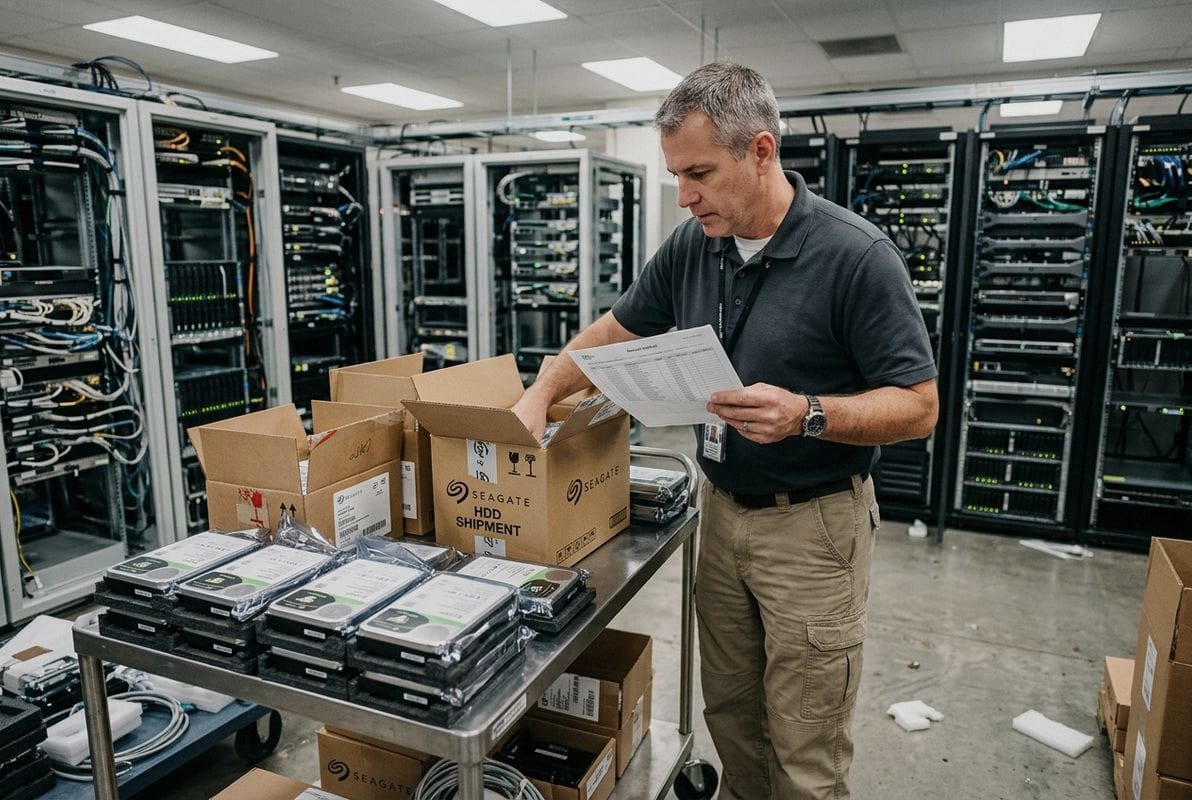
Bulk HDDs are fragile. Improper packaging during international shipping causes dead-on-arrival rates that destroy project timelines. Look for suppliers who use anti-static bags, foam inserts, and reinforced cartons rated for the shipping method. Air freight and ocean freight have different vibration profiles. The packaging should match.
Enterprise HDDs typically carry five-year warranties from the manufacturer. But warranty terms in B2B bulk transactions can vary. Clarify before ordering: Who handles warranty claims? What is the process? What is the turnaround time for replacements? For AI storage projects where every drive matters, a clear warranty framework prevents disputes and downtime.
The AI storage market is moving fast. Data centers are expanding. Power demand is surging. Drive capacities are climbing. Staying connected to a supplier who tracks these trends — who understands the difference between a 7200 RPM enterprise drive for a training cluster and a 5400 RPM surveillance drive for a CCTV project — adds real value beyond the unit price on a quote.
If you are sourcing HDDs for distribution, AI infrastructure projects, server expansion, or enterprise storage, you can contact us with your target capacity, application, quantity, and preferred specifications. We support enterprise HDD, surveillance HDD, NAS HDD, desktop HDD, and server HDD across multiple application directions, and we focus on helping buyers match the right drive to the right workload.
AI infrastructure is reshaping enterprise storage at a pace that demands careful planning, the right hardware, and a dependable supply chain to keep pace with relentless data growth.
1. Explains the components and purpose of AI infrastructure for developing and deploying AI. ↩︎
2. Explains software-defined storage, which decouples management from hardware for flexibility. ↩︎
3. Explains how AI and machine learning workloads process large volumes of structured and unstructured data across data preparation, training, inference, and monitoring stages. ↩︎
4. Provides current projections for data center capacity growth driven by AI demand. ↩︎
5. Explains how GPUs enhance computational performance for AI tasks through parallel processing. ↩︎
6. Provides a foundational definition of a dataset, crucial for AI project planning. ↩︎
7. Explains erasure coding as a data protection method for efficient redundancy. ↩︎
8. Explains MTBF, or Mean Time Between Failures, as a statistical reliability rating used to estimate HDD durability under specified operating conditions, especially for enterprise and 24/7 storage environments. ↩︎
9. Explains RAID arrays, a common data storage virtualization technology. ↩︎
10. Defines object storage as a scalable architecture for unstructured data, ideal for AI. ↩︎