
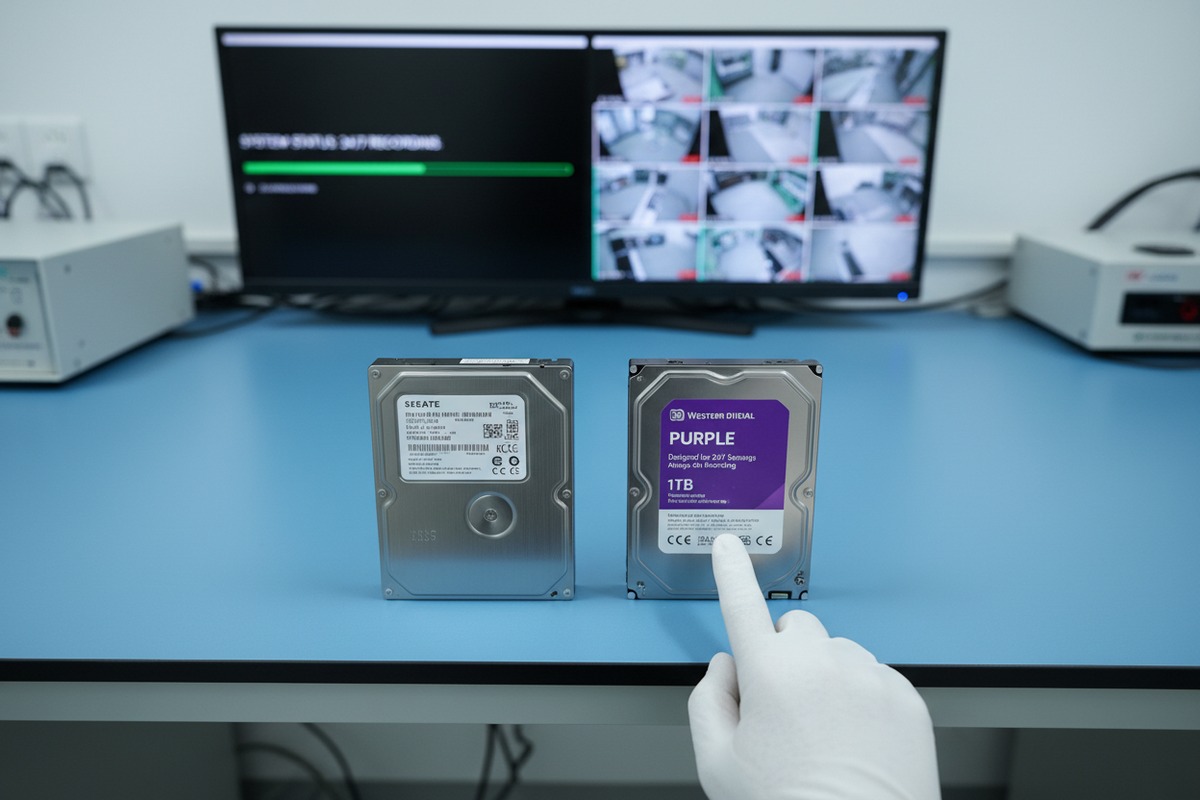
Every week, our warehouse in HongKong ships thousands of hard drives to security integrators worldwide write-head engineering 1. One question keeps coming back from procurement teams: can I just use a regular PC hard drive in my DVR?
Surveillance-grade 1TB HDDs differ from standard PC drives in firmware optimization, workload rating, write-head engineering, and vibration tolerance. They are purpose-built for 24/7 continuous sequential writing in DVR/NVR systems, while desktop drives are designed for intermittent, read-heavy use at roughly 8 hours per day.
The differences go far deeper than a label on the box. In the sections below, I will break down why these distinctions matter for your security projects, your total cost of ownership, and the reliability your end customers expect.
When our engineering team first tested desktop drives inside multi-bay NVR enclosures, the failure rates told a clear story. Drives built for office PCs simply cannot keep up with non-stop video recording.
Surveillance-grade HDDs should be prioritized because they are engineered for continuous 24/7 write-intensive operation, featuring stronger voice coil magnets, optimized firmware for streaming video, higher workload ratings up to 180TB/year, and enhanced vibration resistance—none of which standard desktop drives provide.
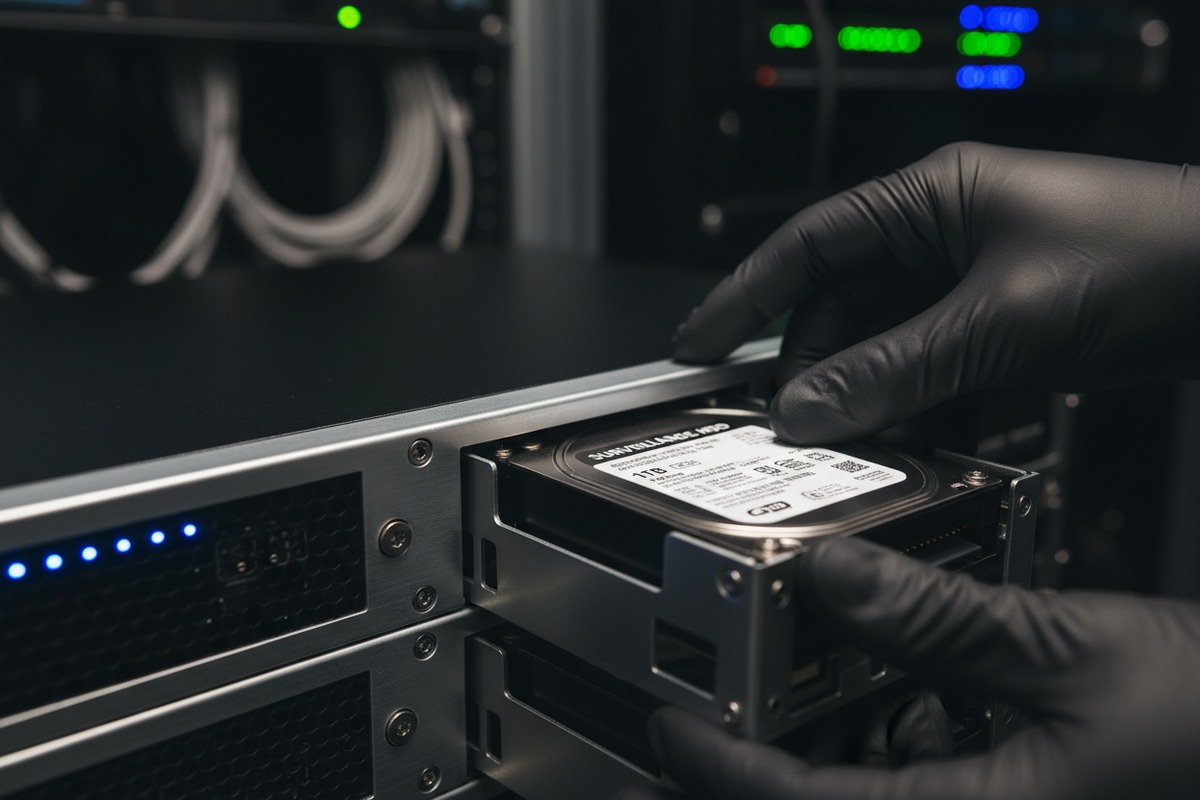
A standard desktop hard drive assumes your computer will be idle for large parts of the day. It expects bursts of activity followed by rest. Most desktop drives are rated for about 8 hours of daily operation, roughly 5 to 6 days a week. A surveillance drive assumes the exact opposite. It expects to write data every second of every day, with no breaks.
This is not a minor difference. It shapes every physical component inside the drive.
Surveillance drives use larger, more powerful voice coil magnets 2. These magnets move the read/write head across the platters faster and with more force. Why does this matter? Because a DVR recording 8 or 16 cameras simultaneously needs the write head to move quickly and consistently. Desktop drives use smaller magnets that are adequate for casual file transfers but struggle under sustained sequential writing.
The write heads themselves are also different. Surveillance heads are narrower and have better signal-to-noise ratios 3. This means the drive can leave larger gaps between data tracks. Those gaps act as buffers against vibration and environmental interference—critical in a multi-drive NVR chassis.
Firmware is where the real magic happens. Surveillance drives run firmware tuned specifically for streaming video writes 4. Features like AllFrame (WD Purple) or ImagePerfect (Seagate SkyHawk) reduce frame drops and prioritize write commands over error correction retries. Desktop firmware does the opposite—it retries aggressively on read errors, which can cause the DVR to miss frames or even drop a drive from the array.
| Specification | Standard Desktop HDD | Surveillance-Grade HDD |
|---|---|---|
| Designed Daily Operation | ~8 hours/day | 24/7 continuous |
| Primary Workload | Read-heavy, random I/O | Write-heavy, sequential I/O |
| Workload Rating 5 | ~55 TB/year | ~180 TB/year |
| Vibration Resistance | Basic | Enhanced (multi-bay optimized) |
| Firmware Optimization 6 | General computing | Streaming video recording |
| Typical Warranty | 2 years | 3 years |
| MTBF | Often unstated | ~1,000,000 hours |
If you are sourcing drives for security projects in the Middle East, Southeast Asia, or Latin America, your end customers expect footage to be there when they need it. A drive failure at the wrong moment means lost evidence. From our experience exporting to these regions, integrators who switch from desktop to surveillance drives see a dramatic drop in warranty claims and on-site service calls.
On our production floor, we often inspect returned drives from integrators who used the wrong type in their NVR boxes. The wear patterns are unmistakable—heads worn far beyond their expected life, platters showing stress from non-stop writing.
DVR/NVR systems generate approximately 95% write operations, running continuously 24/7. This extreme write intensity accelerates mechanical wear on components not designed for it, drastically shortening drive lifespan. Surveillance HDDs address this with higher workload ratings, robust write heads, and thermal management engineered for sustained operation.
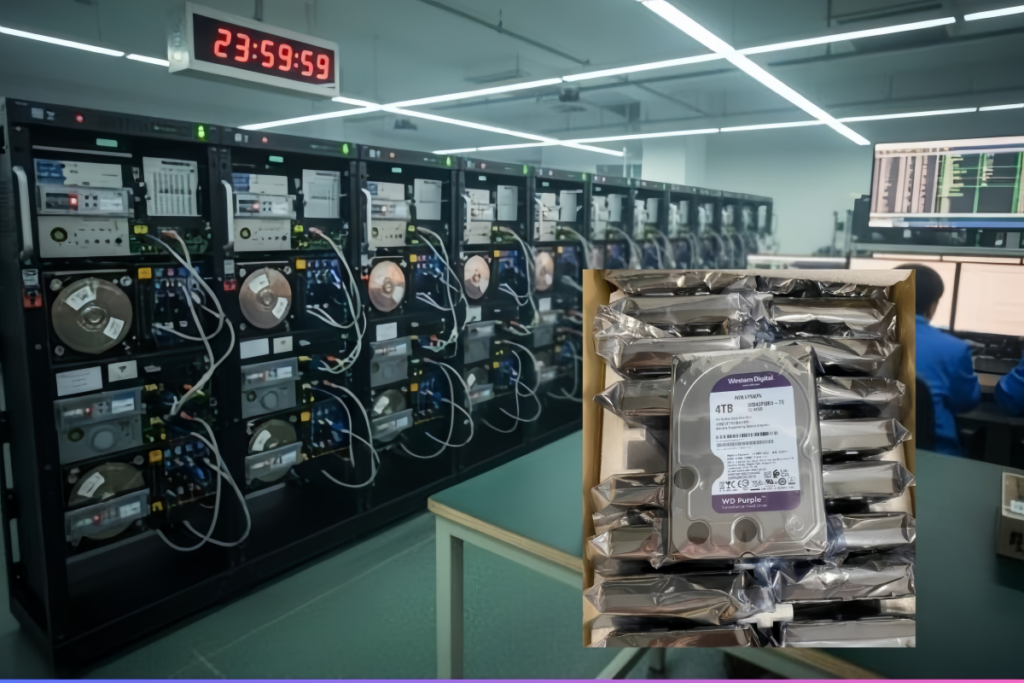
Most people think of hard drives as balanced devices—reading and writing in roughly equal measure. But an NVR does almost nothing but write. Studies show that approximately 95% of the workload in a typical NVR is sequential writes. The remaining 5% covers playback, search, and system overhead.
This ratio is punishing. Every component in the drive—the motor, the actuator arm, the heads, the platters—is under constant mechanical stress. There are no idle periods for the drive to cool down, recalibrate, or rest.
Workload rating, measured in terabytes written per year (TB/year), is the single most important specification for surveillance storage. Here is how the numbers compare:
| Drive Type | Typical Workload Rating | Implication for DVR/NVR |
|---|---|---|
| Standard Desktop HDD | ~55 TB/year | Exceeded within months in a multi-camera system |
| Consumer Surveillance HDD (e.g., WD Purple) | 180 TB/year | Suitable for small to mid-size installations |
| Enterprise Surveillance HDD (e.g., SkyHawk AI) | 550 TB/year | Designed for large-scale, AI-enabled NVR systems |
A 4-camera NVR recording at 1080p with H.265 compression 7 writes roughly 2-3 TB per month. That is 24-36 TB per year. A desktop drive rated at 55 TB/year might survive this load—barely. But scale to 16 cameras at 4K, and you are looking at well over 100 TB per year. A desktop drive will fail long before its warranty expires.
Continuous writing generates heat. Surveillance drives are built with thermal management in mind. They use lower power consumption profiles and more efficient motor designs to keep operating temperatures within safe ranges. Desktop drives, running 24/7 inside a sealed NVR enclosure, overheat. Elevated temperatures accelerate lubricant degradation in the spindle motor and increase the risk of read/write head crashes.
When we advise our distribution partners, we always ask: how many cameras will the system support, and what is the retention period? These two questions determine the annual write volume. Matching the workload rating to the actual demand is not optional—it is the foundation of a reliable deployment.
From a sourcing perspective, choosing a drive with headroom above the calculated workload gives you a safety margin. This is especially important in hot climates like the Gulf region, where ambient temperatures push drive thermals even higher.
Surveillance drive heads are built to sustain millions of write cycles without degradation. Their narrower profile and superior signal-to-noise ratio mean less physical contact stress during positioning. Desktop heads, by contrast, are optimized for mixed operations with frequent idle recalibration. When forced into constant writing, they wear out faster—and when a head fails, all data on that platter is at risk.
I have seen this scenario more times than I can count: a project integrator buys the cheapest drives available, installs them in a 16-channel NVR, and six months later calls us for replacements. The total cost—including downtime, lost footage, and labor—always exceeds what surveillance drives would have cost from the start.
Using standard PC hard drives in surveillance systems offers minimal upfront savings but introduces significant risk of premature failure, frame loss, and irretrievable footage gaps. When factoring in replacement costs, labor, downtime, and data loss liability, surveillance-grade HDDs deliver a lower total cost of ownership over any deployment period beyond one year.
At first glance, a desktop 1TB HDD might cost a few dollars less than a surveillance 1TB drive. In some cases, the prices are nearly identical. But even when there is a gap, the savings evaporate quickly once you consider the full picture.
Let us walk through a realistic scenario. Suppose you are deploying 50 NVR units, each with a single 1TB drive, for a commercial security project.
| Cost Factor | Desktop HDD (per unit) | Surveillance HDD (per unit) |
|---|---|---|
| Drive Purchase Price | $115 | $120 |
| Expected Lifespan in 24/7 NVR | ~12–18 months | ~36+ months |
| Replacement Drive Cost (within 3 years) | $115 × 2 = $230 | $0 (still operational) |
| On-Site Service Labor (per replacement) | $25–50 | $0 |
| Estimated Data Loss Incidents | 1–3 per unit | Near zero |
| Total Estimated 3-Year Cost | $255–$280 | $120 |
The numbers speak for themselves. A $5 saving per drive at purchase time turns into a $105–$160 loss per unit over three years.
For security applications, the cost of lost footage is not just financial. If a drive fails during a critical incident—a break-in, an accident, a liability dispute—the missing video can expose your client to legal risk. No procurement manager wants to explain that footage was lost because the team chose a cheaper drive.
There are narrow scenarios where a desktop drive could work: a single-camera home setup recording only on motion detection, not 24/7. In this case, the write volume is low enough that a desktop drive might last a reasonable time. But for any professional installation—retail, warehouse, office, public infrastructure—surveillance drives are the only defensible choice.
Distributors and integrators who source from us consistently report that switching to surveillance-grade drives reduced their after-sales support burden by 40–60%. That translates directly into profit margin protection. When we ship bulk orders from our Shenzhen and Hong Kong warehouses, we always recommend surveillance SKUs for DVR/NVR projects, regardless of system size.
The question is not whether you can use desktop drives. Technically, they will spin up and record video. The question is whether the small upfront saving justifies the risk of system failure, data loss, client dissatisfaction, and repeat service calls. For professional security deployments, the answer is clear: it does not.
When we evaluate new drive models for our inventory, firmware capabilities are the first thing our technical team examines. The firmware is what transforms a standard spinning disk into a surveillance-optimized recording engine.
When sourcing 1TB surveillance drives wholesale, look for firmware features including ATA streaming command support, Time-Limited Error Recovery (TLER), AllFrame or ImagePerfect video optimization, multi-camera stream management, low-power 24/7 profiles, vibration compensation algorithms, and emerging AI-analytics support for edge processing compatibility.

ATA streaming is a protocol that allows the DVR/NVR to communicate with the drive in a way optimized for continuous video data. ATA streaming command support 8 Instead of treating each write as an isolated transaction—like a desktop drive does—ATA streaming tells the drive to expect a constant flow of sequential data. This reduces command overhead and improves sustained write throughput.
Without ATA streaming support, the drive wastes processing cycles on handshake protocols designed for random desktop I/O. In a multi-camera system, this can cause buffer overflows and dropped frames.
TLER is arguably the most critical firmware feature for any drive used in a multi-drive NVR or RAID configuration. Here is why: when a standard desktop drive encounters a read error, it retries aggressively—sometimes for 30 seconds or more. During that time, the RAID controller may assume the drive has failed and drop it from the array.
Surveillance drives with TLER limit error recovery attempts to about 7 seconds. If the sector cannot be read in that time, the drive reports the error and moves on. This keeps the drive active in the array and prevents cascading failures.
WD Purple drives use AllFrame technology. Seagate SkyHawk drives use ImagePerfect. Both achieve similar goals:
For example, WD Purple supports up to 64 HD cameras simultaneously. SkyHawk offers similar multi-stream support. These numbers matter when your client scales their system.
In a multi-bay NVR with 4, 8, or even 16 drive slots, rotational vibration from neighboring drives can degrade performance. Surveillance drive firmware includes real-time vibration sensors and compensation algorithms that adjust head positioning on the fly. vibration compensation algorithms 9 Desktop drives lack these sensors entirely.
The surveillance storage market is evolving rapidly. Here are features beginning to appear in newer models:
When requesting quotes from any supplier—including our team at ITPARTSUPPLY—use this checklist to verify you are getting genuine surveillance-grade drives:
| Firmware Feature | Why It Matters | How to Verify |
|---|---|---|
| ATA Streaming Support | Reduces command overhead for video writes | Check manufacturer datasheet |
| TLER / Error Recovery Limit | Prevents drive drops in RAID/multi-drive NVR | Confirm via firmware version and model number |
| Multi-Camera Stream Support | Ensures smooth recording with many cameras | Listed in official product specifications |
| Vibration Compensation | Maintains performance in multi-bay enclosures | Look for RV sensor mention in specs |
| 24/7 Power Profile | Reduces heat and extends lifespan | Verify wattage ratings (idle and active) |
| Workload Rating ≥ 180 TB/year | Ensures endurance for continuous recording | Always listed on surveillance drive datasheets |
One concern we hear often from our partners in the Middle East and CIS countries is about counterfeit or relabeled drives. A desktop drive with a swapped label will not have surveillance firmware. Always verify part numbers against the manufacturer’s official surveillance product line. When you source through us, every drive ships in original packaging with traceable serial numbers—our dual warehouse setup in Shenzhen and Hong Kong allows us to inspect every batch before it leaves.
Choosing the right 4TB HDD for DVR/NVR projects is not just a spec sheet exercise—it is a reliability decision that impacts your clients, your margins, and your reputation. Surveillance-grade drives deliver proven value through purpose-built engineering. Contact us at [email protected] to source genuine surveillance HDDs with traceable quality.
1. Explains the engineering of read/write heads in hard drives. ↩︎
2. Describes the function of voice coil magnets in hard drives. ↩︎
3. Explains the concept of signal-to-noise ratio in data storage. ↩︎
4. Describes how hard drives are optimized for streaming video writes. ↩︎
5. Found a clear explanation of hard drive workload ratings from a reliable tech source. ↩︎
6. Found a relevant and authoritative source explaining firmware optimization in surveillance hard drives. ↩︎
7. Found an authoritative Wikipedia page explaining H.265 (HEVC) compression. ↩︎
8. Explains the ATA interface and its commands for data transfer. ↩︎
9. Explains how vibration compensation improves drive performance in multi-drive systems. ↩︎
10. Describes the importance of TLER in RAID and multi-drive systems. ↩︎