
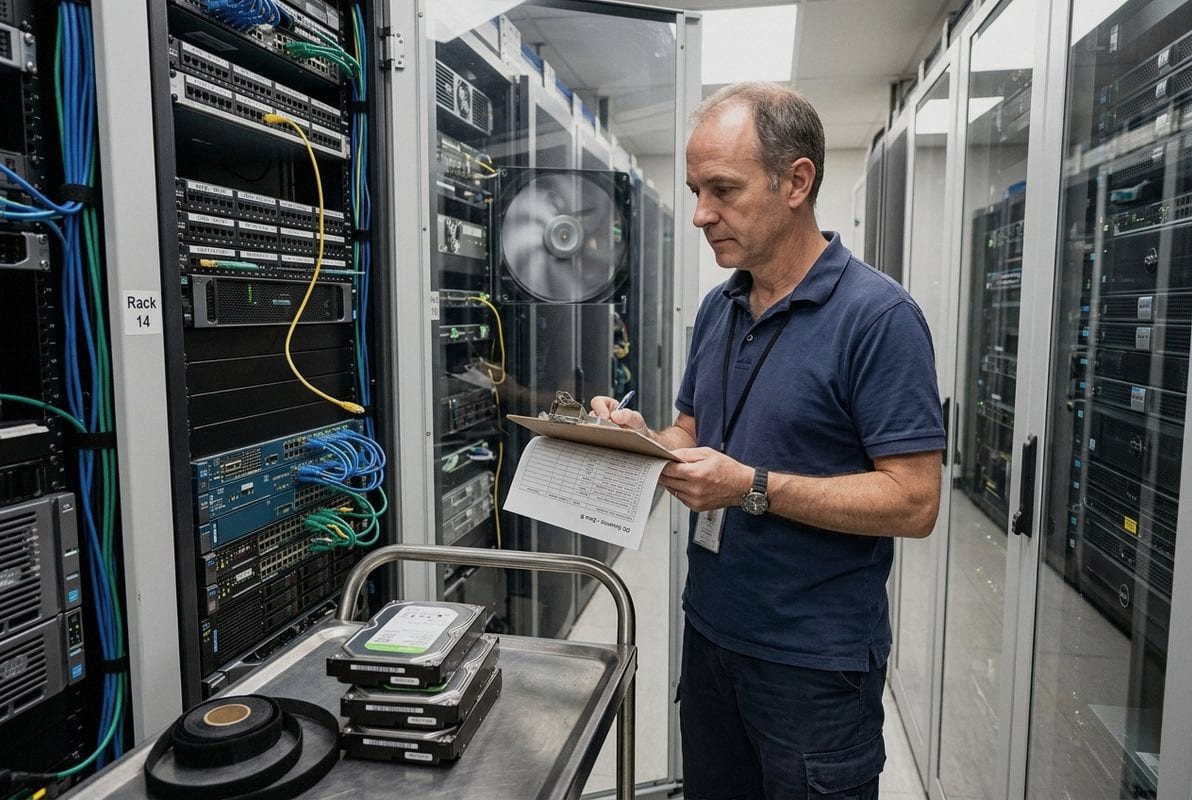
Every week, our team fields calls from data center integrators struggling with the same puzzle — choosing enterprise storage 1 that truly fits their environment without overspending or under-specifying.
Data center integrators select the best enterprise storage by first auditing workload demands, then evaluating hardware for performance metrics like IOPS and throughput, verifying compatibility with existing RAID and server configurations, prioritizing long-term reliability and data protection, and securing a stable supply chain for bulk procurement.
The process is methodical, not random. It starts with understanding what your data center actually does today and what it will need to do tomorrow. Let me walk you through how the best integrators make these decisions, step by step, drawing from what we see every day supporting B2B storage procurement across enterprise, surveillance, and server HDD product lines.
A few months ago, an integrator client reached out after deploying desktop-grade drives in a 24/7 server cluster — the failure rate was alarming within the first six months, and the cost of replacement and downtime far exceeded what they saved on the initial purchase.
An enterprise HDD's workload rating, measured in terabytes written per year and mean time between failures, must match or exceed your environment's actual read/write volume and uptime demands to avoid premature failure and data loss.
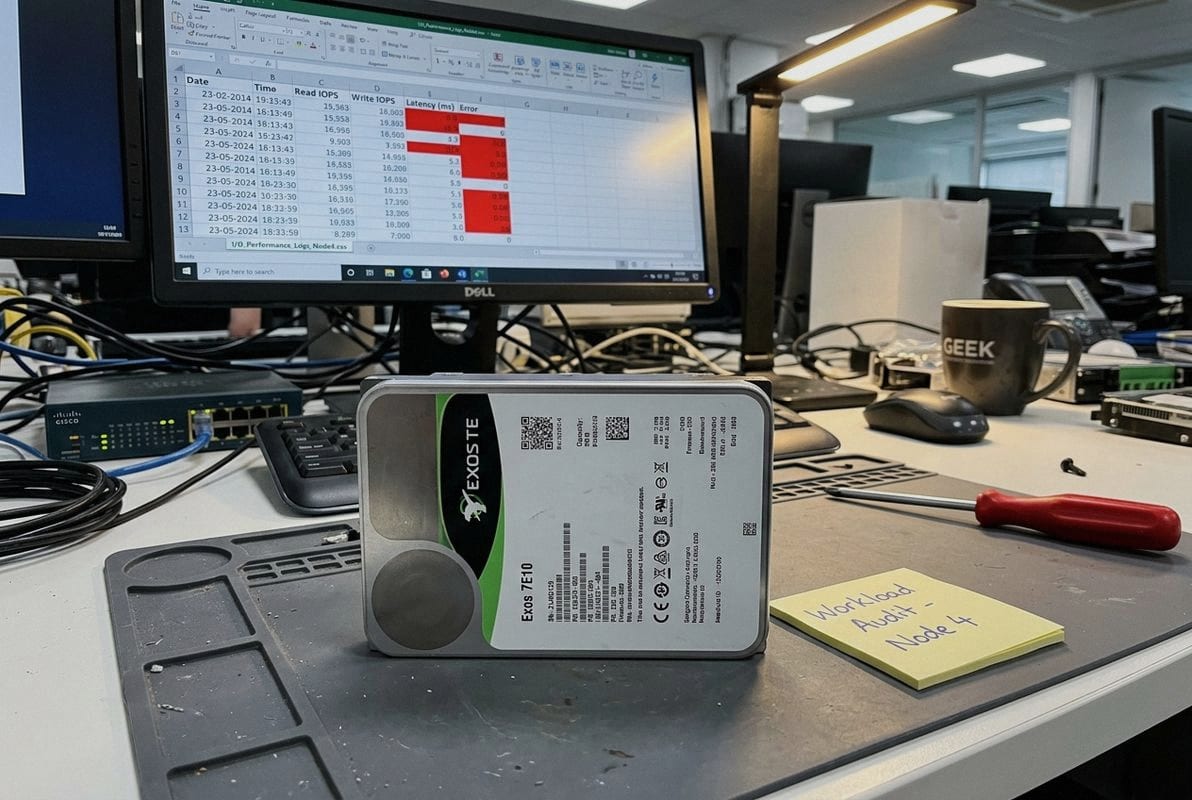
Understanding workload rating 2s is the single most important step before you commit to any storage purchase. Let me break this down.
Every enterprise hard drive comes with a workload rating. This number, usually expressed in terabytes per year 3 (TB/yr), tells you how much data the drive is designed to handle in continuous read and write operations. Desktop drives typically carry a rating of around 55 TB/yr. Enterprise drives often support 550 TB/yr or more. The gap is huge, and ignoring it leads to early drive death.
When we help clients match drives to their projects, we always start by asking: What does your environment actually do? A transactional database hammers a drive differently than a video archive. AI workloads can push sustained sequential writes that stress even high-end drives. The nature of the workload dictates the minimum rating you need.
Here is a simple process we recommend:
| Drive Type | Typical Workload Rating | MTBF (Hours) | Best Use Case |
|---|---|---|---|
| Desktop HDD | 55 TB/yr | 600,000 | Office PCs, light storage |
| NAS HDD | 180 TB/yr | 1,000,000 | Multi-bay NAS, file sharing |
| Surveillance HDD | 180 TB/yr | 1,000,000 | CCTV/NVR, 24/7 write |
| Enterprise HDD (Nearline) | 550 TB/yr | 2,000,000 | Data centers, servers, SAN |
The difference in mean time between failures 4 alone should make the choice clear. Enterprise drives are built for sustained, heavy-duty operation. Desktop drives are not. In our experience supplying bulk enterprise HDDs to system integrators, swapping in the correct workload-rated drive cuts warranty claims dramatically.
Your storage architecture also matters. A Storage Area Network 5 running block-level storage for a transactional database demands drives rated for random, intensive I/O. A Network-Attached Storage 6 system serving video archives may tolerate slightly lower random performance but needs strong sequential write endurance. Direct-Attached Storage 7 for hot data close to the CPU calls for the highest workload ratings available.
If your environment supports AI workloads or high-performance computing, you should look at drives that specifically list support for mixed workloads and high duty cycles. Do not assume that any enterprise drive will do — check the spec sheet against your actual numbers.
One trade-off we weigh constantly when advising integrators is the tension between packing the most capacity into every drive bay and making sure those drives will last years without failure — because in a 100-bay array, even a small reliability gap multiplies fast.
When balancing capacity and reliability, prioritize enterprise-grade drives with proven MTBF ratings above 2 million hours, vibration tolerance suited to dense arrays, robust error recovery controls, and warranty terms that align with your expected deployment lifecycle.
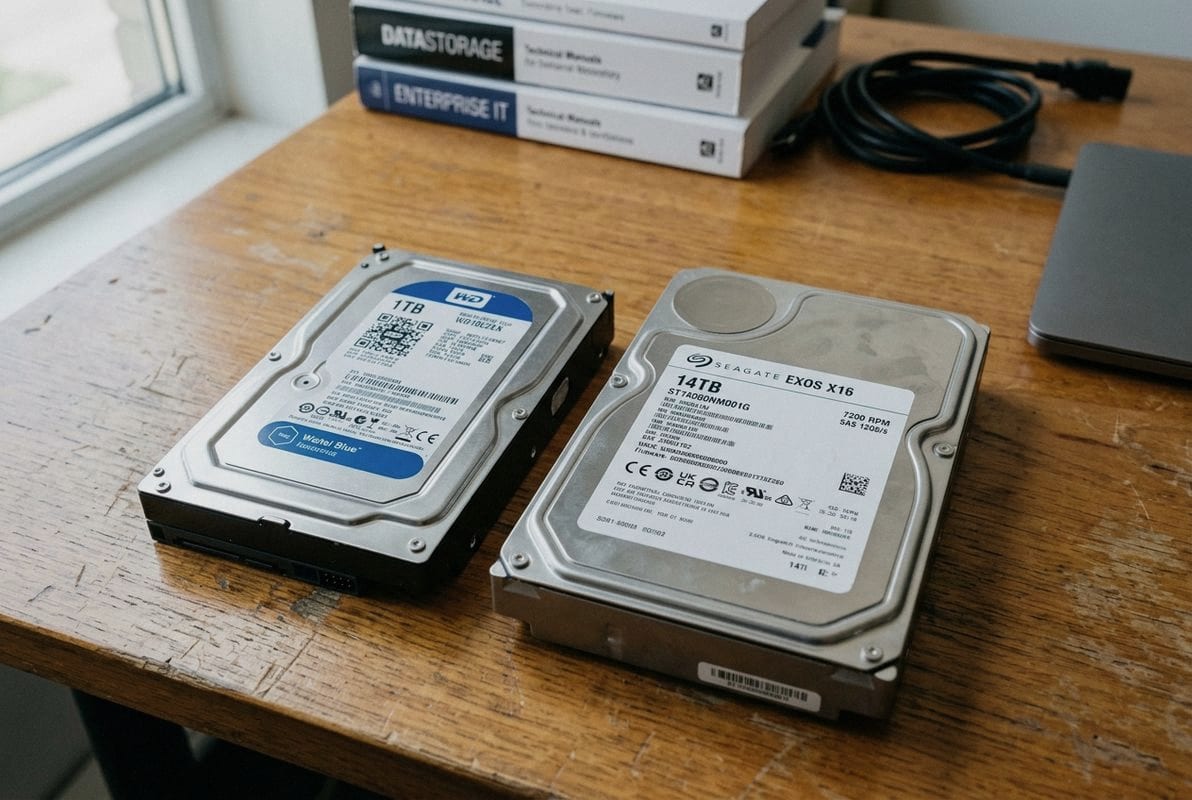
This balance is at the heart of cost optimization for any data center project. Here is how to think through it clearly.
It is tempting to buy the highest-capacity drive available. More terabytes per bay means fewer bays, fewer enclosures, and lower power consumption per terabyte. But capacity alone does not tell you whether a drive will survive five years of continuous use in a dense, vibration-heavy environment.
Large-capacity enterprise drives (16 TB, 18 TB, 20 TB, and beyond) use advanced recording technologies. These technologies deliver impressive density, but they also require tighter manufacturing tolerances. Not every high-capacity drive is built for the same environment. Some are optimized for sequential, write-once workloads like archiving. Others handle mixed random and sequential I/O for general-purpose data management.
When drives sit side by side in a multi-bay enclosure, rotational vibration becomes a real problem. Each spinning disk generates vibration that can affect its neighbors. Enterprise drives include rotational vibration sensors and firmware that compensate for this. Desktop or NAS drives typically lack this level of compensation, which is why they underperform or fail in dense server and SAN configurations.
Here are the key factors to evaluate:
| Factor | What to Look For | Why It Matters |
|---|---|---|
| MTBF | ≥ 2,000,000 hours | Higher MTBF means statistically fewer failures over the deployment lifecycle |
| Rotational Vibration Tolerance | ≥ 12.5 rad/s² | Essential for multi-bay enclosures where drives operate in close proximity |
| Error Recovery Control (ERC/TLER) | Fixed, short timeout (e.g., 7 seconds) | Prevents RAID controller 8s from dropping a slow-responding drive from the array |
| Warranty Period | 5 years typical for enterprise | Aligns with standard data center hardware refresh cycles |
| Workload Rating | ≥ 550 TB/yr | Ensures the drive handles continuous enterprise-level I/O |
| Power Consumption | Check idle and active watts | Lower power per TB reduces cooling and energy costs over time |
Every integrator faces this triangle. Raw performance at any cost is one extreme. Maximum cost savings at the expense of reliability is the other. The smart path is in between. We consistently see that integrators who invest slightly more per drive in enterprise-rated units save significantly on replacement costs, downtime, and labor over a three-to-five-year cycle.
Data protection also depends on reliability. A RAID array can tolerate one or two drive failures, depending on the RAID level. But if you use drives with marginal reliability, you increase the risk of multiple simultaneous failures — which even RAID cannot always recover from. This is especially critical in RAID 5 and RAID 6 configurations where rebuild times grow longer as capacity increases.
Think about scalability from day one. If your storage arrays will grow over the next two to three years, choosing drives that are widely available in consistent model numbers simplifies expansion. Mixing drive models and firmware revisions in a single array can introduce compatibility headaches and inconsistent performance. When we supply bulk enterprise HDDs, we work to ensure model and firmware consistency across the entire batch for exactly this reason.
Last quarter, a system integrator partner came to us with a frustrating issue — they had sourced drives that met every performance spec on paper, but the RAID controller in their existing servers would not recognize them, stalling an entire deployment by weeks.
To ensure full compatibility, verify that your enterprise HDDs are listed on the server or RAID controller manufacturer's Hardware Compatibility List (HCL), confirm the interface type and speed, validate sector size settings, and test firmware behavior with your specific RAID level before bulk deployment.
Compatibility failures are one of the most common and costly mistakes in enterprise storage procurement. Here is how to avoid them.
The first check is straightforward but sometimes overlooked. Enterprise HDDs come in two main interface types for traditional spinning drives: SATA and SAS. SAS drives connect to SAS controllers and backplanes. SATA drives can often connect to SAS backplanes (via interposer or direct compatibility), but SAS drives will not work in a SATA-only slot.
Make sure you match:
Modern high-capacity enterprise drives may use Advanced Format with 4K native (4Kn) sectors. 4K native sectors 9 Older RAID controllers and operating systems may not support 4Kn. If your infrastructure expects 512-byte native (512n) or 512-byte emulated (512e) sectors, deploying a 4Kn drive can cause boot failures, array creation errors, or silent data corruption.
| Sector Format | Physical Sector Size | Logical Sector Size | Controller Compatibility |
|---|---|---|---|
| 512n | 512 bytes | 512 bytes | Broadest — works with virtually all legacy and modern controllers |
| 512e | 4096 bytes | 512 bytes (emulated) | Compatible with most modern controllers; some legacy systems may have issues |
| 4Kn | 4096 bytes | 4096 bytes | Requires controller and OS support for 4K native; not backward compatible with older systems |
When we process bulk HDD orders for integrators, we always confirm the required sector format. Shipping 500 drives in the wrong format is a logistical nightmare.
Enterprise RAID controllers (from vendors like Broadcom/LSI, Adaptec, or integrated server controllers from Dell, HPE, Lenovo) maintain compatibility lists. These lists specify tested and approved drive models, firmware revisions, and capacities. Hardware Compatibility List 10 Deploying an unlisted drive can result in the controller refusing to recognize the drive, degraded performance, or unreliable RAID rebuilds.
Key steps:
Enterprise drives include Error Recovery Control (ERC), sometimes called Time-Limited Error Recovery (TLER). This feature limits how long a drive spends trying to recover a bad sector before reporting back to the RAID controller. Without ERC, a drive that takes too long to respond during a read error can be dropped from the array by the controller, triggering a degraded state or even a failed rebuild.
Desktop drives typically lack configurable ERC, which is another reason they are unsuitable for RAID environments. NAS drives often include it but may not have the same timeout settings as enterprise drives. Always verify that your drive's ERC settings align with your RAID controller's expectations.
If your storage architecture includes hybrid cloud storage, consider whether your on-premises drives need to support specific data management or tiering features. Some enterprise drives are optimized for integration with cloud-connected storage controllers that move cold data to the cloud automatically. Ensuring compatibility with these platforms now prevents rework later as your infrastructure evolves.
A lesson we learned early in our years supporting IT distributors and integrators is that the best-spec'd drive in the world is useless if you cannot get it delivered in the right quantity, at the right time, with consistent model numbers across the entire shipment.
Supply chain stability ensures that your integration projects stay on schedule, your storage arrays receive consistent drive models and firmware for optimal RAID performance, and your total cost of ownership remains predictable across multi-phase deployments.
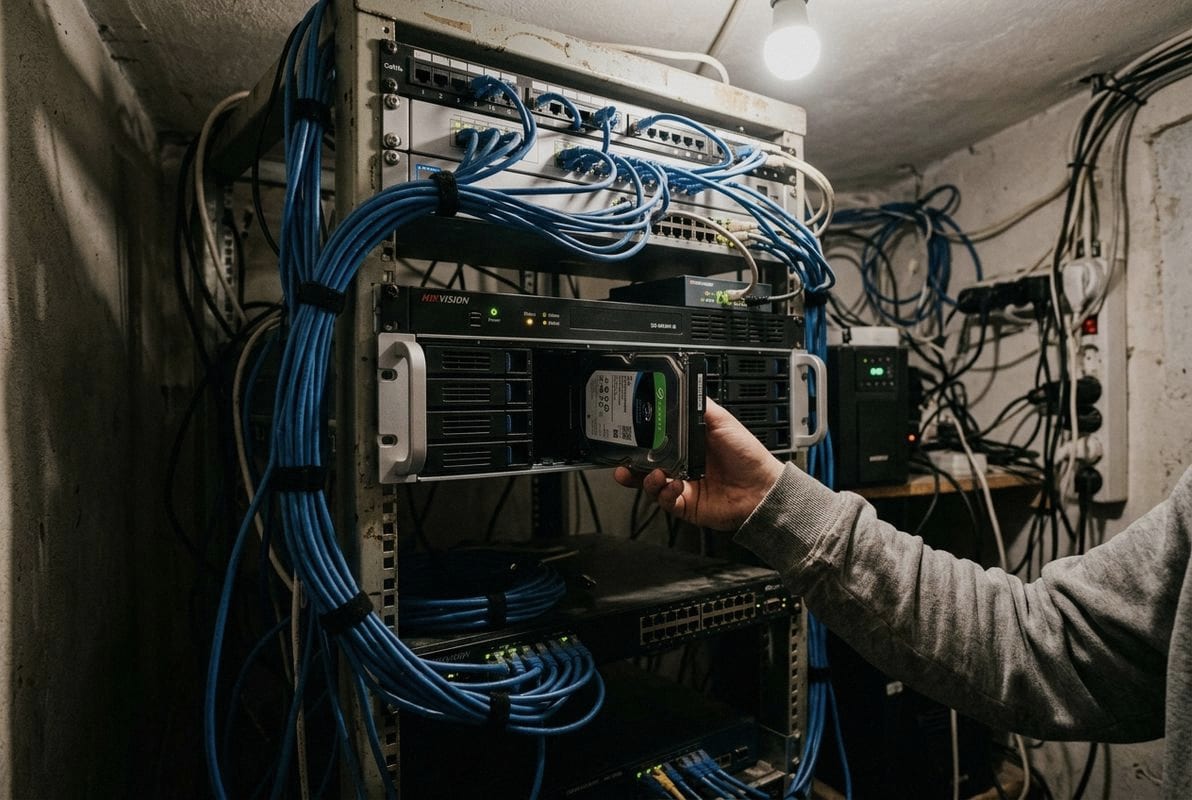
Supply chain is not a glamorous topic, but it is where many integration projects quietly succeed or fail. Let me explain why it deserves your attention.
Enterprise storage projects are rarely a one-time purchase. Most data center build-outs and expansions happen in phases. Phase one might require 200 drives. Phase two, three months later, might need another 300 of the same model. If your supplier cannot guarantee access to the same model, firmware, and batch quality across those phases, you face several risks:
Not all suppliers are equal when it comes to enterprise HDD procurement. Here is what experienced integrators evaluate:
In our own operations, we focus on these exact points because we know that for an integrator, a delayed or mismatched shipment is not just an inconvenience — it is a project risk with real financial consequences.
Many enterprise storage deployments must meet compliance requirements related to data protection, retention, and hardware provenance. Government, healthcare, and financial sector clients often require documentation proving that drives are new, untampered, and sourced through legitimate channels. A stable supply chain partner can provide this documentation consistently, which saves you audit headaches later.
Integrators who build long-term relationships with a reliable HDD supplier gain advantages that go beyond price. They get early visibility into model transitions, priority allocation during shortages, and a partner who understands their specific environment and compatibility needs. This is the difference between treating storage procurement as a commodity transaction and treating it as a strategic function.
Whether you are building out a new data center, expanding an existing SAN, or rolling out NAS clusters across multiple sites, supply chain stability directly affects your ability to deliver on time and on budget.
Selecting enterprise storage is a structured, data-driven process that starts with workload analysis, moves through hardware evaluation and compatibility verification, and depends on a reliable supply chain to execute successfully. Integrators who follow this disciplined approach reduce risk, control costs, and build storage environments that scale with confidence. If you are sourcing enterprise HDDs for data center builds, server expansion, or storage array projects, reach out with your target capacity, application requirements, quantity, and preferred specifications — we are here to help you match the right drives to your real-world needs.
1. Explains what enterprise storage is and its importance for businesses. ↩︎
2. Defines workload rating for hard drives and its significance. ↩︎
3. Replaced HTTP 403 with an authoritative source explaining annualized workload rate in TB/year. ↩︎
4. Explains the concept of MTBF for system reliability. ↩︎
5. Defines SAN and its role in enterprise storage architecture. ↩︎
6. Describes NAS as a file-level storage solution. ↩︎
7. Explains DAS as storage directly connected to a computer. ↩︎
8. Defines RAID controllers and their function in storage systems. ↩︎
9. Explains 4K native sector technology in hard drives. ↩︎
10. Defines HCLs and their importance for system compatibility. ↩︎