
Every week, our team fields inquiries from system integrators and data center buyers who hit the same wall — they know their AI project 1 needs serious compute and storage, but they cannot find a reliable channel to source enterprise server components 2 at scale without inflated lead times or mismatched specs.
To source enterprise server components for AI projects, start by mapping your workload type — training, inference, or real-time processing — to specific CPU, GPU, RAM, and storage requirements, then partner with a specialized B2B supplier who can guarantee model consistency, bulk availability, and ongoing technical support across your scaling timeline.
The sections below break down each critical decision point mean time between failures 3. We cover enterprise HDD selection, B2B supplier evaluation, storage-performance trade-offs, and the sourcing factors that matter most when you expand an AI data center.
One lesson we learned early while supporting data center buyers is that enterprise HDD selection for AI is never just about raw capacity. A client once ordered desktop-grade drives for a distributed training cluster, and within weeks the failure rate climbed because those drives were never rated for the sustained sequential writes that AI data pipelines demand.
Choose enterprise HDDs rated for 24/7 operation with high sustained throughput, large cache buffers, and vibration tolerance suited to multi-bay server enclosures. Match capacity — typically 8 TB to 20 TB per drive — to your dataset size, replication policy, and data retention window so your AI training pipeline never stalls.
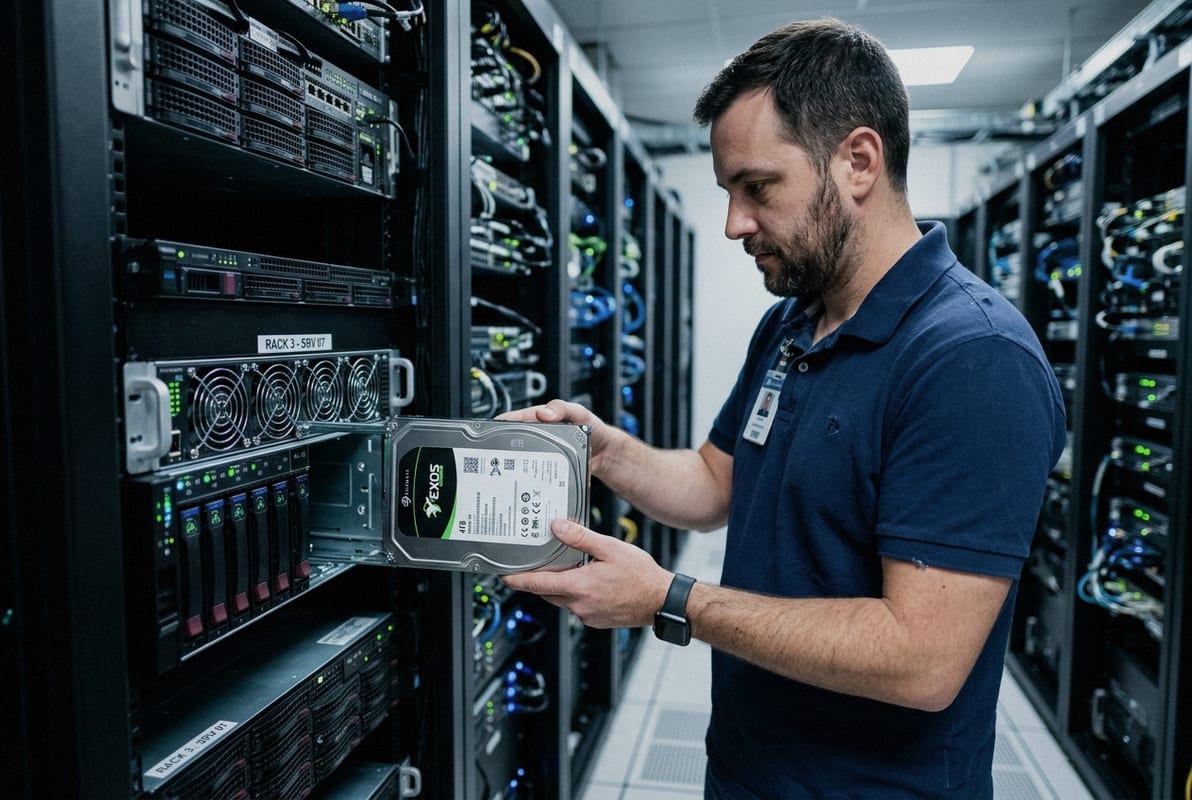
AI model training reads massive datasets repeatedly. A single training run for a large language model 4 can scan hundreds of terabytes across multiple epochs. That read pattern is sequential and relentless. Desktop HDDs are designed for bursty, short workloads. Enterprise HDDs handle continuous duty cycles — typically rated at 550 TB per year of workload, compared to roughly 55 TB per year for a desktop drive.
The distinction matters for two reasons. First, the mean time between failures 5 (MTBF) rating on enterprise drives is usually 2 million hours versus 750,000 hours on consumer models. Second, enterprise drives include rotational vibration sensors. When you pack dozens of drives into a high-density rack, vibrations from adjacent spindles can degrade read accuracy. Enterprise HDDs compensate automatically. Desktop drives do not.
| Specification | Desktop HDD | Enterprise HDD (Recommended for AI) |
|---|---|---|
| Workload Rating | ~55 TB/year | ~550 TB/year |
| MTBF | ~750,000 hours | ~2,000,000 hours |
| Rotational Vibration Tolerance | No sensor | Integrated RV sensor |
| Cache Size | 64–256 MB | 256–512 MB |
| Spindle Speed | 5,400–7,200 RPM | 7,200 RPM (standard) |
| Typical Capacity Range | 1–8 TB | 4–20+ TB |
| Warranty Period | 2 years | 5 years |
Start with your raw dataset size. Then multiply by your replication factor — most distributed file systems use a factor of three. Add headroom for checkpointing, where the model saves intermediate states during training. A rough formula:
Minimum HDD capacity = (Raw dataset × replication factor) + (checkpoint size × number of saved states) + 20% headroom
For a 50 TB training set with triple replication, 500 GB checkpoints saved 10 times, and 20% headroom, you need approximately 185 TB of raw HDD capacity. At 18 TB per enterprise drive, that is roughly 11 drives — before accounting for RAID parity overhead.
Most enterprise server chassis accept 3.5-inch SATA or SAS drives. SAS drives offer dual-port redundancy and slightly higher sustained throughput, but SATA enterprise drives cost less per terabyte and integrate easily into standard storage shelves. For AI workloads where NVMe SSDs 6 handle the hot data tier and HDDs serve as the bulk warm or cold tier, SATA enterprise drives are often the practical choice.
In our experience supplying bulk enterprise HDDs to overseas integrators, model consistency across a purchase order is critical. Mixing firmware revisions or capacity points within the same RAID group invites performance inconsistency and complicates spare-part logistics down the road.
A question we hear constantly from IT distributors expanding into AI infrastructure procurement is not "What should I buy?" but "Who can actually deliver at the quantities and consistency I need?" The GPU shortage that followed the generative AI boom 7 made this painfully clear — even well-funded teams found themselves waiting months for hardware.
Find a reliable B2B supplier by evaluating their track record in bulk order fulfillment, model-level consistency, flexible MOQs, transparent lead-time communication, and post-sale technical support — not just their price list. Prioritize partners who understand AI workload requirements and can advise on component compatibility across CPUs, GPUs, RAM, and storage.
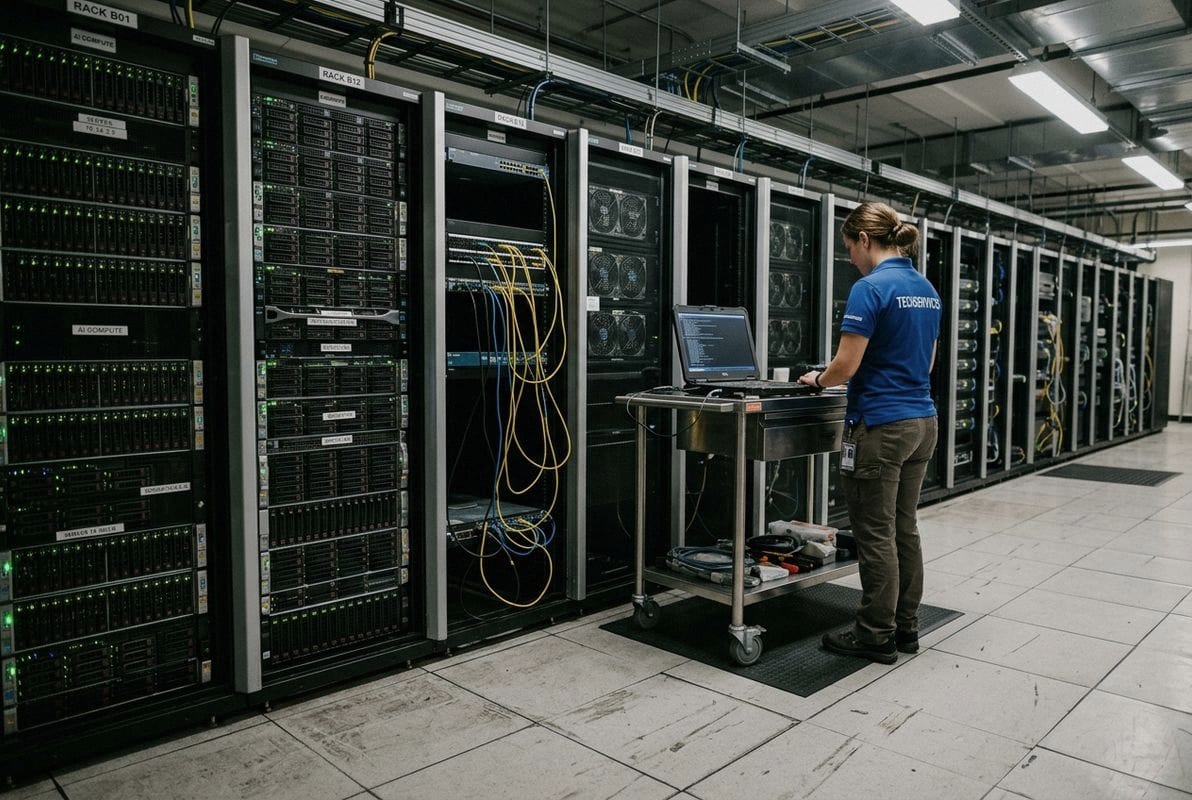
Choosing a supplier for wholesale server components is more involved than comparing unit prices. Here is a structured way to assess potential partners:
| Sourcing Model | Best For | Pros | Cons |
|---|---|---|---|
| Direct OEM Purchase (Dell, HPE, Supermicro) | Large enterprises with long budgeting cycles | Full warranty, certified compatibility | Higher cost, longer lead times, rigid MOQs |
| Specialized B2B Supplier / Distributor | Mid-size integrators, resellers, project-based buyers | Flexible MOQs, faster quotes, multi-brand access | Requires due diligence on supplier reliability |
| Cloud GPU Providers (GPU-as-a-service) | Teams needing GPU servers without capex | No hardware management, elastic scalability | Ongoing opex, potential vendor lock-in, data sovereignty concerns |
| Refurbished / Secondary Market | Budget-constrained pilots or dev environments | Lower upfront cost | Limited warranty, inconsistent availability |
One trap I see buyers fall into is committing entirely to a single OEM ecosystem. That makes sense for warranty simplicity, but it creates risk. If that vendor faces component shortages — as happened widely with AI accelerators in 2023 and 2024 — your entire expansion stalls.
A multi-vendor sourcing strategy mitigates this. Qualify at least two suppliers for each component category. Keep your server architecture open enough to accept compatible parts from different sources. This is especially important for high-performance storage and networking cards, where alternative brands can deliver equivalent throughput at different price points.
Sourcing decisions increasingly intersect with data sovereignty and export regulations. If your AI data center serves healthcare clients under HIPAA or European customers under GDPR 8, you must verify where components are manufactured and whether the supplier can provide the documentation you need for audit trails. We support overseas buyers by maintaining clear records of product origin and packaging standards — details that matter when hardware crosses borders.
During a recent project consultation, a system integrator asked us to quote 100 units of high-capacity enterprise HDDs for an AI inference cluster. The real question was not just capacity — it was how to layer those HDDs with NVMe SSDs so that model loading stayed fast while archival data remained affordable to store.
Balance capacity and performance by implementing a tiered storage architecture: use NVMe SSDs (1 TB or more per node) for active model weights and hot datasets, enterprise HDDs (8–20 TB per drive) for bulk training data and checkpoints, and high-speed networking like 10GbE or InfiniBand to ensure data moves between tiers without bottlenecking GPU servers.
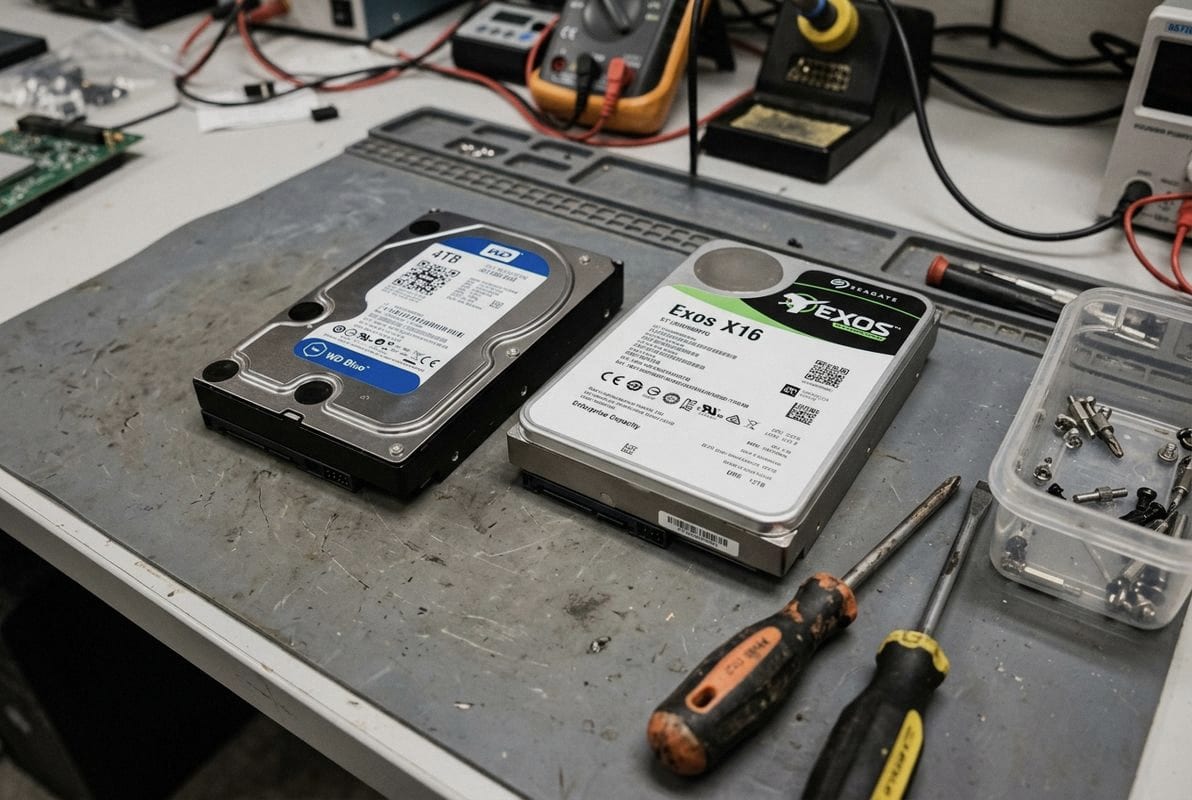
AI workloads do not access all data equally. Model weights and the current training batch need to be read at the highest speed possible — that is the hot tier. Historical datasets, completed checkpoints, and raw unprocessed data can sit on slower, cheaper media — that is the warm or cold tier.
NVMe SSDs deliver sequential read speeds above 3,000 MB/s. Enterprise SATA HDDs top out around 200–250 MB/s sequential. The performance gap is massive, but so is the cost gap. At the time of writing, enterprise NVMe costs roughly five to eight times more per terabyte than enterprise HDD capacity. A pure SSD build for 200 TB would be prohibitively expensive for most buyers. A tiered approach lets you allocate budget where speed matters and use HDDs where it does not.
| Storage Tier | Media Type | Typical Capacity Per Node | Use Case in AI Pipeline | Relative Cost per TB |
|---|---|---|---|---|
| Hot Tier | NVMe SSD | 1–4 TB | Active model weights, current training batch, inference cache | High |
| Warm Tier | Enterprise HDD (7,200 RPM) | 20–80 TB | Full training datasets, recent checkpoints | Medium |
| Cold Tier | Enterprise HDD (archive-class) | 50–200+ TB | Raw data archives, completed experiment logs | Low |
Tiered storage 9 only works if data can move between tiers quickly. This is where high-speed networking becomes critical. A 1GbE link bottlenecks any meaningful data transfer between storage nodes and GPU servers. The minimum for production AI infrastructure is 10GbE. For distributed training across multiple nodes, InfiniBand (100 Gbps or 200 Gbps) dramatically reduces the communication overhead that slows down model convergence.
When we help clients plan bulk orders, we ask about their network topology early. There is no point investing in fast SSDs and high-capacity HDDs if the pipe between them and the compute nodes is too narrow.
Place your preprocessing scripts close to the warm-tier HDD storage. After cleaning and tokenizing raw data, stage the processed output on the hot-tier NVMe. This avoids having GPU servers wait on HDD read speeds during actual training. For inference workloads, keep the model weights on NVMe and serve requests directly from there. The enterprise HDDs hold backup copies and serve as the reload source if the primary SSD node fails.
Data center cooling also factors into this equation. High-density NVMe arrays generate more heat per rack unit than HDD shelves. If your facility cooling capacity is limited, a heavier tilt toward HDD tiers — with strategic NVMe caching — can keep thermal loads manageable while still meeting AI workload optimization goals.
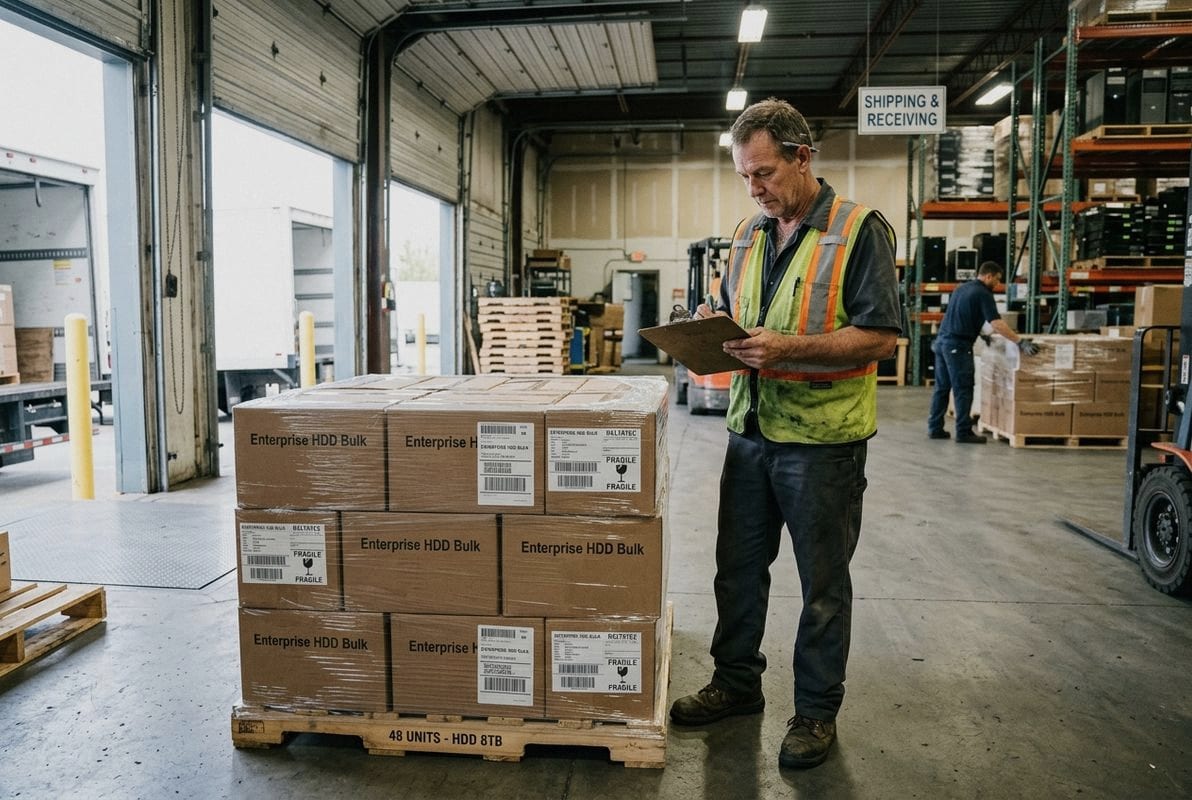
Before we finalize any bulk shipment of server HDDs or storage hardware, our team runs through a qualification checklist that has been refined over years of supporting IT distributors and integrators worldwide. The factors that actually determine a successful AI data center expansion go well beyond unit price.
Prioritize total cost of ownership, component compatibility across your compute and storage stack, scalability requirements for future growth, supply chain reliability, power and cooling capacity at your facility, and compliance with data sovereignty regulations — then use these criteria to shortlist vendors and negotiate bulk terms that protect your project timeline.
The sticker price of an enterprise HDD or a rack of GPU servers is only the beginning. Power consumption, cooling costs, maintenance, warranty replacement rates, and end-of-life recycling all contribute to the real cost over a three- to five-year deployment window. A drive that costs 10% less per unit but has a warranty that is two years shorter may end up costing more when you factor in replacement logistics.
Here is a practical ordering of factors, based on what we see matter most in real procurement cycles:
Not all AI deployments live in a central data center. Edge AI inference nodes have very different requirements.
| Factor | Data Center AI | Edge AI |
|---|---|---|
| Power Budget | High (multi-kW per node) | Low (often under 100 W) |
| Preferred Accelerator | NVIDIA H100, A100, AMD MI300X | Compact ASICs, FPGAs, NVIDIA Jetson |
| Storage Priority | High-capacity enterprise HDDs + NVMe | Small, rugged SSDs |
| Cooling | Liquid or high-CFM air | Passive or fan-based |
| Form Factor | Standard 19-inch rack | Compact, ruggedized enclosures |
| Networking | InfiniBand, 25/100GbE | Wi-Fi, 5G, low-latency WAN |
Understanding this distinction prevents over-specifying — or under-specifying — hardware for a given deployment.
Building a relationship with a supplier who understands your roadmap is more valuable than chasing the lowest quote on every purchase order. When you need to add 200 enterprise HDDs to an existing storage cluster, having a partner who already knows your preferred model, firmware version, and packaging requirements removes weeks of back-and-forth. That kind of AI infrastructure procurement efficiency compounds over time.
We support this by keeping detailed records of past orders for each client — preferred capacities, interfaces, labeling requirements, and shipping configurations. When a repeat order comes in, we can move quickly because the specifications are already aligned.
Sourcing enterprise server components for AI projects demands careful alignment between workload requirements, storage architecture, supplier reliability, and long-term scalability. If you are sourcing enterprise HDDs, server storage, or bulk components for AI infrastructure, contact us with your target capacity, application, quantity, and preferred specifications.
1. Defines what an AI project entails and its common applications. ↩︎
2. Provides an overview of the essential hardware components found in enterprise servers. ↩︎
3. Wikipedia explains the reliability engineering concept of mean time between failures for hardware. ↩︎
4. Wikipedia provides a solid foundational overview of large language models and their computational requirements. ↩︎
5. Defines MTBF as a key metric for predicting system reliability and operational uptime. ↩︎
6. Explains NVMe technology, its benefits, and use cases in enterprise workloads. ↩︎
7. Discusses the economic impact and widespread adoption of generative AI technologies. ↩︎
8. The European Commission provides the official legal framework and guidelines for GDPR compliance. ↩︎
9. Explains the concept of tiered storage for optimizing data management based on access patterns. ↩︎
10. Official Kubernetes documentation is the primary source for container orchestration standards and architecture. ↩︎