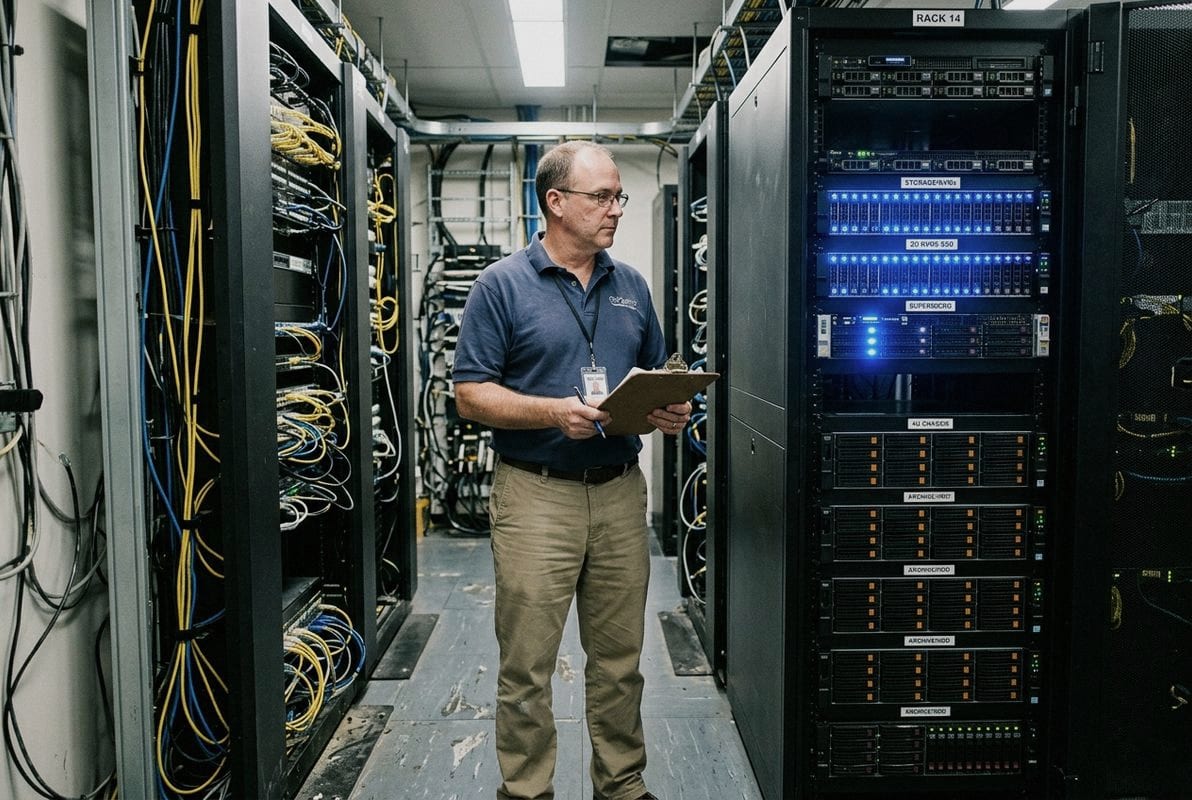
From time to time, our team fields calls from data center buyers torn between enterprise SSDs and enterprise HDDs for their expanding AI infrastructure 1 — and the wrong pick can cost thousands in wasted budget or bottlenecked GPU utilization 2.
AI data centers should not choose exclusively between enterprise SSDs or enterprise HDDs. The optimal strategy is a hybrid, tiered deployment: SSDs handle high-performance “hot” workloads like model training and AI inference, while HDDs deliver cost-efficient, high-capacity “cold” storage for massive data lakes and archives.
This article breaks down the real differences between enterprise SSDs and enterprise HDDs across speed, cost, reliability, architecture and AI data lake storage planning 3. Whether you are sourcing storage for a new AI cluster or scaling an existing facility, the sections below will help you make the right call.
One trade-off we weigh constantly when advising bulk storage buyers is the balance between raw throughput and budget. For AI model training 4, the answer tilts heavily toward SSDs — and the performance gap is not small.
Enterprise NVMe SSDs accelerate AI model training by delivering 5–10 times faster sequential throughput per terabyte than HDDs, drastically reducing data loading latency so GPUs spend more time computing and less time waiting for data, which directly shortens training cycles.
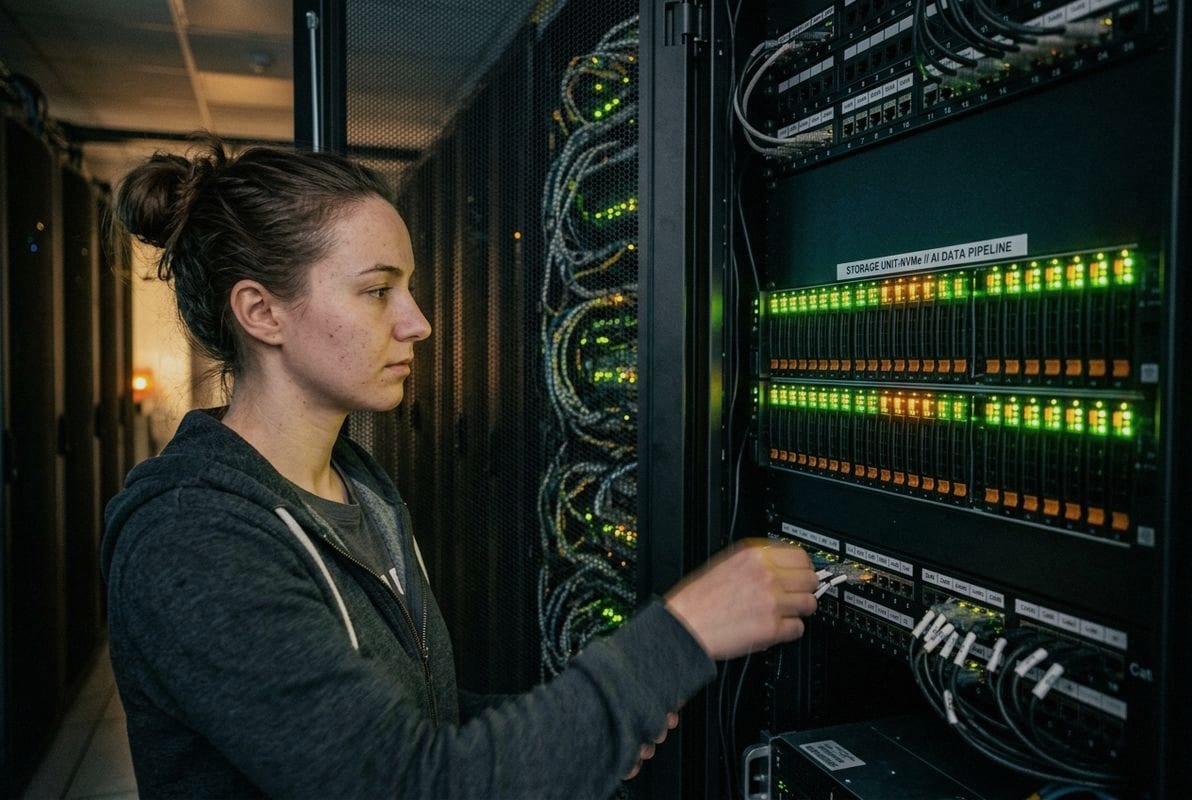
AI model training is a repetitive loop. The system reads a batch of data, feeds it to the GPU, computes gradients, updates weights, then reads the next batch. If the storage cannot serve data fast enough, the GPU sits idle. This is called a data pipeline bottleneck 5. It wastes expensive compute resources.
Enterprise NVMe SSDs on PCIe Gen4 or Gen5 interfaces 6 can push sequential reads well above 6 GB/s per drive. HDDs typically max out around 250–300 MB/s. When you need to feed terabytes of training data to a cluster of GPUs, the difference compounds fast.
| Metric | Enterprise NVMe SSD | Enterprise HDD |
|---|---|---|
| Sequential Read Speed (per drive) | 6,000–14,000 MB/s | 200–300 MB/s |
| Random Read IOPS (4K) | 1,000,000+ | 100–200 |
| Latency (average) | ~0.05 ms | ~5–10 ms |
| Throughput per TB | ~1–3 GB/s | ~0.1–0.15 GB/s |
| GPU Utilization Impact | High (minimal idle time) | Low (frequent data stalls) |
Consider a training job that needs 10 TB of image data shuffled and served in random order. An HDD array would struggle with the random read patterns 7, because mechanical seek times add latency on every access. SSDs have no moving parts. Random reads are handled at microsecond-level latency.
From our experience supporting enterprise storage projects, clients running large-scale machine learning workloads often see GPU utilization jump from 60–70% to above 90% after switching their data staging layer from HDDs to NVMe SSDs. That improvement translates directly into shorter training runs and lower compute costs.
HDDs are not absent from training pipelines. Many teams store their raw datasets on HDD-based data lakes, then copy or cache the active training subset onto SSD-based staging storage. This data tiering approach lets you keep costs down for bulk storage while still feeding the GPUs at full speed.
The key takeaway: SSDs do not just improve training speed. They unlock the full value of your GPU investment. Without fast storage, you pay for GPU hours your models never actually use.
A lesson we learned early while supplying storage for large-scale projects is that raw acquisition cost is only part of the story. But when it comes to AI data lakes holding petabytes of rarely accessed data, the cost math still strongly favors HDDs.
Yes, high-capacity enterprise HDDs can reduce your AI data lake storage costs significantly. HDDs offer a 5–10x lower cost per terabyte than SSDs, and by 2030, HDD infrastructure total cost of ownership is projected to remain roughly one-sixth that of equivalent SSD deployments for cold and warm data.
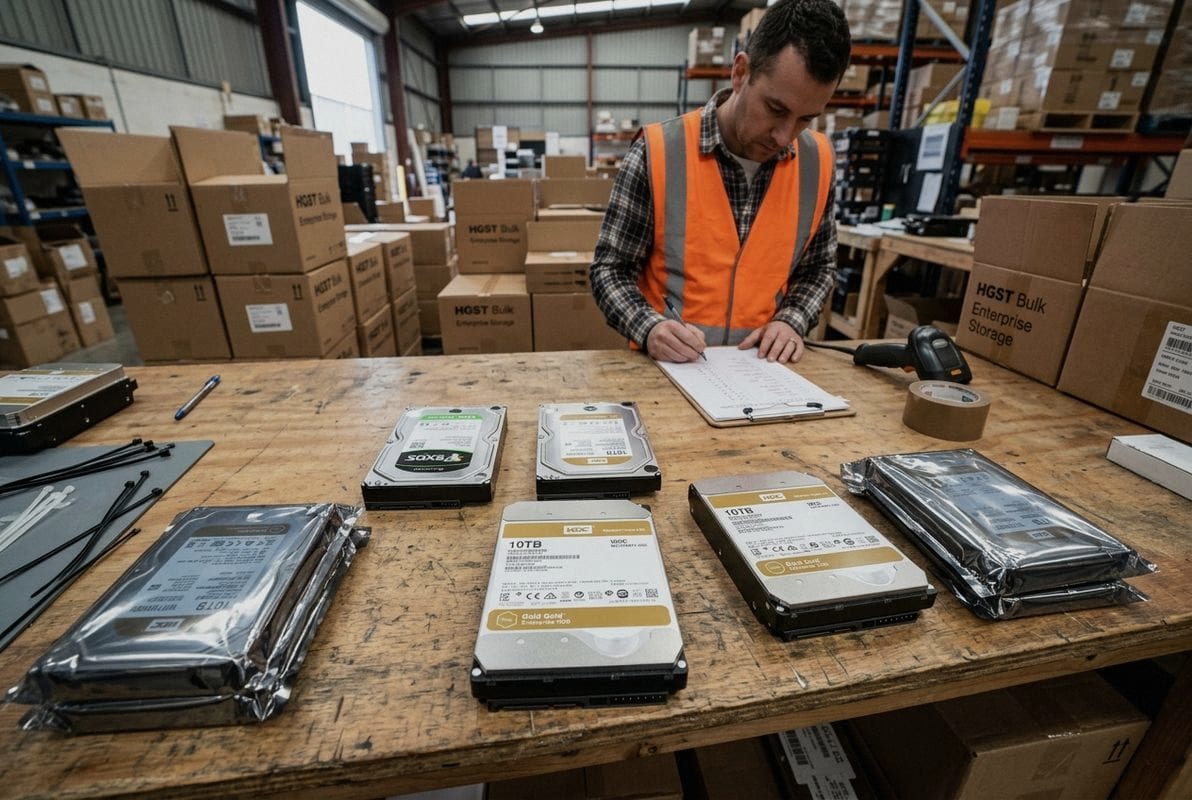
The economics of storage boil down to one number: dollars per terabyte. For AI data lakes — where you store raw training corpora, historical logs, sensor data, and backup snapshots — access frequency is low. You need massive capacity, not maximum speed.
| Cost Factor | Enterprise SSD | Enterprise HDD |
|---|---|---|
| Acquisition Cost ($/TB) | $80–$150+ | $10–$25 |
| Cost Premium (SSD vs HDD) | 5–10x higher | Baseline |
| Projected TCO by 2030 | ~6x HDD cost | Baseline |
| Typical Capacity per Drive | 4–30 TB (growing) | 16–24 TB (mainstream) |
| Market Share (Cloud Exabytes) | ~10% | ~90% |
More than 90% of exabytes stored in cloud data centers today sit on HDDs. That is not an accident. For the vast majority of data — especially the massive, append-heavy datasets AI workloads generate — HDDs remain the most economically sustainable choice.
Total cost of ownership 8 includes more than the purchase price. It covers power consumption, cooling, rack space, replacement cycles, and management overhead. SSDs do use fewer watts per terabyte at high densities. One high-capacity SSD can replace five or more HDDs, saving rack space and power.
But here is the nuance: that power and density advantage narrows the gap without closing it. Industry projections still show HDD-based infrastructure TCO at roughly one-sixth the cost of SSD-based infrastructure for equivalent capacity through 2030. For buyers building petabyte-scale AI data lakes, that difference is enormous.
There is a complication. HDD lead times have ballooned to more than a year for some high-capacity enterprise models. We have seen this firsthand in our supply operations — clients planning large expansions sometimes cannot secure the HDD quantities they need on schedule.
This supply crunch has pushed some data centers to temporarily shift cold storage workloads onto QLC SSDs 9, which offer a better cost-per-terabyte ratio than TLC SSDs. QLC drives bridge the gap between HDD-level capacity economics and SSD-level availability. If you are planning a major HDD procurement for an AI data lake, factor in realistic lead times and consider qualifying QLC SSD alternatives as a backup supply path.
For B2B buyers sourcing storage at scale, I recommend the following steps:
The bottom line: enterprise HDDs are the backbone of cost-efficient AI data lakes. But smart procurement means planning for supply variability and keeping SSD options on the table.
During a recent conversation with a system integrator sourcing drives for an always-on AI inference cluster, the question came up: which drive type will actually survive continuous operation without unexpected downtime?
For 24/7 AI inference and processing workloads, enterprise SSDs offer superior reliability due to their lack of moving parts, lower mechanical failure risk, consistent low latency under sustained loads, and better vibration tolerance — all critical factors in dense, always-on data center environments.
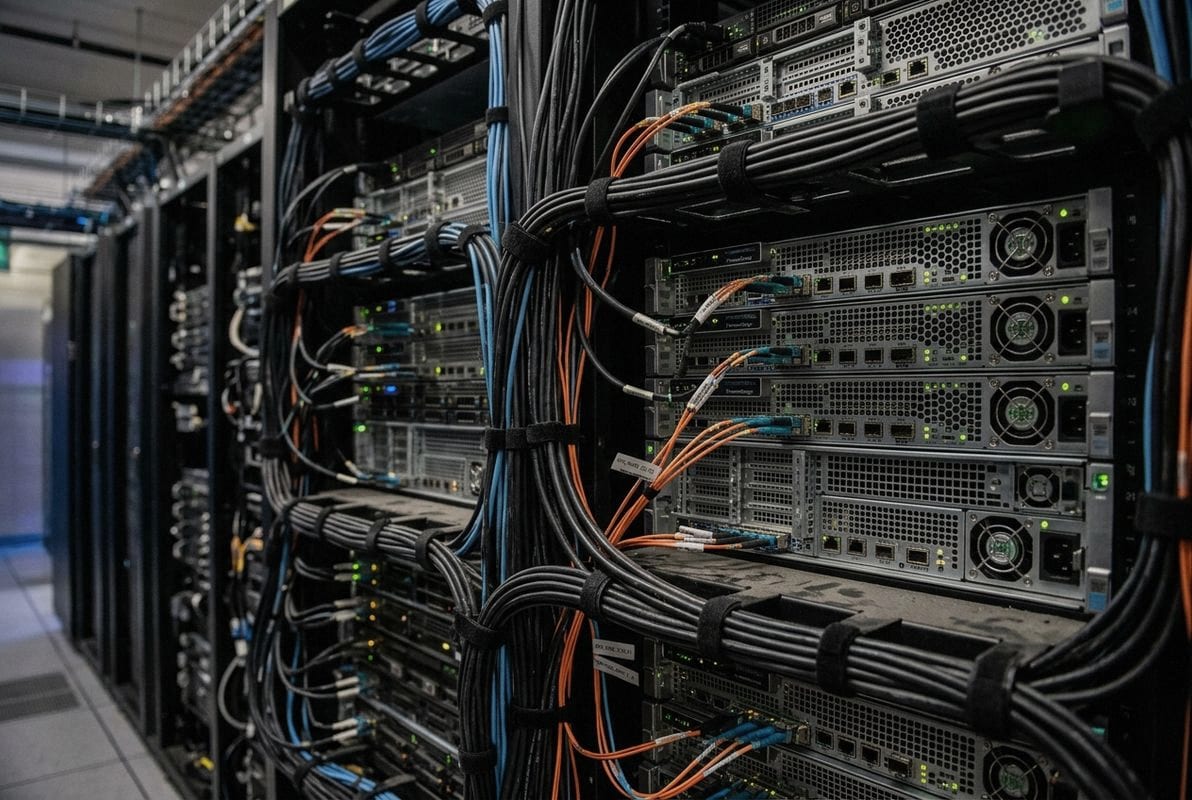
Enterprise HDDs rely on spinning platters and moving read/write heads. These mechanical components are inherently subject to wear, vibration sensitivity, and eventual failure. Enterprise SSDs use NAND flash memory 10 with no moving parts. This fundamental difference shapes their reliability profiles in opposite directions under continuous workloads.
AI inference servers run around the clock. They handle thousands or millions of requests per day. Each request requires reading model weights, processing input data, and writing results. The storage layer must respond consistently, with minimal variance in latency, every single time.
| Reliability Factor | Enterprise SSD | Enterprise HDD |
|---|---|---|
| Moving Parts | None | Spindle motor, actuator arm |
| Vibration Sensitivity | Very low | High (especially in dense racks) |
| Mean Time Between Failures (MTBF) | 2–2.5 million hours | 1.2–2.5 million hours |
| Latency Consistency Under Load | Very consistent (~0.05 ms) | Variable (5–15 ms, spikes possible) |
| Temperature Sensitivity | Moderate | Higher (motors generate heat) |
| Data Integrity Features | End-to-end data protection, power-loss protection | ECC, vibration sensors |
| Endurance Metric | Drive Writes Per Day (DWPD) | Workload Rate Limit (TB/year) |
Reliability is not just about whether a drive fails. For AI inference, latency consistency matters almost as much as uptime. A drive that delivers 0.05 ms reads 99.9% of the time but spikes to 50 ms during the other 0.1% can cause inference timeouts, degraded user experience, or failed service-level agreements.
SSDs deliver remarkably flat latency curves. HDDs, due to mechanical seek operations, show wider latency distributions — especially under heavy random read patterns typical of inference workloads. In dense rack environments, where dozens of drives operate side by side, HDD vibration from neighboring drives can further degrade read consistency.
This does not mean HDDs are unreliable. Enterprise HDDs are engineered for 24/7 operation. They include vibration compensation sensors, advanced ECC, and firmware optimized for sustained throughput. For sequential write-heavy workloads — like logging inference results, storing audit trails, or backing up model checkpoints — HDDs perform reliably and cost-effectively.
The key distinction is workload type. For latency-sensitive, random-read-heavy inference serving, SSDs are the better reliability choice. For sequential, write-heavy background tasks, HDDs remain a solid and economical option.
As AI inference scales, rack density increases. More drives per rack means more heat and more vibration. SSDs handle this better. Their lower power consumption per drive reduces thermal load, and their solid-state design is immune to vibration-induced read errors.
From our experience supporting enterprise storage projects, buyers building inference clusters increasingly specify SSD-only configurations for the serving tier, while keeping HDDs for the supporting data pipeline and archival layers. This hybrid approach optimizes both reliability and total cost of ownership.
When we help B2B clients plan storage procurement for AI projects, the first question is never “SSD or HDD?” — it is “What does your data flow look like, and where does each workload sit in the pipeline?”
To decide between SSDs and HDDs for your AI data center, map your data workflow into tiers: use NVMe SSDs for hot data requiring low latency and high throughput (training, inference, pre-processing), and use enterprise HDDs for warm and cold data needing high capacity at low cost (archives, backups, raw datasets).
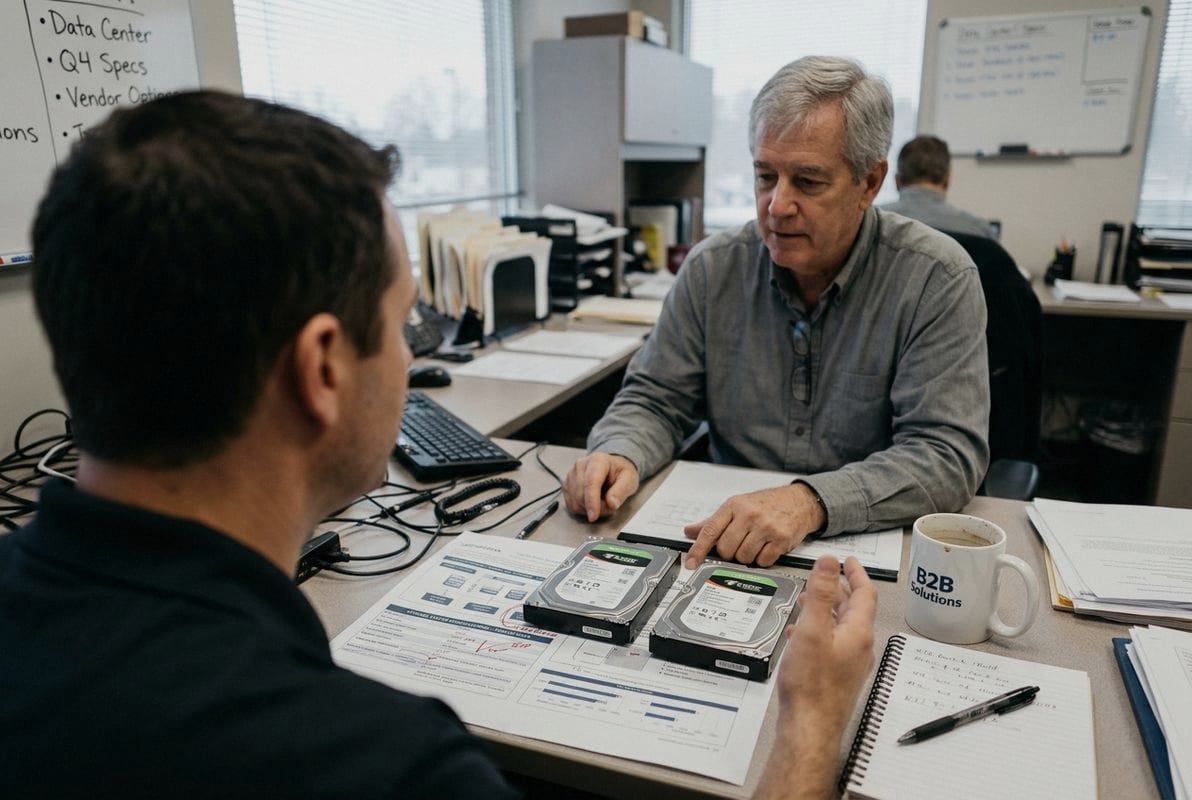
Every AI data center has a data pipeline with distinct stages. Each stage has different storage demands. Before choosing drives, identify where your data lives and how it moves.
Here is a practical mapping we recommend to our clients:
| Workflow Stage | Data Temperature | Recommended Drive Type | Key Requirement |
|---|---|---|---|
| Data Ingestion | Cold/Warm | Enterprise HDD | High capacity, low cost |
| Pre-Processing | Warm/Hot | Enterprise SSD (TLC) | Fast random I/O, moderate capacity |
| Model Training | Hot | Enterprise NVMe SSD | Maximum throughput, low latency |
| AI Inference | Hot | Enterprise NVMe SSD | Consistent latency, high IOPS |
| Archiving / Backup | Cold | Enterprise HDD | Lowest $/TB, long retention |
| Checkpoint Storage | Warm | HDD or QLC SSD | Moderate speed, high capacity |
The 5–10x cost premium of SSDs over HDDs per terabyte is real. But so is the productivity cost of starved GPUs. The right balance depends on your specific mix of hot and cold data.
A common starting architecture for mid-scale AI deployments looks like this:
As SSD capacities grow — 256 TB and 512 TB models are entering production in the next 3–5 years — this ratio may shift. But for today’s procurement decisions, the hybrid model delivers the best balance of performance and cost.
HDD lead times exceeding a year are a real procurement risk. If your expansion timeline is tight, you may need to over-provision SSDs for cold storage temporarily. Qualifying both QLC and TLC SSD vendors alongside your HDD suppliers gives you flexibility.
We always advise our B2B clients to maintain relationships with multiple drive suppliers. A single-vendor dependency for either SSDs or HDDs can stall an entire data center buildout. When you source enterprise HDDs or SSDs for AI infrastructure, confirm lead times, minimum order quantities, and packaging specifications before committing to a large order.
For edge AI deployments — where inference happens close to the data source — computational storage drives (CSDs) are an emerging option. These process data directly on the drive, reducing data movement and latency. They are not mainstream yet, but they are worth watching if your architecture includes distributed inference nodes.
Also consider data governance. AI datasets are growing in size and sensitivity. Hardware encryption, secure boot, and immutability features are available on both enterprise SSDs and HDDs. Factor these into your drive selection, especially for regulated industries.
Enterprise SSDs and enterprise HDDs are complementary components in any well-designed AI data center — not competing alternatives. The smartest storage strategy matches drive type to workload tier: SSDs for speed-critical training and inference, HDDs for massive, cost-efficient data lakes and archives. If you are sourcing enterprise HDDs or SSDs for AI data center projects, distribution, or server expansion, feel free to contact us with your target capacity, application scenario, quantity, and preferred specifications. We are here to help you find the right storage fit for your specific architecture.
1. Replaced with NVIDIA’s official glossary definition of AI infrastructure. ↩︎
2. Explains what GPU utilization means and its importance in compute workloads. ↩︎
3. Discusses the economic considerations and cost-saving strategies for AI data lakes. ↩︎
4. Provides an overview of the process and requirements of AI model training. ↩︎
5. Replaced with an article discussing data pipeline optimization for GPU utilization in model training, directly addressing bottlenecks. ↩︎
6. Details the specifications and performance of PCIe generations for storage. ↩︎
7. Explains the nature and impact of random read operations on storage performance. ↩︎
8. Defines and elaborates on the components of total cost of ownership for IT infrastructure. ↩︎
9. Provides technical details and applications of QLC (Quad-Level Cell) SSD technology. ↩︎
10. Replaced with IBM’s comprehensive explanation of NAND flash memory. ↩︎