
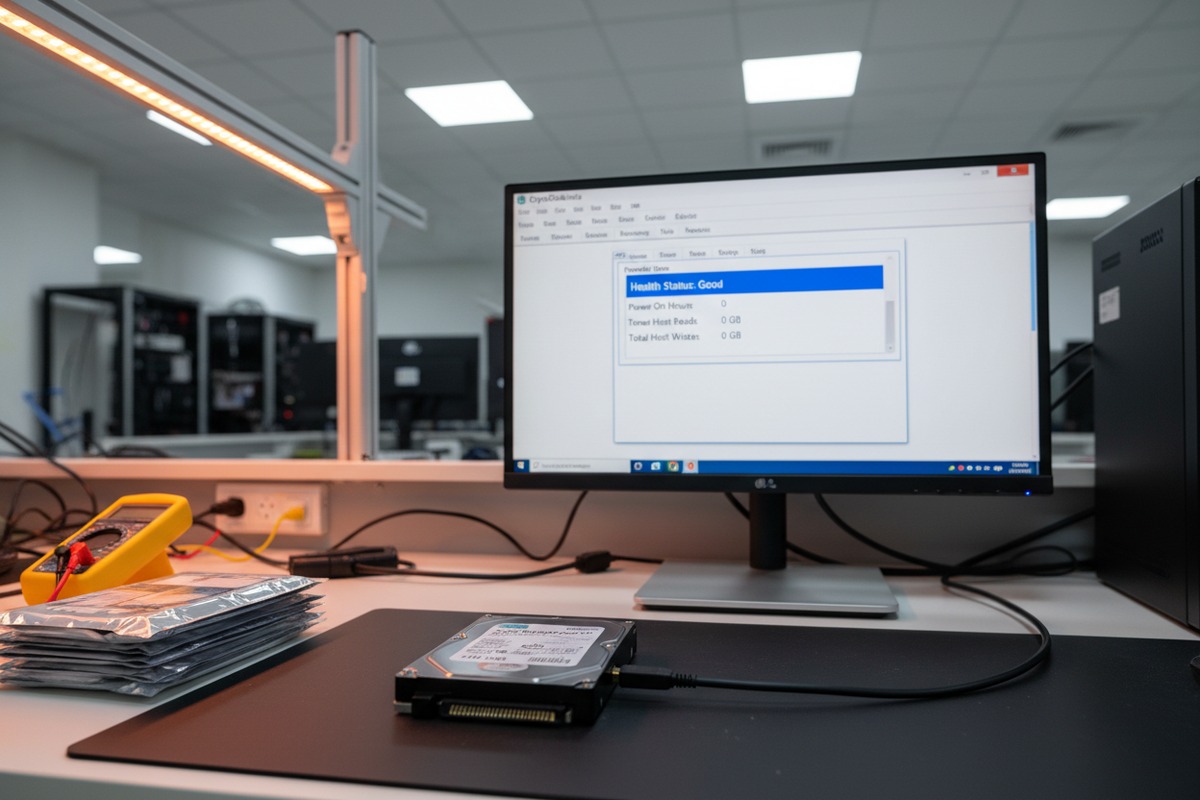
Every week, our quality team intercepts suspicious 1TB surveillance drives 1 that look genuine but fail basic checks. The problem is growing fast.
To identify counterfeit and substandard 1TB surveillance HDDs, you should inspect physical labels and packaging for tampering, verify serial numbers on manufacturer websites, run SMART data checks for hidden usage history, cross-reference firmware versions, and perform sustained write benchmarks to confirm genuine 24/7 surveillance-grade performance.
Fake surveillance hard drives are not just an inconvenience WD Purple and Seagate SkyHawk 2. They fail under the constant write cycles 3 of DVR and NVR systems, causing critical footage loss when you need it most. Below, I walk through the exact methods we use and recommend to our B2B clients to avoid costly mistakes.
Our quality control team inspects thousands of drives each month. The first and fastest filter is always the physical exterior — and you would be surprised how many fakes slip through at this stage.
Look for misaligned or low-resolution label printing, resealed anti-static bags with torn notches, scratches on the drive casing, mismatched fonts on barcodes, and production dates older than six months. Genuine surveillance HDDs like WD Purple and Seagate SkyHawk have crisp, consistent labeling with tamper-evident packaging.

Before you even touch the drive, study the box and anti-static bag. Genuine surveillance HDDs arrive in sealed anti-static shielding bags 4. These bags should have clean, factory-sealed edges with no re-taping or heat-seal marks. When we receive bulk shipments at our Shenzhen/Hongkong warehouse, the first thing we check is the bag integrity. A legitimate bag has a uniform metallic sheen and a single factory-sealed opening. If you see notches that look torn and re-closed, or if the bag feels thinner than usual, that is a red flag.
The outer carton matters too. Authentic shipping cartons from Seagate or WD feature red security tape with phrases like “seal is broken” printed repeatedly. If that tape is missing, replaced with generic clear tape, or shows signs of peeling and re-application, the drive inside may have been swapped.
The label on the top of the drive is where most counterfeiters cut corners. Here is what to look for:
| Inspection Point | Genuine Drive | Counterfeit/Refurbished Drive |
|---|---|---|
| Print Quality | Sharp, high-resolution text and barcodes | Blurry text, pixelated barcodes, ink smudges |
| Font Consistency | Uniform fonts matching manufacturer standards | Mixed fonts, inconsistent spacing |
| Production Date | Within 6 months of purchase date | Older than 6 months, sometimes years old |
| Serial/Model Alignment | Perfectly aligned in designated label areas | Off-center, crooked, or overlapping text |
| Label Adhesion | Smooth, flush with the drive casing | Bubbling, peeling edges, visible re-pasting |
Flip the drive over. Run your fingers along the SATA connector 5 and the screw holes. A brand-new drive has zero scratches on the connector pins. If you see gold plating wear on the SATA data or power pins, the drive has been plugged in before. Screw holes should show no tool marks. Any circular scratching around screw holes means the drive was mounted in a system previously.
Also, check for missing stickers or warranty void labels. Some counterfeiters remove original labels and paste new ones. You can sometimes see residue or a slightly raised outline where the original label was.
A desktop HDD relabeled as a surveillance drive will not handle 24/7 write operations. It lacks the vibration resistance firmware and sustained write optimization that genuine WD Purple or Seagate SkyHawk models include. In a DVR rack with multiple drives spinning, a fake will fail faster and corrupt your footage.
When we test incoming stock at our facility, visual inspection is only step one. The real truth about a drive lives in its data — and that is where rebranded desktop models get exposed.
Run CrystalDiskInfo or smartmontools to check SMART data for Power-On Hours, Reallocated Sectors, and overall health status. Perform a full capacity write test to confirm advertised storage. Benchmark sustained write speeds — genuine surveillance HDDs maintain consistent performance under continuous load, while desktop models degrade significantly.
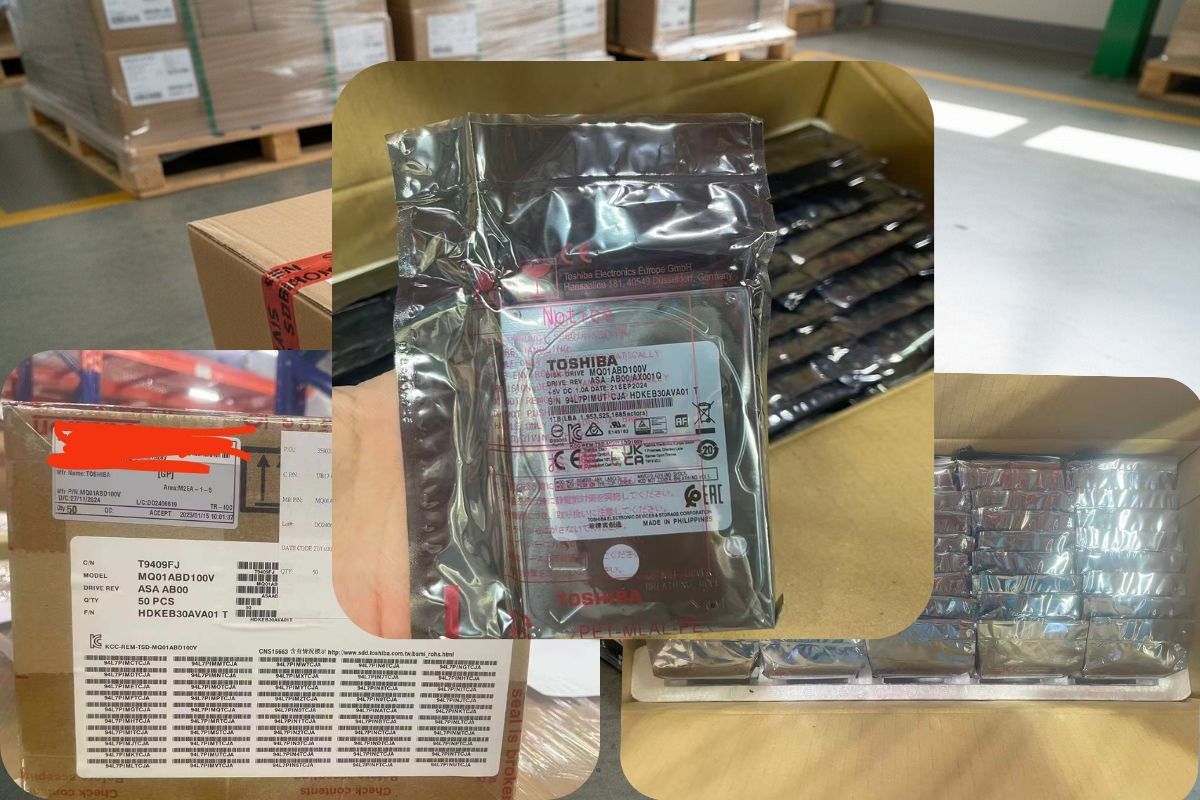
SMART (Self-Monitoring, Analysis, and Reporting Technology) data is embedded in every modern hard drive. It records how long the drive has been powered on, how many read/write errors it has encountered, and whether any sectors have been reallocated due to damage.
Open CrystalDiskInfo 7 on Windows or use smartctl commands on Linux. Here is what to look for:
| SMART Attribute | New Genuine Drive | Suspect Drive |
|---|---|---|
| Power-On Hours | 0–10 hours | 100+ hours (sometimes 27,000+) |
| Reallocated Sector Count | 0 | Any value above 0 |
| Health Status | “Good” or “PASSED” | “Caution” or “Bad” |
| Temperature History | Consistent, low readings | Spikes or unusually high baseline |
| Start/Stop Count | Under 10 | Hundreds or thousands |
A drive showing 500+ Power-On Hours is not new. Period. Some scammers now manipulate SMART data using firmware tools, resetting Power-On Hours to zero. That is why you should not rely on SMART alone.
Seagate drives store Field Accessible Reliability Metrics (FARM) logs. These are harder to tamper with than standard SMART data. Tools like the 45Drives Seagate checker can read FARM logs 8 and reveal true usage history, including head operating hours that scammers often forget to reset.
For WD drives, the firmware version 9 is your ally. Cross-reference the firmware string on the label with WD’s official release list for that exact model. A WD Purple 1TB should run specific surveillance-optimized firmware. If the firmware version matches a WD Blue or WD Green desktop line, you have a rebranded drive.
This is where desktop drives truly fail. A genuine surveillance HDD is designed to handle continuous sequential writes 10 from multiple camera streams. Run a sustained write benchmark using tools like HD Tune Pro or iometer. Write data continuously for at least 30 minutes.
A real WD Purple 1TB will maintain a steady write speed, typically around 150–180 MB/s for sequential writes, with minimal variation. A desktop drive disguised as a surveillance model will show speed drops — sometimes dramatic — after the cache buffer fills. If you see write speeds plunging below 80 MB/s after a few minutes, the drive is not surveillance-grade.
This is a low-tech but surprisingly useful test. Power on the drive in a quiet environment. Genuine surveillance HDDs are engineered for near-silent operation with smooth spin-up sounds. A desktop drive or heavily used refurbished drive may produce louder seek noises, clicking, or inconsistent spinning sounds. This is not definitive by itself, but combined with other tests, it adds confidence to your assessment.
Always compare the firmware version reported by your diagnostic tool against the manufacturer’s official firmware list. If the firmware does not exist in the manufacturer’s database for that model number, the drive may have been flashed with modified firmware to disguise its true identity.
In our daily operations, serial number verification is a non-negotiable step before any drive enters our inventory. We have caught dozens of mismatched serials that would have cost our clients thousands in failed deployments.
Visit the official manufacturer warranty check page — Seagate’s Warranty Validation tool or WD’s Product Registration portal — and enter the drive’s serial number. A genuine new drive will show an active warranty with a valid start date. If the serial returns no results, shows an expired warranty, or displays a different model, the drive is counterfeit or previously used.
Every major surveillance HDD manufacturer maintains an online warranty lookup tool. Here is how to use them:
For Seagate (SkyHawk): Go to the Seagate Warranty & Replacements page. Enter the serial number found on the drive label. The system will return the model name, warranty status, and warranty expiration date. If the serial is not found, the drive is likely counterfeit. If the warranty expired years ago, the drive is used.
For Western Digital (Purple): Visit the WD Product Warranty Check page. Input the serial number. WD’s system will confirm the product model, manufacturing date, and warranty coverage. Pay close attention to the model name returned — if you bought a WD Purple but the system says WD Blue, you have a rebranded desktop drive.
For Toshiba (V300 Surveillance): Use Toshiba’s warranty validation portal with the serial number. The process is similar.
| Warranty Check Result | What It Means | Action |
|---|---|---|
| Active warranty, matching model | Drive is likely genuine and new | Proceed with installation |
| Active warranty, different model name | Drive has been relabeled or rebranded | Reject and report to seller |
| Expired warranty | Drive is used, refurbished, or old stock | Reject or negotiate heavily |
| Serial number not found | Drive is counterfeit or from unauthorized channel | Reject immediately and report |
| Warranty start date far in the past | Drive was activated/sold before, now resold | Reject — this is a used drive |
Most modern surveillance HDDs include a QR code on the label. Scan it with your phone camera. Genuine QR codes link to the manufacturer’s verification page or product information. If the QR code leads nowhere, leads to a generic URL, or does not match the serial number printed on the label, the drive is suspect.
Also compare the barcode serial with the serial printed in plain text. They must match exactly. Counterfeiters sometimes paste a new label with a different serial while the barcode still contains the original (used) drive’s serial.
If you are sourcing from a B2B supplier, request the purchase invoice or proof of authorized distribution. At our company, we provide full traceability documentation to clients, including original manufacturer invoices, lot numbers, and shipping records. A legitimate supplier will never hesitate to share this information. If a supplier cannot prove their sourcing chain, walk away.
For distributors and integrators purchasing in volume, manual serial checking is impractical. We use batch verification scripts that query manufacturer databases with lists of serials. This catches discrepancies across entire shipments. If even 5% of serials fail verification, the entire lot should be quarantined and investigated.
Having worked in the Shenzhen electronics supply chain for years, I can tell you that this market is both the world’s best source for competitive pricing and its biggest minefield for counterfeit products. The difference between success and disaster comes down to supplier selection.
Choose Shenzhen suppliers who provide full traceability documentation, hold authorized distributor agreements, maintain transparent inspection processes, offer factory or warehouse visits, and have verifiable long-term business histories. Avoid suppliers offering prices significantly below market average, refusing to share sourcing proof, or operating without a physical warehouse presence.
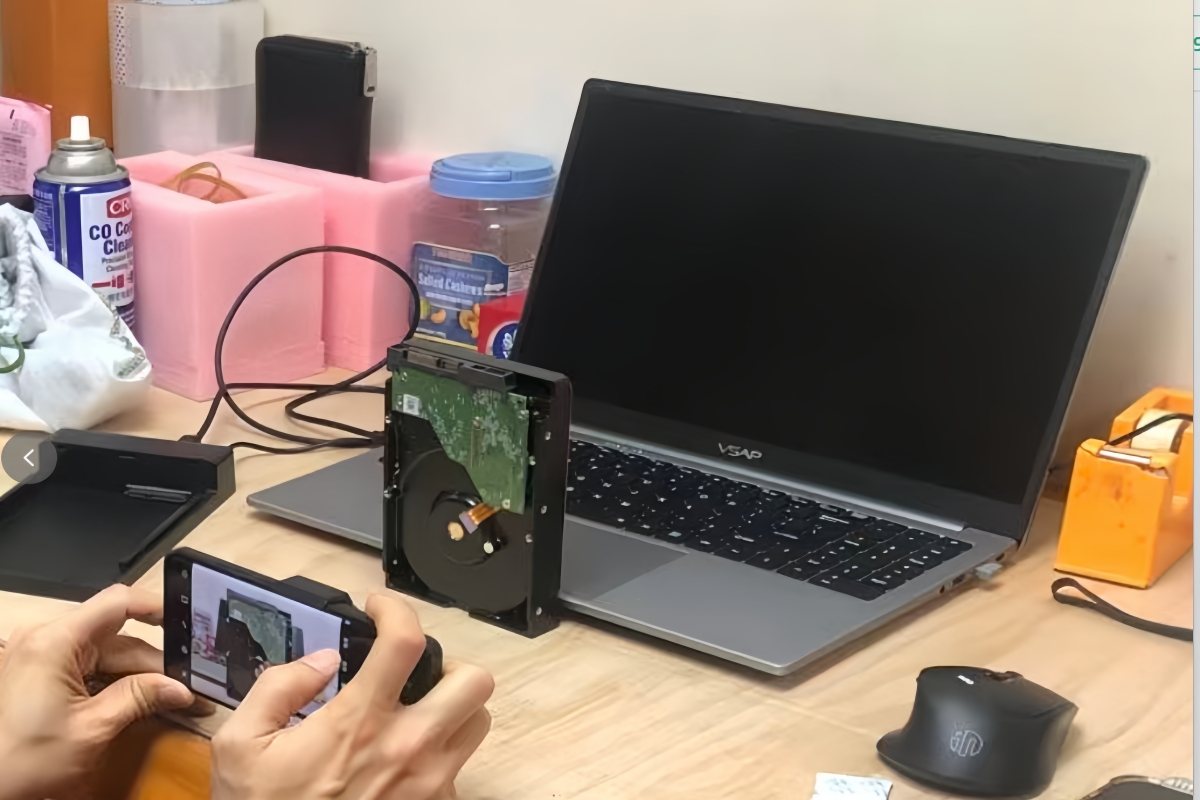
This is the simplest and most overlooked filter. If a 1TB WD Purple surveillance HDD has a market wholesale price of $90–120, and a supplier offers it at $45, something is wrong. The math does not work for genuine product at that price point. Low prices are the number one indicator of counterfeit, refurbished, or mixed-quality stock.
That said, slightly lower prices from Shenzhen and Hong Kong suppliers are normal due to proximity to manufacturing and lower overhead costs. A 5–10% discount compared to Western distributors is reasonable. A 40% discount is a warning sign.
Before committing to any supplier, ask these questions:
A trustworthy supplier answers all of these without hesitation. At our facility, we invite clients to inspect stock in person or via video call. We show incoming shipment documentation and walk through our QC process. This level of transparency is not optional — it is the baseline for legitimate business.
| Supplier Behavior | Risk Level | What It Suggests |
|---|---|---|
| Refuses to share sourcing documents | High | Likely unauthorized or grey market stock |
| No physical warehouse, ships from unknown locations | High | Drop-shipping counterfeit or mixed goods |
| Prices 30%+ below market average | High | Refurbished, rebranded, or counterfeit drives |
| Pushes urgency (“limited stock, buy now”) | Medium | Pressure tactic to prevent due diligence |
| No return policy for warranty failures | High | Knows product will fail verification |
| Provides full traceability and invites audits | Low | Operates transparently with legitimate sourcing |
| Has long-term business registration and trade history | Low | Established, accountable business entity |
One thing we have found effective is maintaining warehouses in both Shenzhen and Hong Kong. Shenzhen gives us direct access to factory sources and fast domestic logistics. Hong Kong provides a free trade zone for streamlined international shipping, customs documentation, and additional inspection before export. This dual setup allows us to catch quality issues at two checkpoints rather than one.
When evaluating a supplier, ask where their warehouse is located. A supplier with presence in both Shenzhen and Hong Kong demonstrates infrastructure investment and operational seriousness. A supplier with no verifiable warehouse address should raise immediate concerns.
The best protection against substandard stock is a long-term supplier relationship. A supplier who wants repeat business will not risk their reputation by shipping you fakes. One-time deal mentality — buying from whoever quotes the lowest price on any given day — is exactly how buyers end up with refurbished drives passed off as new.
Build relationships with two or three verified suppliers. Test their first shipments rigorously. If the drives pass all physical, serial, and SMART checks, continue the partnership. Over time, this approach saves far more money than the short-term savings from chasing the cheapest quote.
If you source through platforms like Alibaba or 1688, use Trade Assurance and verify Gold Supplier status. Check how long the seller has been on the platform. Read buyer reviews carefully — specifically look for complaints about authenticity, not just shipping speed. Direct contact via WhatsApp or WeChat for detailed negotiation is standard practice, but always keep documentation of all promises and specifications in writing.
Protecting your DVR/NVR investment starts with vigilant inspection, rigorous digital verification, and choosing suppliers who prioritize transparency and traceability over the lowest price.
1. Seagate provides a guide on choosing surveillance hard drives, detailing their features and importance. ↩︎
2. Official product page for WD Purple surveillance hard drives, detailing features and specifications. ↩︎
3. Seagate explains that surveillance hard drives are designed for high write workloads and continuous recording. ↩︎
4. Explains the function of anti-static bags in protecting sensitive electronic components from electrostatic discharge. ↩︎
5. Wikipedia provides a comprehensive overview of SATA, including its connectors, history, and revisions. ↩︎
6. Wikipedia provides a detailed explanation of SMART technology, its purpose, and how it monitors drive health. ↩︎
7. This is the official website for CrystalDiskInfo, providing information and download links for the software. ↩︎
8. Hard Disk Sentinel provides details on Seagate’s FARM logs, explaining their content and how they can be used for drive monitoring. ↩︎
9. Seagate’s support page explains how to check firmware versions and the importance of updates for their drives. ↩︎
10. Seagate explains that hard drives are well-suited for continuous, sequential writing of data, like video recording. ↩︎