
Table of Contents
I. Understanding the Challenge
Ambient Light Interference vs. Content Clarity
How Specular & Diffuse Reflections Cut Brightness by Half
II. Technical Foundations & Specs
The Vital Role of Gold-Wire LEDs in Long-term Durability
Hardware Comparison: Professional vs. Standard Grade
Geographic Variables: Tailoring Brightness to Regional Solar Intensity
Protective Engineering: How Shaders and Louvers Safeguard Visuals
III. Strategic Optimization & Design
Strategic Alignment: Why a 5-Degree Tilt Changes Everything
Cooling Technologies: Active vs. Passive Systems
IV. Investment & Longevity
Outdoor LED screen visibility is achieved by utilizing panels with high nit ratings and anti-reflective coatings to overcome solar glare. You might find that your current signage looks dull or unreadable during peak daylight hours, which directly impacts your audience engagement and return on investment. This invisibility leads to missed advertising opportunities and a poor brand perception as potential customers ignore faded, low-contrast messages. We provide professional High Brightness Displays that solve these environmental hurdles through superior luminance and intelligent thermal management.
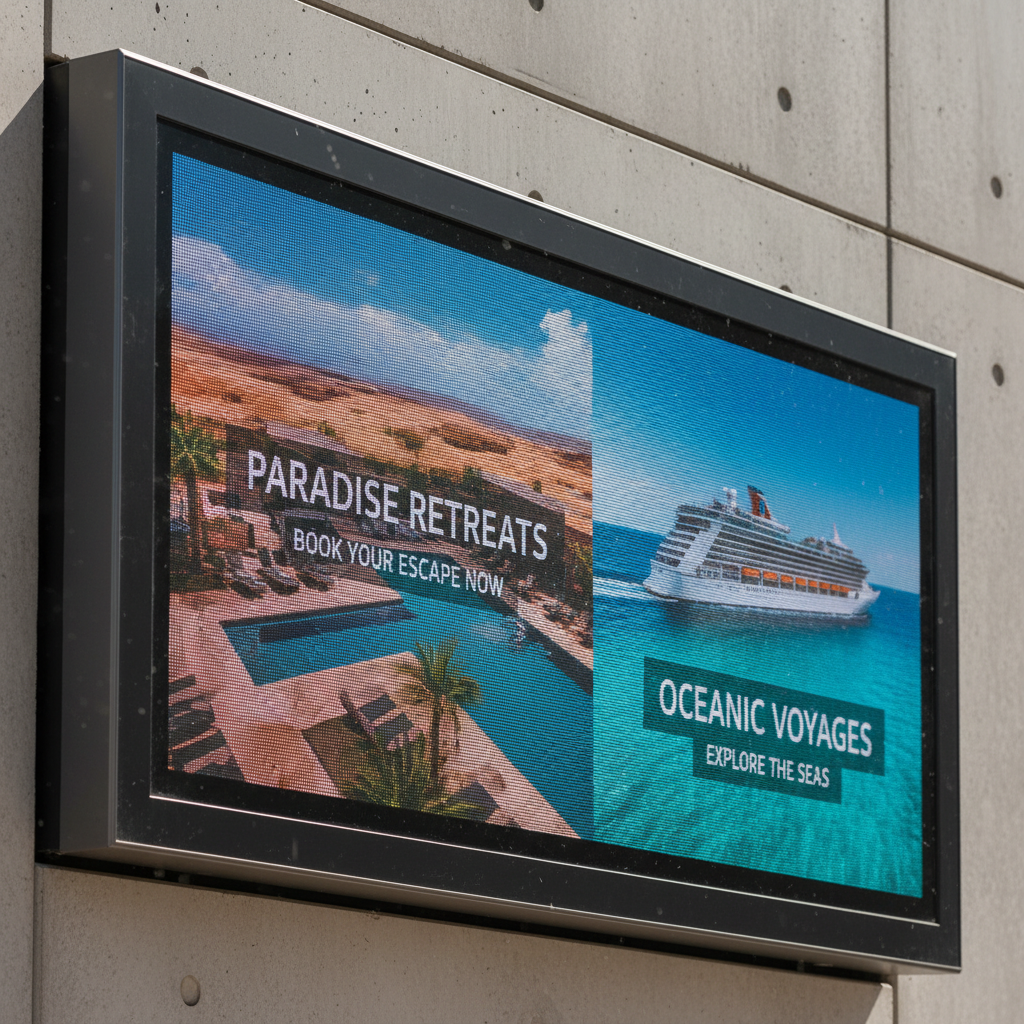
Sunlight creates massive ambient light interference that competes with your screen’s light output, lowering perceived contrast until content becomes unreadable. High Brightness Displays utilize premium semiconductors to fight this interference, ensuring your marketing assets remain vivid despite harsh glare. Without these specialized components, your outdoor investment essentially vanishes when the sun reaches its zenith.
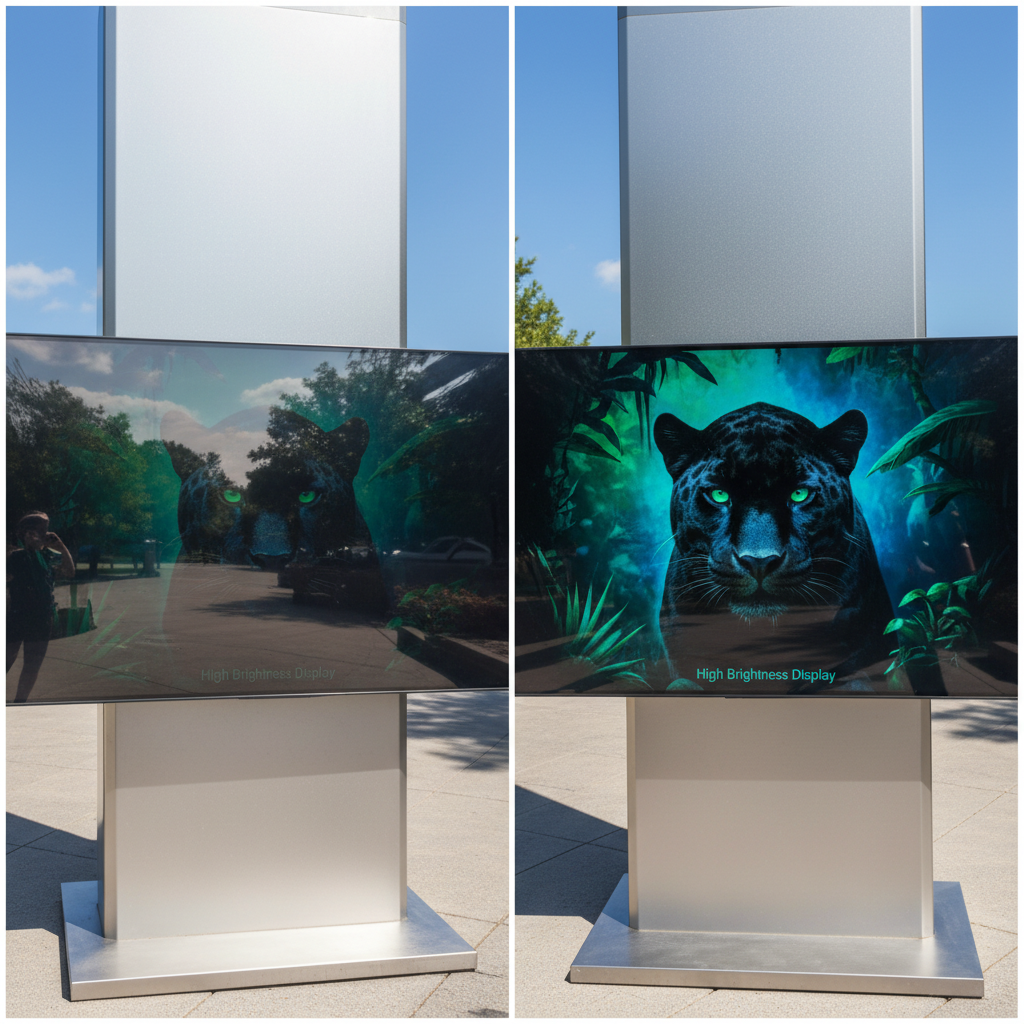
Reflection happens when light bounces off the screen surface, creating a mirror effect that hides your actual content from viewers. This phenomenon significantly degrades the user experience and reduces the effective viewing angle of your installation. But here’s the kicker… even a slight increase in surface reflection can cut your perceived brightness by half.
Key Takeaway: Visibility is a constant battle against ambient light; failing to manage surface reflection ensures your message stays hidden.
| Reflection Type | Impact on Clarity | Mitigation Strategy |
| Specular | High (Mirror effect) | Anti-glare coatings |
| Diffuse | Medium (Washout) | Deep black louvers |
| Internal | Low (Blurring) | Improved resin bonding |
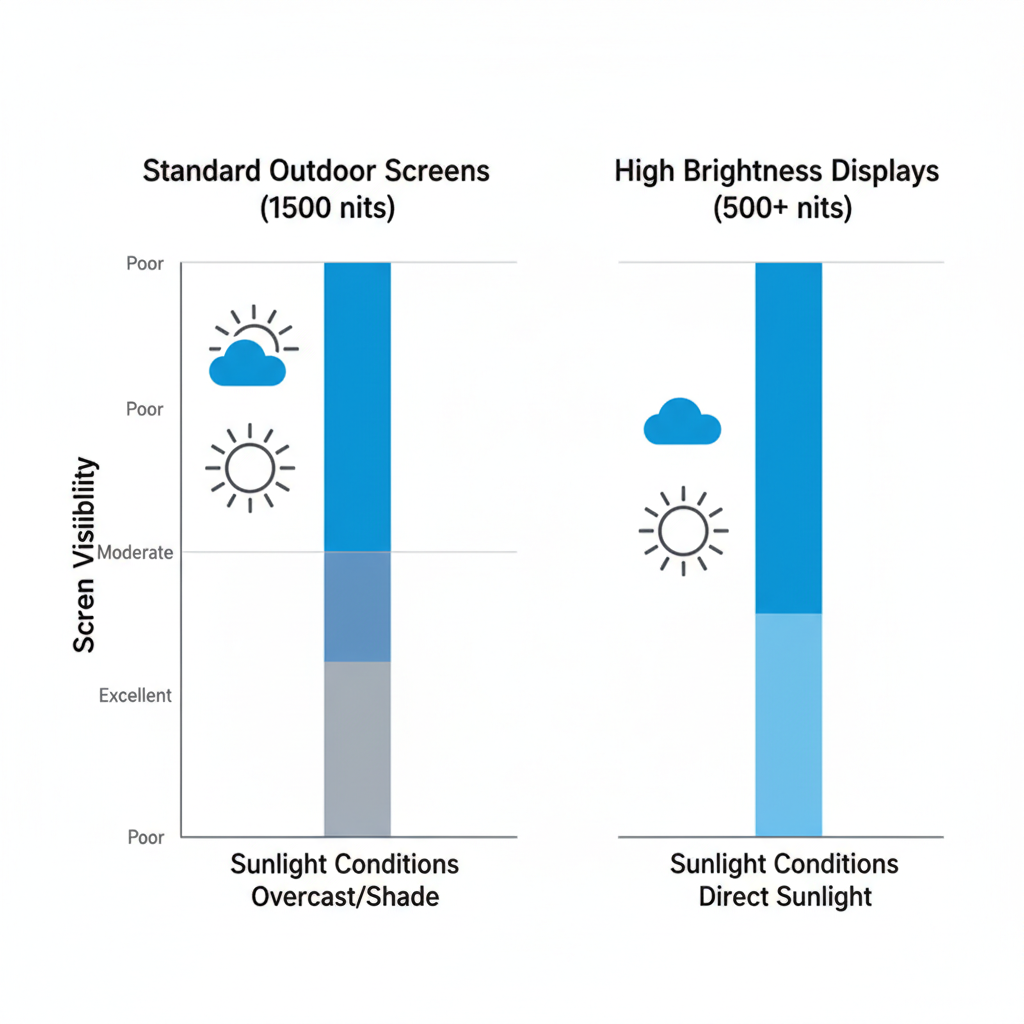
High-end performance requires a specific combination of high nit ratings, superior refresh rates, and advanced hardware control for maximum durability. High Brightness Displays distinguish themselves by utilizing gold-wire LEDs and high-efficiency power supplies that sustain peak luminance without thermal degradation. These technical specifications ensure that your screen does not dim as the internal temperature rises during summer operation.
Diode selection remains the primary factor in determining how long your screen stays bright before the light begins to fade. Cheap semiconductors degrade quickly under UV exposure, leading to patchy colors and significant brightness loss within months. This is where it gets interesting… premium diodes use specialized encapsulation to protect the light-emitting core from environmental moisture.
Key Takeaway: Hardware specs like diode quality and nit ratings are the foundation of a sunlight-readable outdoor display system.
Component Standard Spec Professional Grade Wire Type Copper Gold Wire Brightness 1,500 Nits 6,000 – 10,000 Nits Refresh Rate 1,920 Hz 3,840 Hz or higher
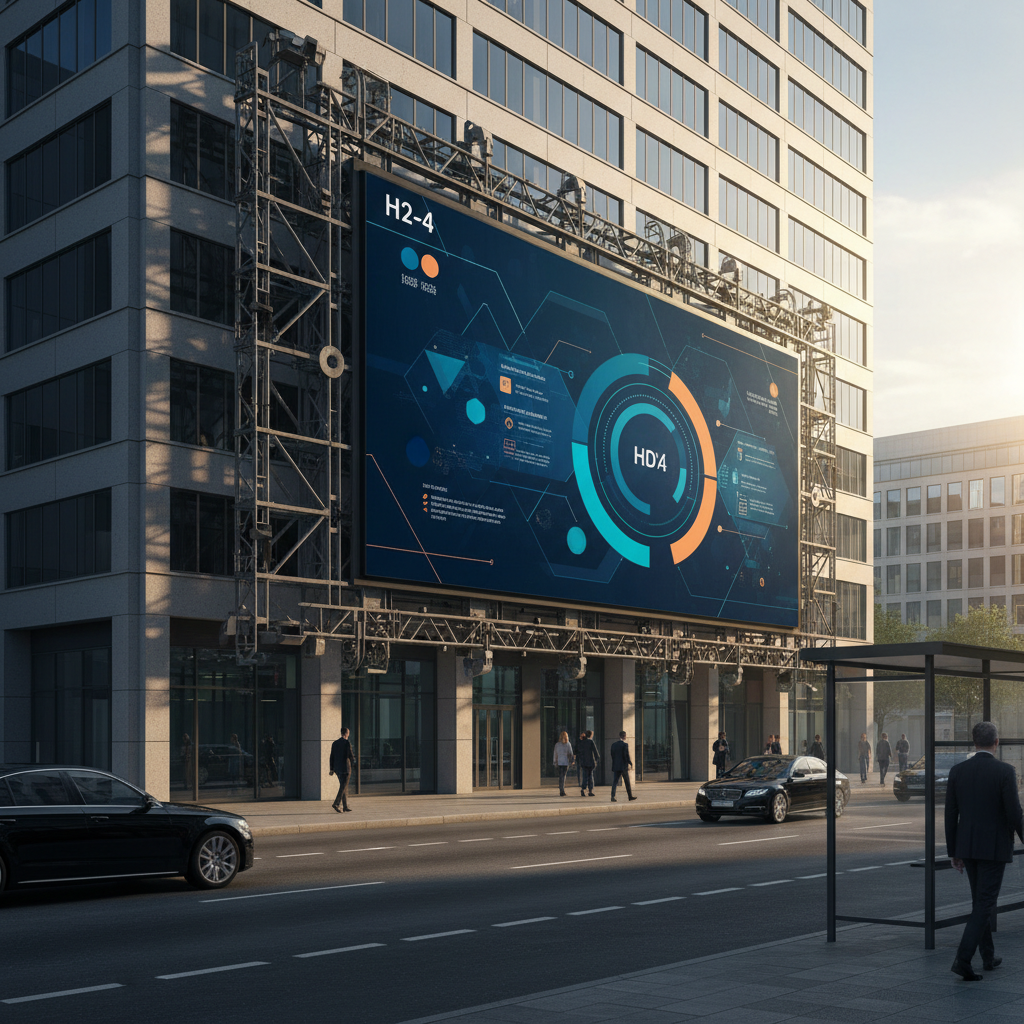
You generally need a minimum of 5,000 nits for an outdoor screen to remain readable in direct sunlight, though southern-facing installations often require more. High Brightness Displays are engineered to operate within this intense range while managing the high electrical load and heat generation associated with such output. If your location experiences long hours of unshaded exposure, aiming for the 10,000-nit threshold provides the necessary headroom for peak performance.
Geographic location plays a huge role in determining how much power your screen needs to stay visible throughout the seasons. Equatorial regions experience much higher solar intensity, requiring constant high-output performance compared to temperate climates. What’s the real story? A screen that works perfectly in London will likely look completely washed out in Dubai.
Key Takeaway: Nit requirements are not universal; you must tailor your brightness levels to your specific geographic solar intensity.
Environment Recommended Nit Level Usage Scenario Shaded Plaza 2,500 – 3,500 Under awnings Indirect Sun 5,000 – 6,000 North-facing walls Full Direct Sun 7,500 – 10,000+ South-facing billboards
Contrast ratio defines the difference between the darkest blacks and the brightest whites, which is more important for readability than raw brightness alone. Many High Brightness Displays fail because their black levels turn grey when hit by sunlight, making the text and images blend together. By utilizing manufacturing solutions that include deep-black shaders and matte surfaces, you maintain the necessary separation for crisp visuals.
Shaders are small physical “hoods” placed above each LED row to block sunlight from hitting the module surface directly. This hardware feature is essential for maintaining deep blacks, as it prevents the sun from illuminating the non-light-emitting parts of the display. But that’s not all… the texture of these shaders helps scatter light to reduce irritating surface glints.
Key Takeaway: Contrast is the secret to sunlight readability; always prioritize panels with deep-black hardware components and anti-reflective louvers.
Feature Impact on Contrast Practical Benefit Matte Louvers High Improvement Better daytime readability High-Bit Depth Medium Improvement Smoother color gradients HDR Support Low Improvement Enhanced detail in shadows
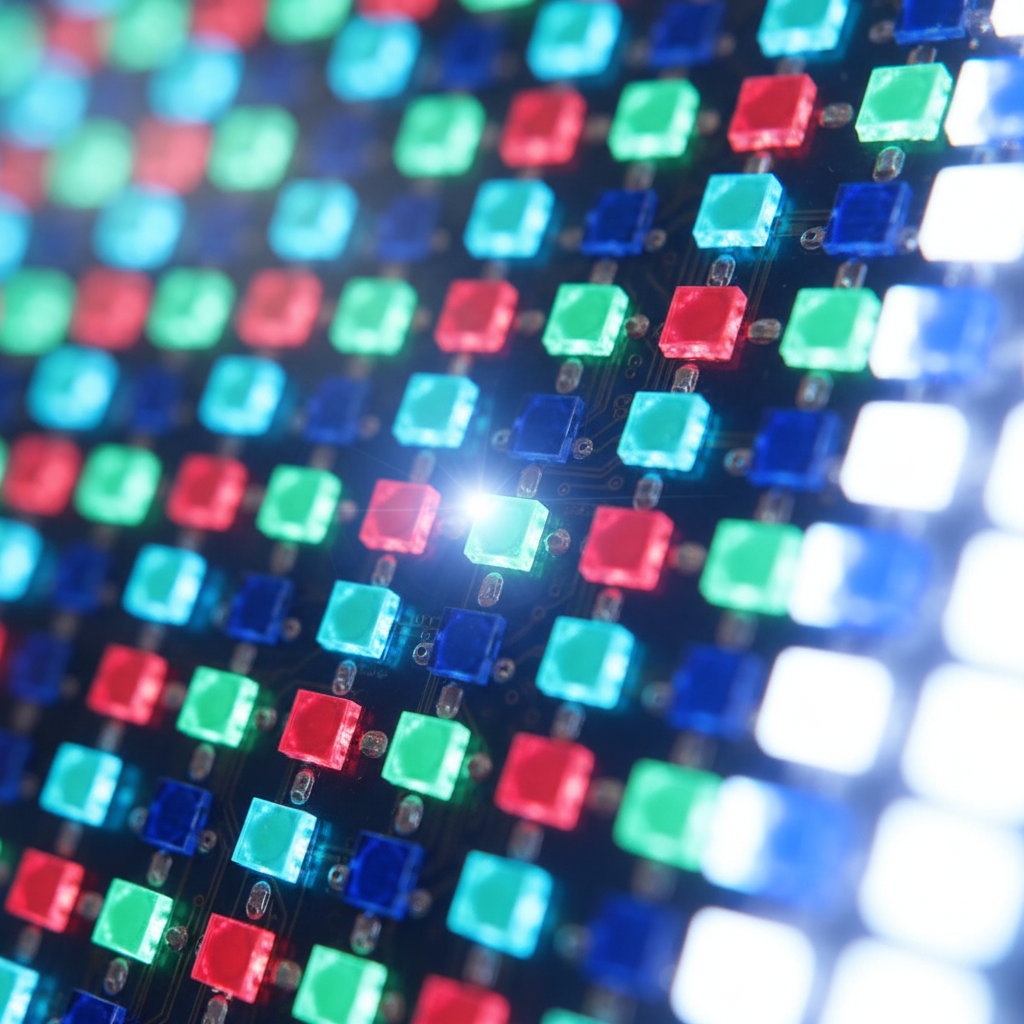
Pixel pitch determines the density of your display, which directly impacts how close your audience can stand before they see individual dots. High Brightness Displays come in various pitches, from P3.9 for retail windows to P16 for massive highway billboards. You need to balance your resolution needs with your budget, as tighter pitches require more LEDs and significantly more power to stay bright.
Finding the “sweet spot” for pixel pitch involves calculating the minimum viewing distance where the image appears seamless to the eye. For most street-level B2B applications, a pitch between P4 and P8 offers a great balance of clarity and cost-effectiveness. Ready for the good part? Choosing a slightly larger pitch often allows for bigger LEDs that can reach higher brightness levels more efficiently.
Key Takeaway: Match your pixel pitch to your audience’s viewing distance to maximize visual clarity without overspending on unnecessary resolution.
Pixel Pitch Min. Viewing Distance Common Application P3.9 4 Meters Retail Storefronts P6.6 7 Meters Shopping Mall Exteriors P10 10 Meters Roadside Billboards
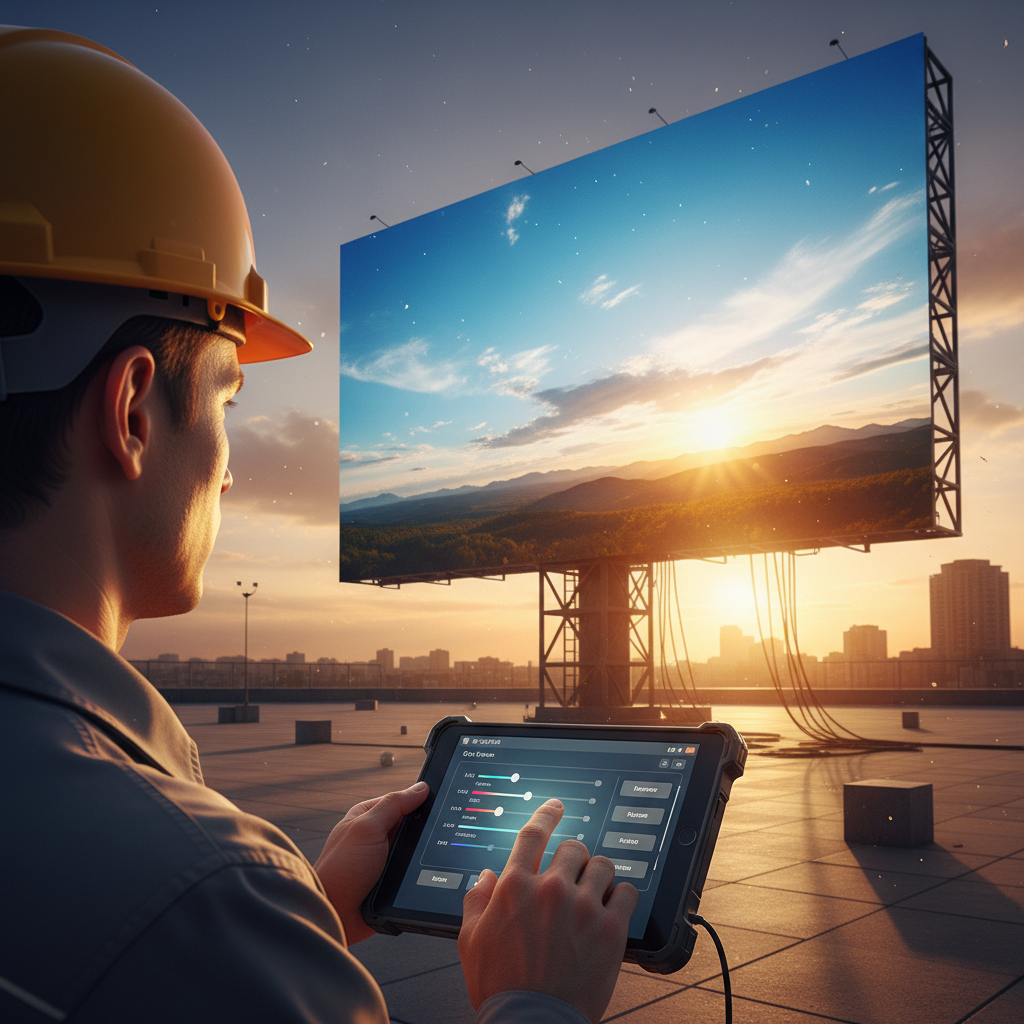
Installing your screen at a slight downward tilt of 3 to 5 degrees can significantly reduce the amount of sky reflection and direct solar impact. High Brightness Displays benefit from this physical alignment as it allows the louvers to work more effectively against the sun’s highest point. By integrating custom mounting structures that maintain these optimal angles, you achieve peak visibility even during high-glare periods.
The direction your screen faces determines how much UV radiation and thermal stress the components must endure every single day. Facing a screen south in the northern hemisphere means it will be hammered by the sun for the majority of its operating hours. It gets better. Tilting the screen doesn’t just help with glare; it also improves the viewing angle for pedestrians looking up from the street.
Key Takeaway: Physical orientation and tilt are “free” ways to boost your screen’s visibility and protect the internal hardware from UV damage.
Tactic Visibility Gain Complexity 5-Degree Tilt High Low West-Facing Avoidance Very High Medium Structural Sun Hoods Medium High
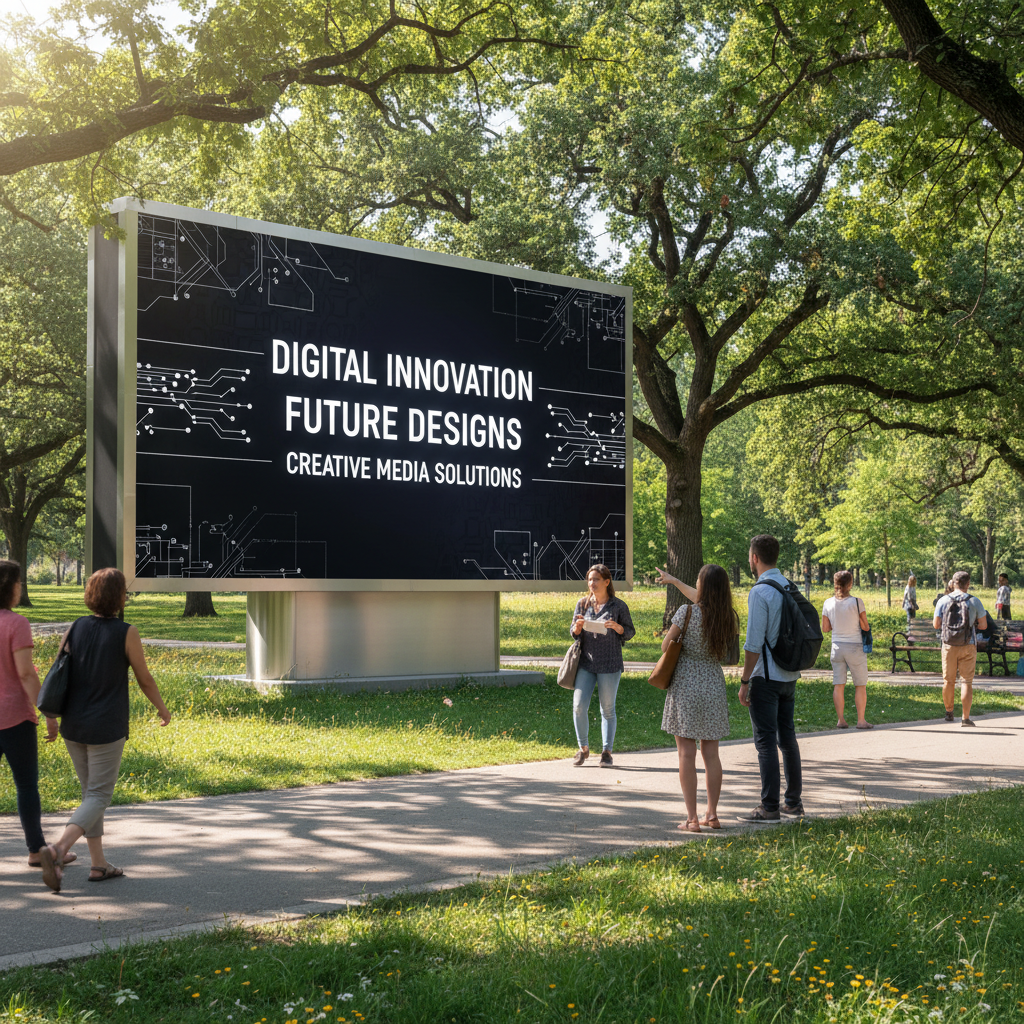
High-contrast content design using bold typography and saturated color palettes can trick the eye into perceiving a screen as brighter than its actual output. High Brightness Displays perform best when you avoid pastel colors or thin fonts that wash out easily under high ambient light. You should prioritize white or yellow text on deep black or dark blue backgrounds to maximize the legibility of your B2B messaging.
Certain color combinations offer much higher visibility because they create strong chromatic contrast that the human eye can easily distinguish. Pure white text on a solid black background remains the gold standard for readability in the digital signage industry. Here’s the deal: If your creative team designs for an office monitor, their work will likely fail once it hits the outdoor sun.
Key Takeaway: Content is half the battle; use high-saturation colors and bold, high-contrast layouts to ensure your message is readable from a distance.
Color Combo Readability Distance Performance White on Black Excellent High Yellow on Black Excellent Very High Red on White Poor Low
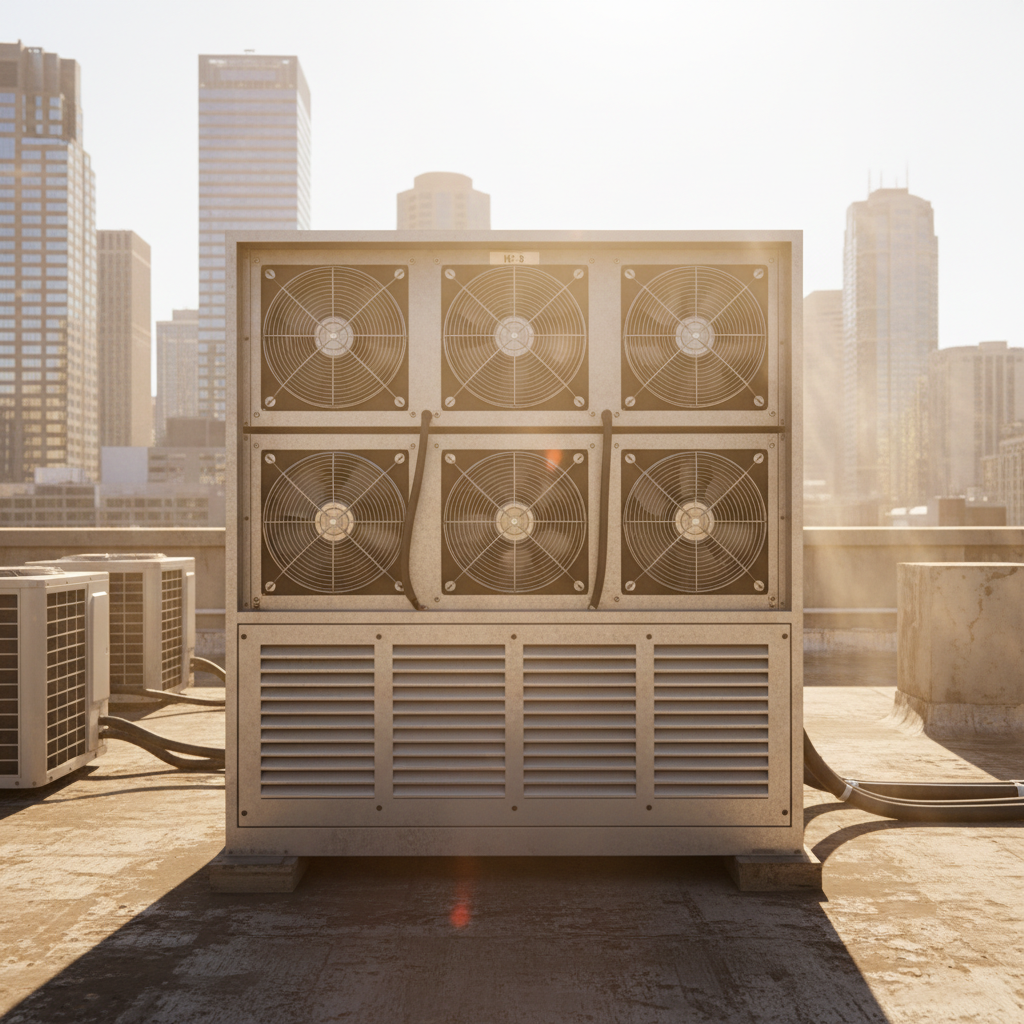
Excessive heat is the primary cause of brightness decay in LEDs, as high temperatures reduce the efficiency of the semiconductors. High Brightness Displays generate significant internal heat when running at 10,000 nits, making advanced cooling systems a vital resource for your project. You must ensure your enclosure has adequate airflow to prevent thermal throttling, where the system lowers brightness to protect itself from permanent damage.
Thermal throttling is a protective feature where the display’s control system automatically cuts power to the LEDs once a specific temperature threshold is reached. This prevents the hardware from melting, but it also ruins your visibility exactly when you need it most—during the hot, sunny hours. Wait, there’s more. Using high-efficiency power supplies can reduce internal heat generation by up to 20%, keeping your screen bright for longer.
Key Takeaway: Heat kills brightness; you must invest in robust cooling and high-efficiency components to maintain your screen’s visibility during peak temperatures.
Cooling Method Efficiency Best For Forced Air High Most billboards Passive Sinks Medium Small displays Integrated AC Very High Desert environments
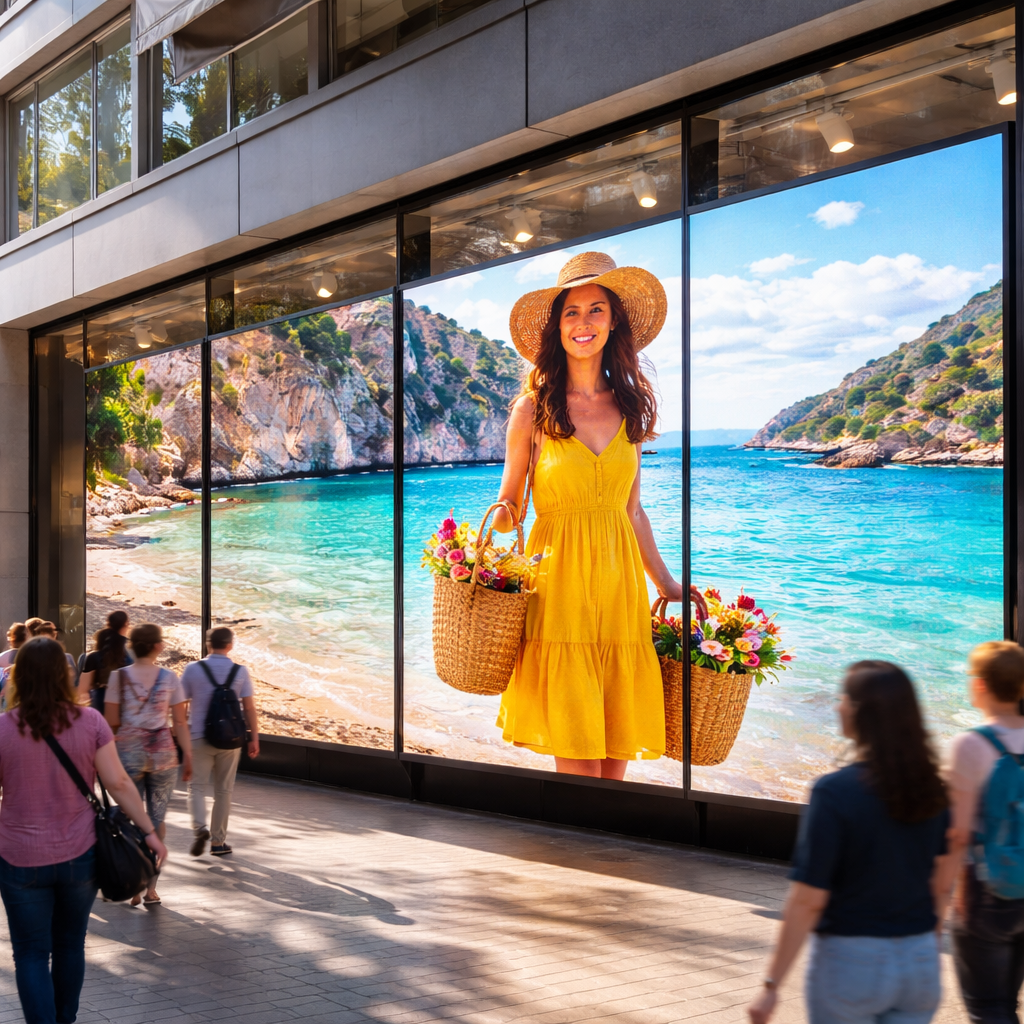
Deciding between renting and purchasing depends entirely on your project’s duration and your long-term return on investment goals. High Brightness Displays for permanent installations are built for 24/7 durability, while rental panels focus on fast rigging and lightweight portability for temporary festivals. If you are a B2B operator looking for a retail storefront solution, the total cost of ownership for a permanent fixture usually pays off within eighteen months.
While the upfront cost of renting is lower, you often face high recurring fees for labor, transport, and technical setup for every single event. Additionally, rental gear is often well-used, meaning you might deal with dead pixels or mismatched color calibration between different batches of panels. Think about it. For a three-day trade show, renting is perfect, but for a seasonal pop-up, buying might be cheaper.
Key Takeaway: Rent for short-term events where fast setup is key, but buy for any installation intended to run for more than a few weeks.
Factor Rental Screen Permanent Purchase Upfront Cost Low High Longevity Short-term 5-10 Years Customization Limited Complete
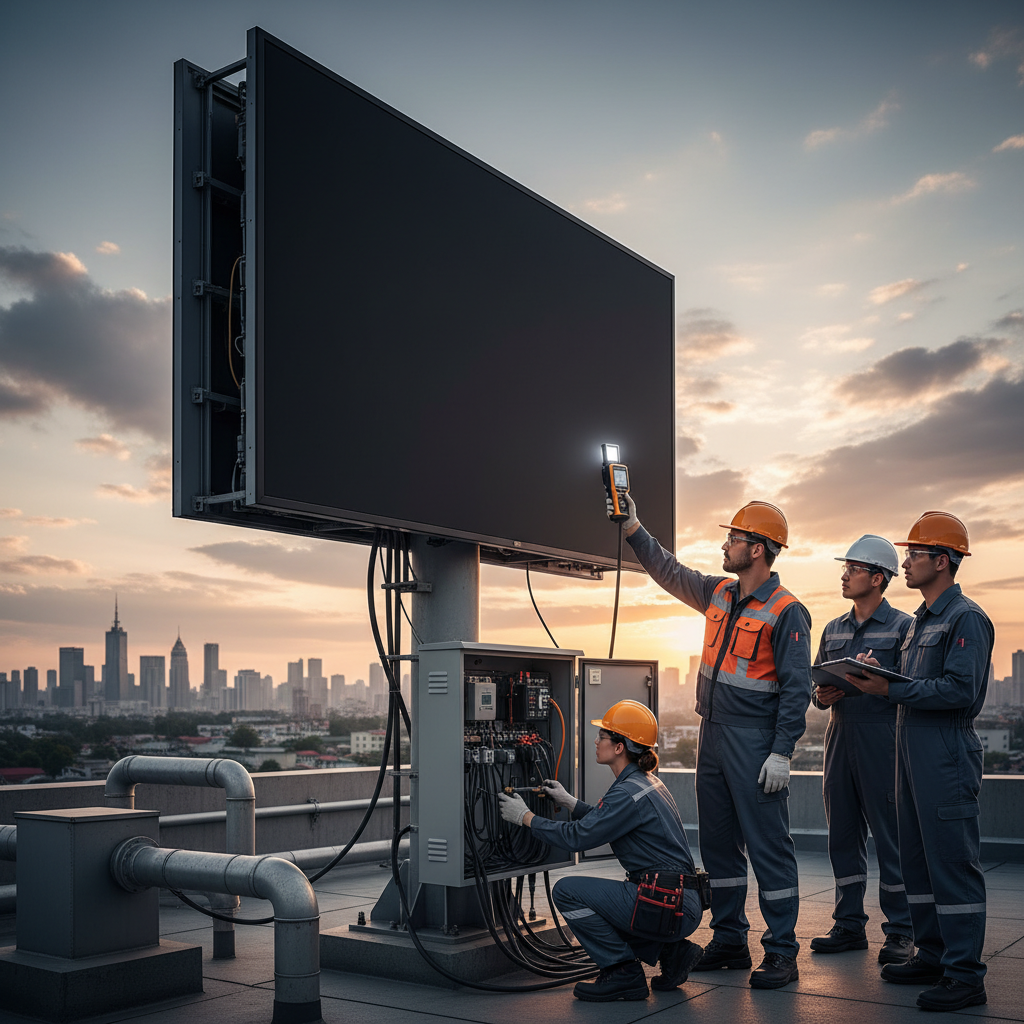
Regular maintenance, including surface cleaning and technical recalibration, is essential to ensure your display retains its maximum brightness over time. High Brightness Displays often lose perceived luminance simply because of city dust and environmental grime building up on the lens of each diode. By implementing a professional maintenance plan, you can protect your investment and ensure zero downtime for your advertising.
All LEDs naturally dim as they age, but they don’t always dim at the same rate across the entire display, leading to a “patchy” appearance. Recalibration involves using specialized sensors to measure the output of each module and adjusting the software to ensure the screen looks uniform again. Now, here is the kicker. A screen that hasn’t been calibrated in two years can look significantly dimmer than its original factory specs.
Key Takeaway: Maintenance is the cheapest way to stay bright; a clean, calibrated screen will always outperform a neglected one, regardless of the brand.
Task Frequency Impact Cleaning Quarterly +15% Brightness Calibration Yearly Perfect Uniformity Filter Check Bi-Annually Prevents Overheating
Maximizing the visibility of outdoor signage requires a strategic focus on high-output hardware and intelligent environmental management. By deploying High Brightness Displays and optimizing them through correct angles, content design, and thermal care, you ensure your message cuts through the strongest sunlight. This technical diligence protects your hardware investment while maximizing your brand’s reach. To secure the perfect panel for your next project, contact us today for expert guidance and competitive quotes.
Q1: Can I use an indoor LED screen outside if I put it in a glass box?No, indoor screens lack the necessary 5,000+ nit output to fight sunlight and will quickly overheat without specialized outdoor thermal management systems.
Q2: Can I choose any color for high-visibility text in the sun?No, bright yellow or pure white text on a solid black background provides the highest contrast and readability for outdoor digital environments.
Q3: Can I ignore power consumption for high-brightness screens?No, a typical 10,000-nit screen uses 300-800 watts per square meter, making energy-efficient power supplies and smart sensors essential for cost control.
Q4: Can I always expect a tighter pixel pitch to perform better?No, because tighter pitches are more expensive and harder to keep cool; you should choose the largest pitch possible for your specific viewing distance.
Q5: Can I clean an outdoor LED billboard with high-pressure water?No, you must use low-pressure water and a soft-bristled brush to remove surface grime without damaging the UV-resistant shaders or waterproof seals.